Understanding wired, wireless, and battery powered 1080p camera options
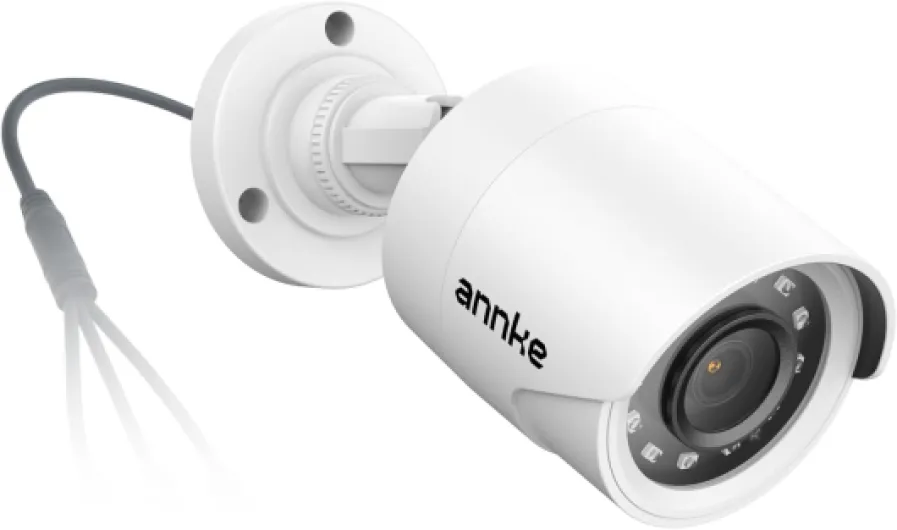
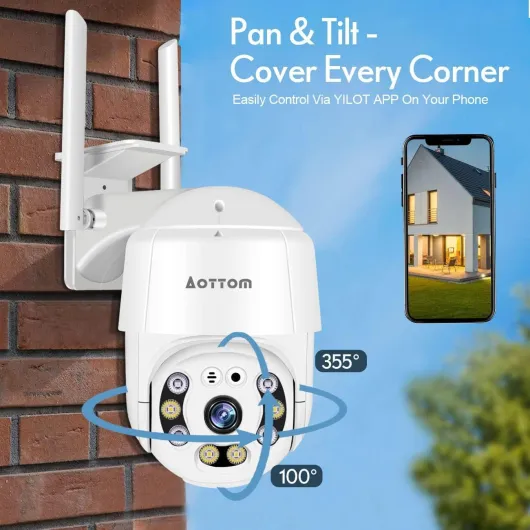
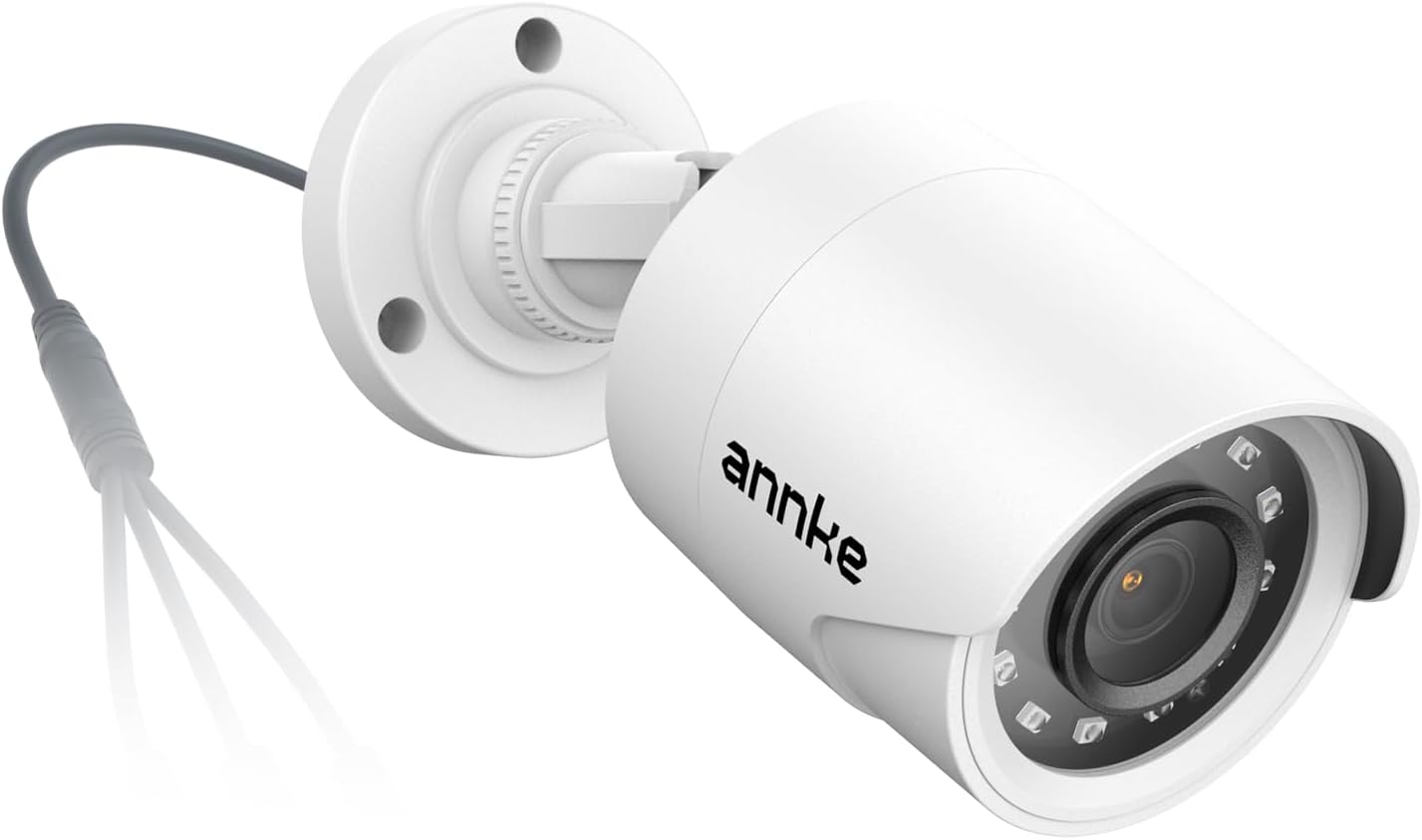
Choosing between wired, wireless, and battery powered cameras is one of the most important decisions when building a home security camera system. A wired security camera typically offers the most stable video stream, consistent 1080p resolution, and uninterrupted power, which is ideal for critical outdoor security positions. However, installation can be more complex, especially when routing cables through walls or across long distances to cover multiple outdoor cameras.
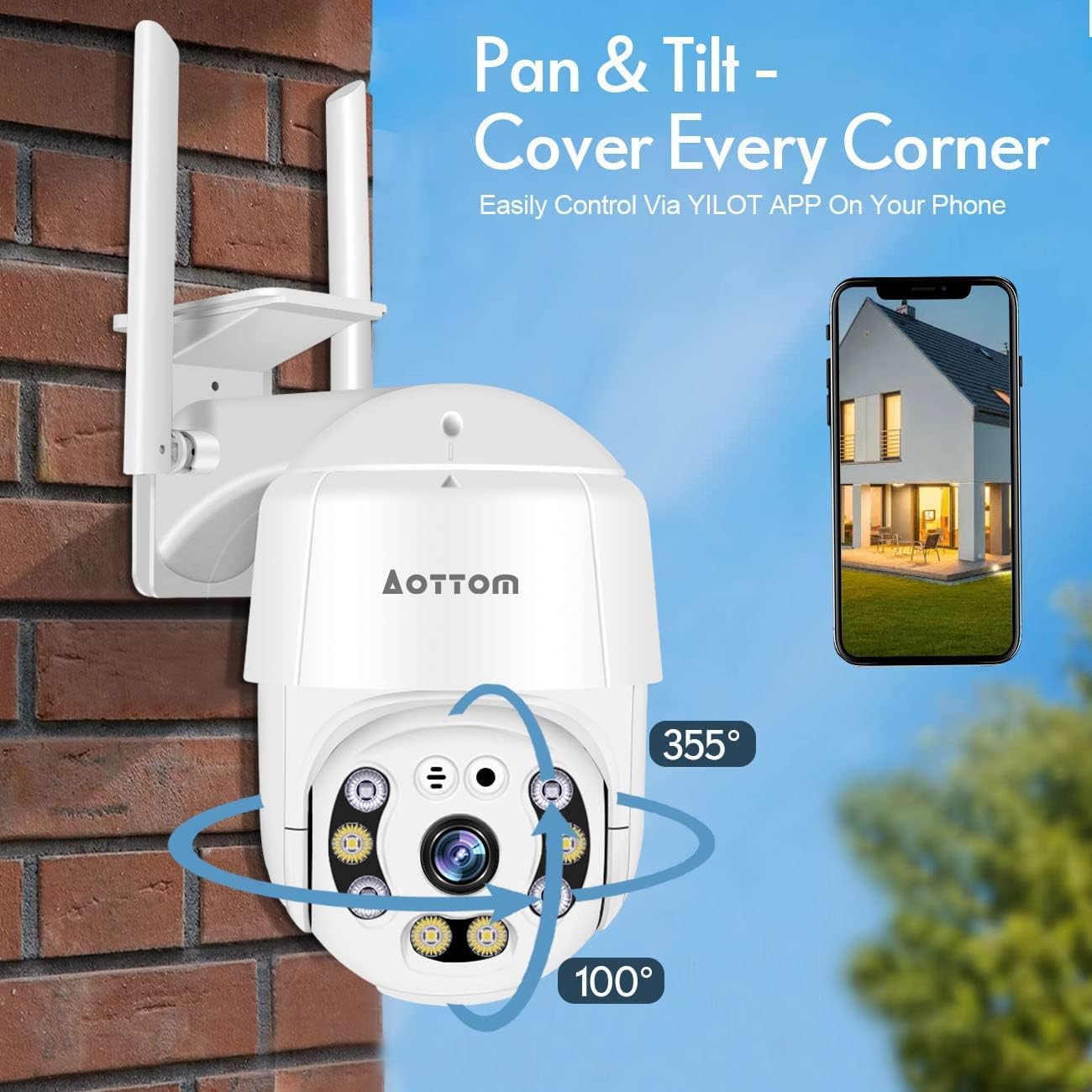
Wireless security cameras reduce installation friction and allow flexible placement, particularly for renters or people who cannot drill into walls. These cameras rely on Wi-Fi for video transmission, so their performance depends heavily on router quality, distance, and interference from other devices on the smart platform. To maintain best security standards, test each wireless cam location for signal strength before final mounting, and consider adding a mesh system if coverage is weak.
Battery powered cameras add another layer of flexibility, enabling you to place a cam where power outlets are unavailable. The trade off is that frequent motion events, high resolution video, and continuous audio recording can drain the battery faster than expected. Many users therefore combine wired and battery cameras, using wired models in high traffic zones and battery units in lower activity areas to extend battery life.
Retailers such as Amazon make it easy to compare wired and wireless camera systems, but it is important to look beyond star ratings. Examine how each security camera handles cloud storage, local storage, and free video storage tiers, and read the fine print on subscription requirements. For a deeper look at how connected devices change home protection, you can review this guide on how panic alarms enhance your home security camera system at integrated panic alarm solutions.
Cloud storage, local storage, and managing your video history
Behind every effective security camera lies a thoughtful plan for video storage. The best 1080p security cameras generate detailed footage that quickly fills both cloud storage and local storage if you do not set clear retention rules. Before purchasing any cameras, decide how long you need to keep recordings, which events matter most, and whether you prefer cloud, local, or hybrid storage.
Cloud storage offers convenient access to your video from any device, often through a dedicated cam app or smart platform dashboard. Many brands advertise free cloud tiers, but these usually limit the number of security cameras, the length of stored clips, or the total days of history. Paid plans expand capacity and sometimes unlock advanced motion analysis, person detection, or package alerts that enhance overall security.
Local storage, typically via microSD card or network video recorder, keeps your video within your home network. This approach can reduce ongoing costs and provide redundancy if your internet connection fails, but it requires careful management to avoid overwriting important footage. Some indoor camera and outdoor cameras models support both cloud storage and local storage, giving you flexibility to balance cost, privacy, and convenience.
When evaluating camera systems on Amazon, pay close attention to how each security camera handles encryption, account protection, and data export. Look for clear explanations of how motion events are tagged, how night vision clips are stored, and whether you can easily download critical video for law enforcement. To understand how connectivity shapes these experiences, explore this resource on how smart WiFi transforms your home security camera experience at advanced Wi-Fi security setups.
Field of view, motion detection, and night vision performance
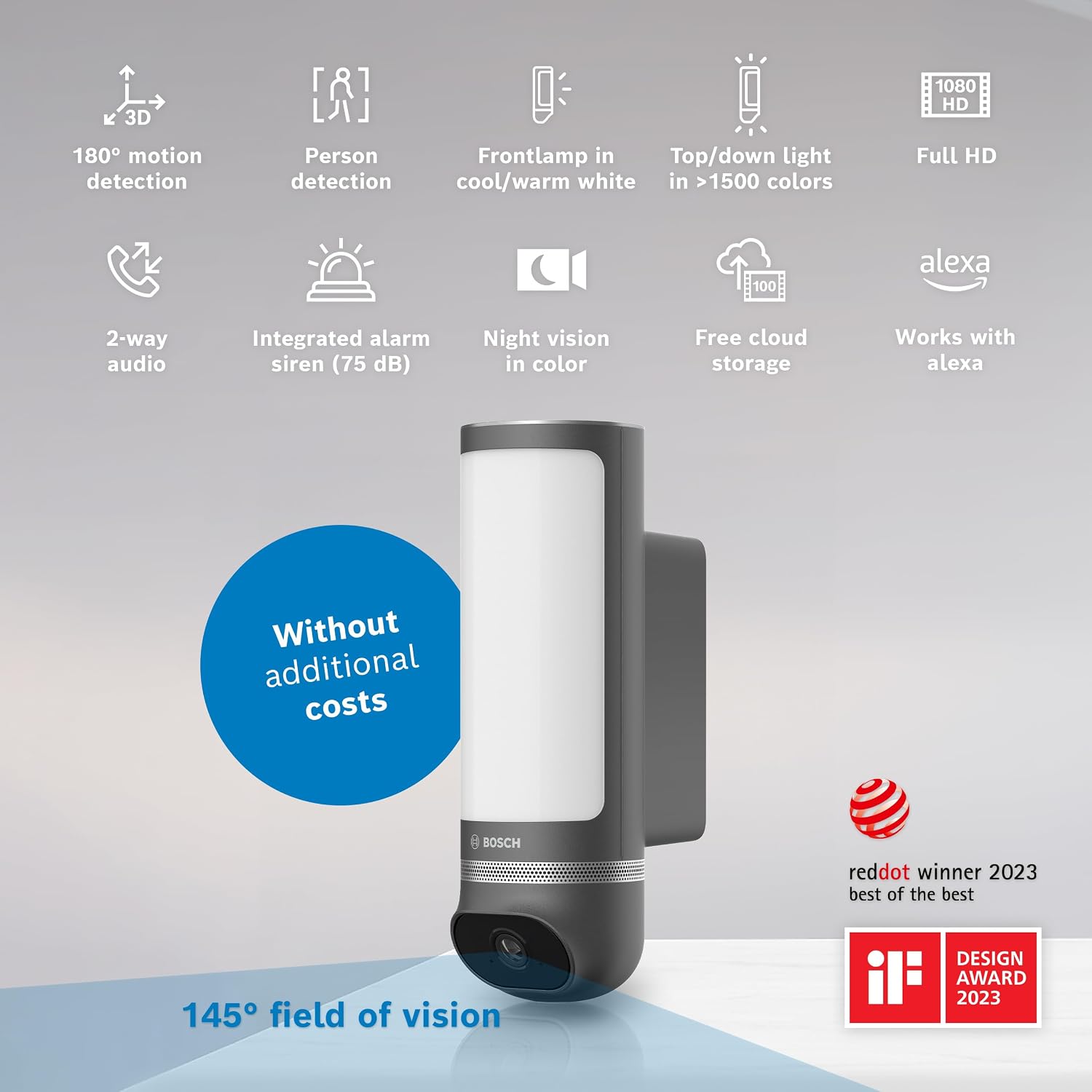
Image quality in the best 1080p security cameras depends on more than raw resolution. The field view, lens design, and sensor sensitivity all influence how much of a room or yard you can monitor with a single cam. A wide field of view reduces blind spots, but extreme angles can introduce distortion at the edges, so balance coverage with clarity when choosing both indoor camera and outdoor security models.
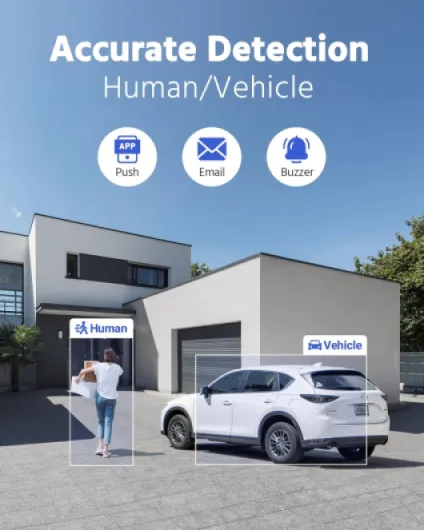
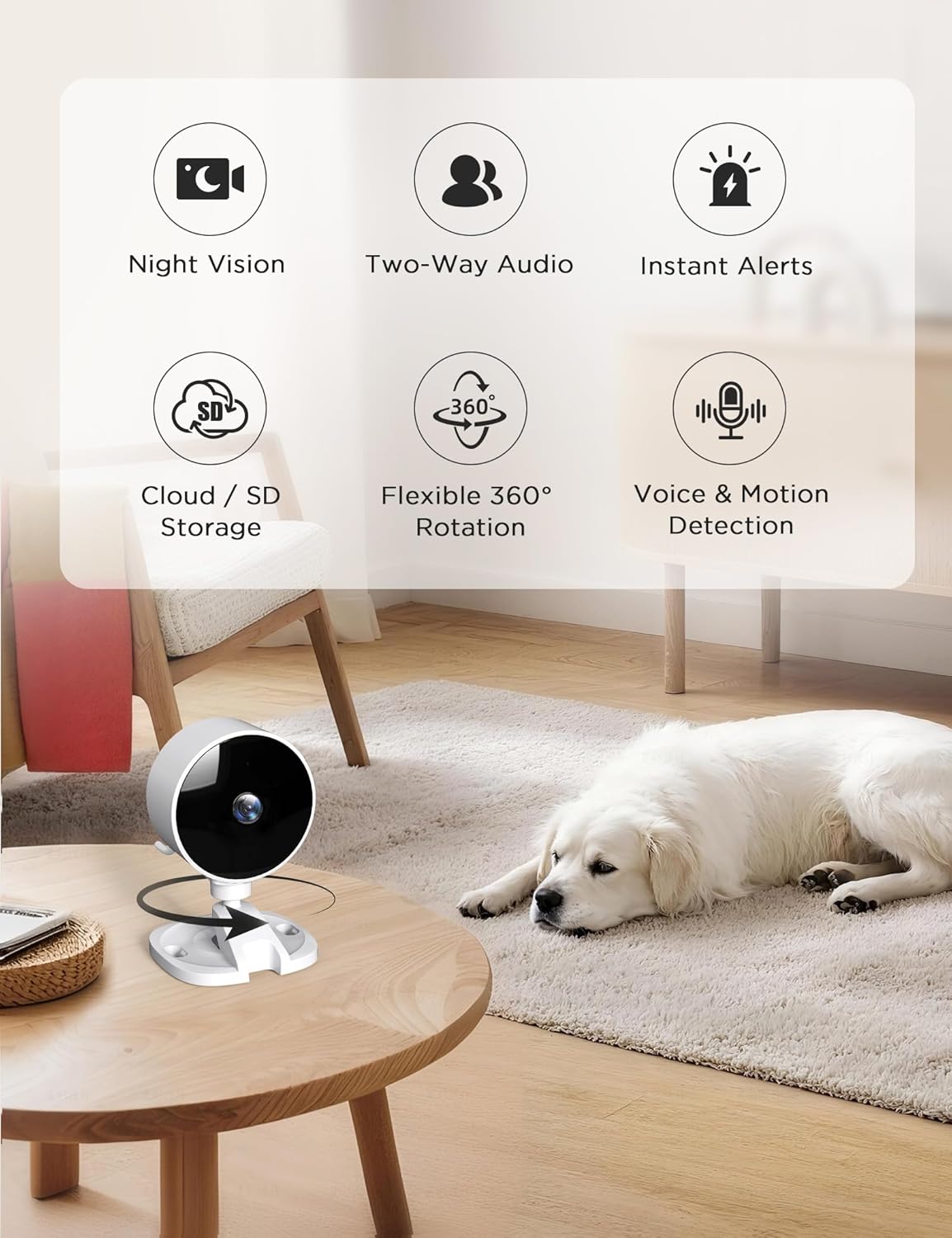
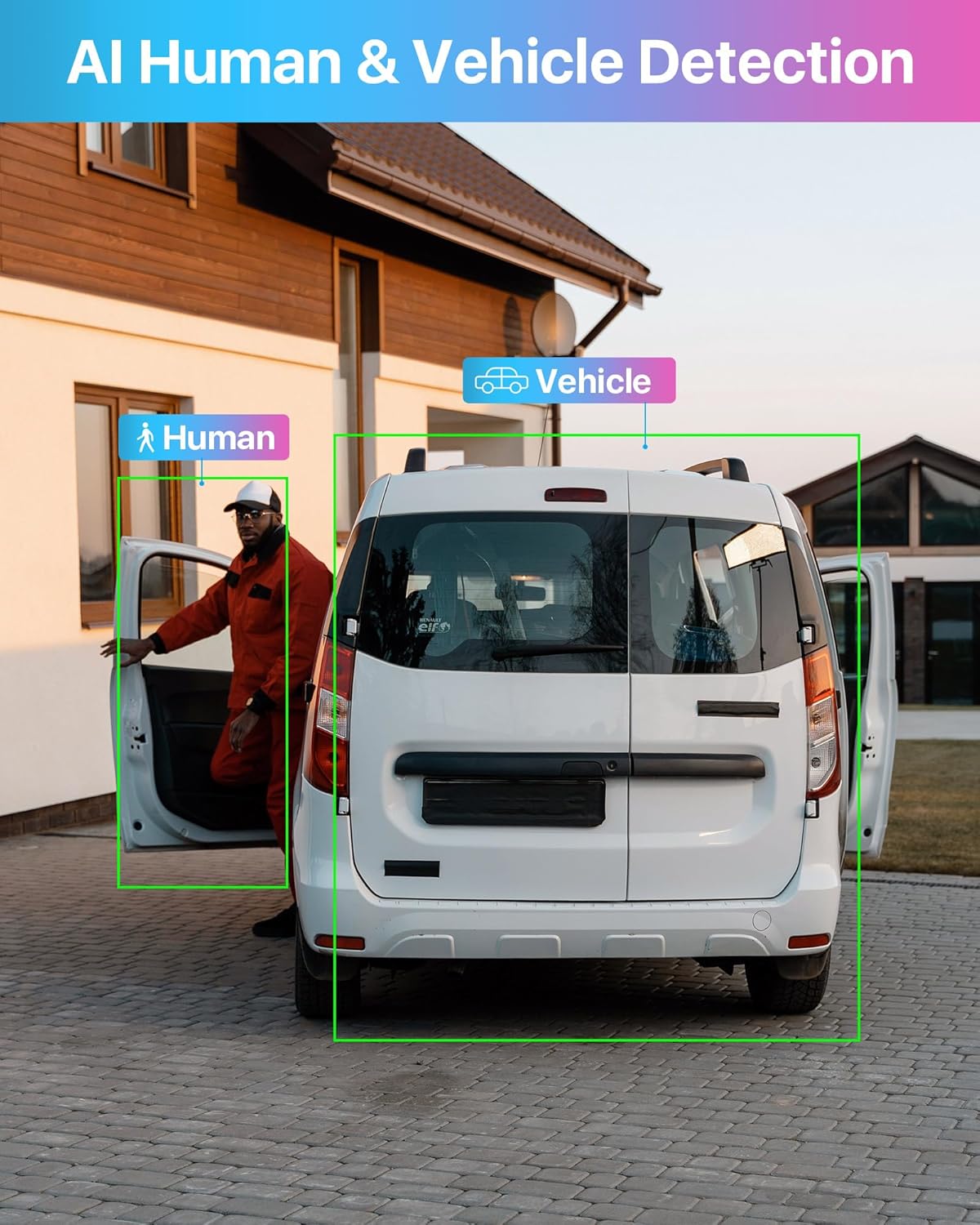
Motion detection is another critical factor that separates a basic camera from a truly smart security camera. Look for adjustable motion zones, sensitivity controls, and the ability to filter out irrelevant movement such as tree branches or passing cars. These features reduce false alerts, preserve battery life in wireless and battery cameras, and optimize video storage by recording only meaningful events.
Night vision performance determines whether your security cameras remain useful after sunset, when many incidents occur. Infrared based night vision is standard, but quality varies widely, affecting how clearly you can see faces, license plates, and small details in low light. Some outdoor cameras combine infrared with built in spotlights, which can deter intruders while also improving color video at night.
Audio quality should not be overlooked, because clear two way audio can de escalate situations before they escalate. When you evaluate Amazon links or view Amazon product pages, listen to sample clips if available and check user feedback on echo, delay, and noise reduction. For a broader perspective on how connected devices and apps shape daily protection, you can read about how the SkyBell app transforms your home security experience at doorbell and app based monitoring.
Smart platforms, Alexa Google integration, and ecosystem choices
Modern buyers increasingly judge the best 1080p security cameras by how well they integrate with their preferred smart platform. Compatibility Alexa and Alexa Google support allow you to arm a security system, view a live cam feed, or review motion events using simple voice commands. This integration is especially valuable when your hands are busy, such as while cooking, caring for children, or working from home.
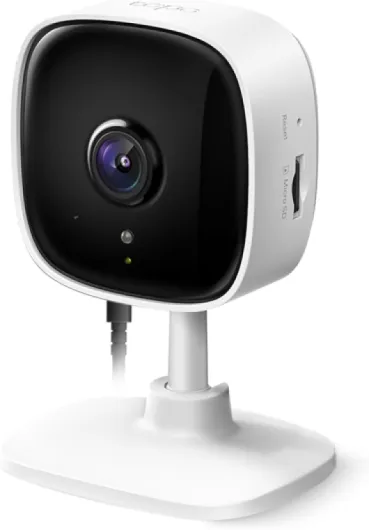
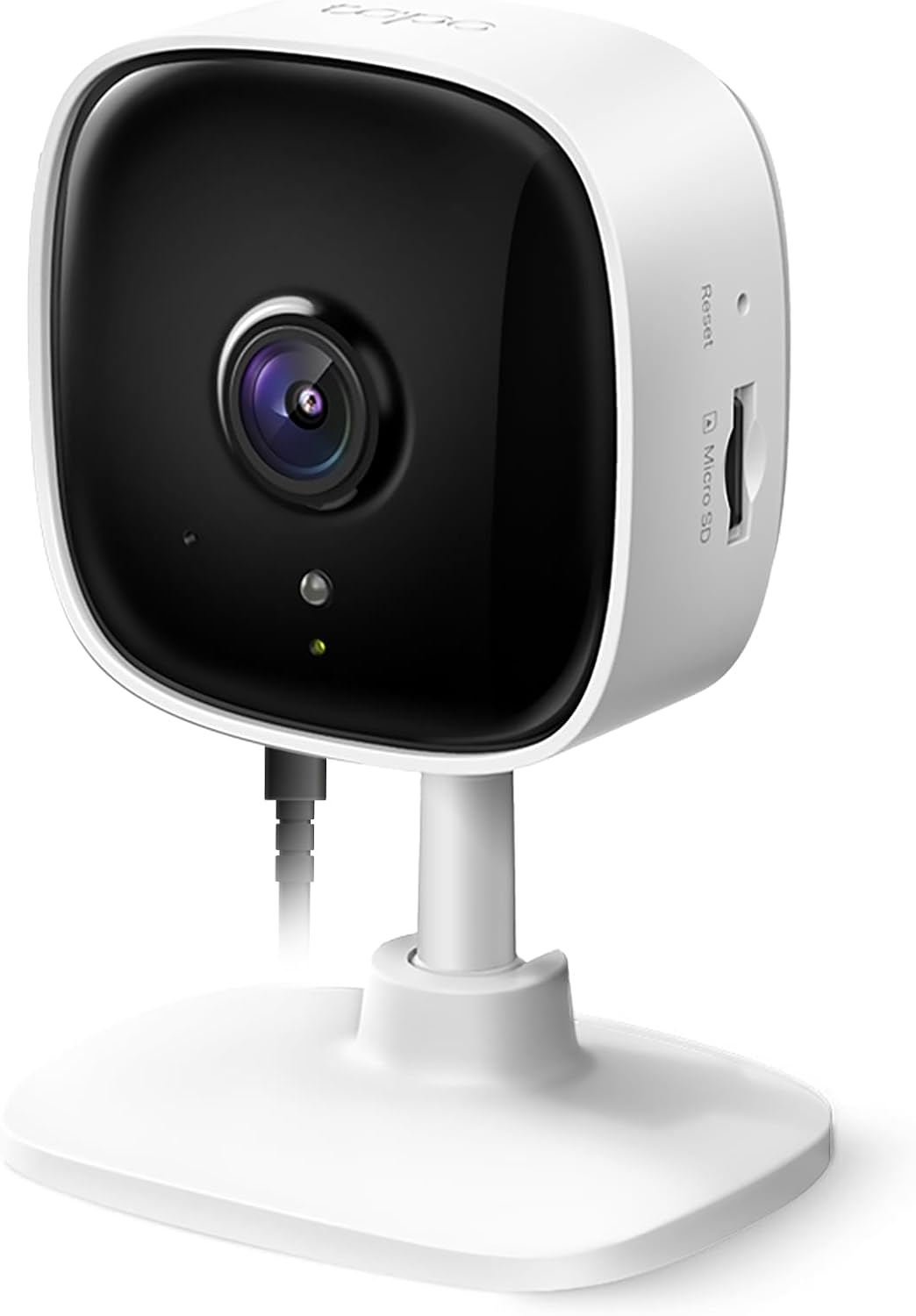
Many leading brands now design security cameras that work across multiple ecosystems, including Alexa Google, Apple Home, and proprietary apps. A nest cam, for example, may integrate tightly with other Google services, while a link Tapo device might prioritize broad compatibility Alexa features and streamlined cloud storage. When comparing these options, consider not only the camera hardware but also how each ecosystem handles updates, privacy controls, and long term support.
Shoppers often rely on Amazon links and curated view Amazon lists to compare camera systems, but it is important to read beyond marketing claims. Examine whether each security camera supports routines, automation, and shared access for family members within the smart platform. These capabilities turn individual cameras into a coordinated security system that can, for instance, trigger lights when motion is detected or send alerts to multiple phones simultaneously.
As you evaluate best security options, remember that mixing brands can complicate your setup. Sticking with a single ecosystem, whether nest cam, link Tapo, or another vendor, simplifies updates and ensures consistent handling of video storage and audio features. For additional context on how Wi-Fi and smart platforms interact with cameras, review guidance on how smart WiFi transforms your home security camera experience, which highlights the importance of network planning for reliable security.
Indoor versus outdoor security strategies and privacy considerations
Designing a coherent home security strategy means deciding where indoor camera coverage ends and outdoor security begins. Indoor cameras excel at monitoring entry points, hallways, and shared spaces, providing high resolution video that can clarify what happened during an incident. Outdoor cameras, by contrast, focus on deterrence, capturing motion at doors, driveways, and gardens before a situation reaches the interior.
When placing outdoor security cameras, aim to cover key approaches while respecting neighbors’ privacy and local regulations. Adjust the field view and motion zones so that your security camera records your property rather than public sidewalks or adjacent homes. Many modern cameras include privacy masking tools that block parts of the frame, helping you comply with rules while still maintaining best security coverage.
Indoors, think carefully about where continuous video and audio recording are appropriate. Avoid placing cameras in bedrooms or bathrooms, and inform guests that a cam is present in shared areas to maintain trust. Use features such as physical shutters, schedule based recording, and quick disable options through Alexa Google or other smart platform controls to balance safety with everyday comfort.
Retail platforms like Amazon make it easy to purchase multiple security cameras at once, but thoughtful planning matters more than sheer quantity. Map out your home, mark critical sightlines, and decide where wired, wireless, or battery cameras make the most sense. By aligning camera placement with privacy principles, you create a system that feels protective rather than intrusive, reinforcing long term confidence in your security choices.
Evaluating brands, reading reviews, and making confident purchase decisions
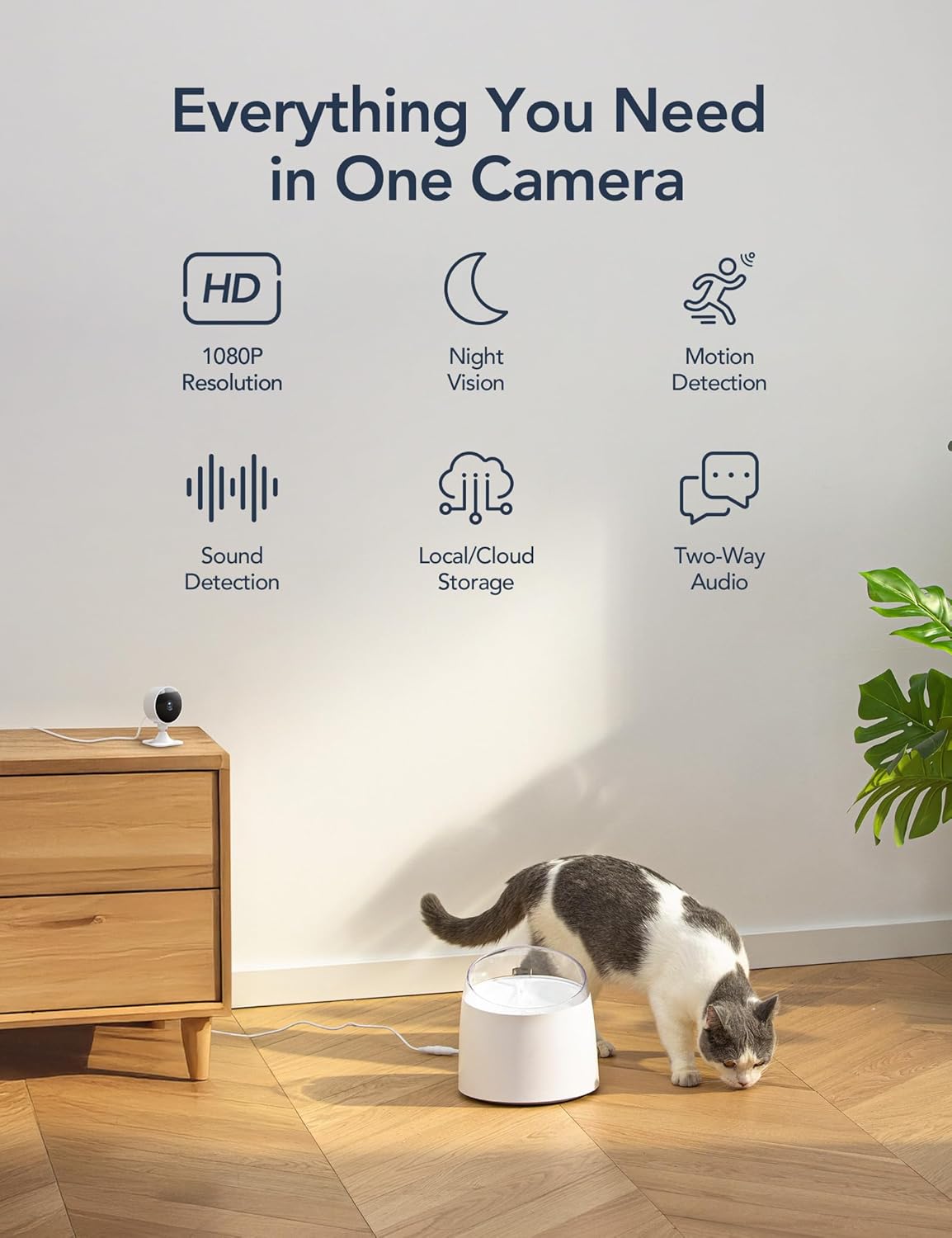
With so many camera systems available, evaluating brands requires a structured approach that goes beyond marketing slogans. Start by listing your non negotiables, such as 1080p resolution, reliable night vision, and either free or affordable cloud storage options. Then compare how different security cameras handle these essentials, paying attention to long term costs like subscription fees and accessory pricing.
When browsing Amazon links or other retailers, read a mix of professional reviews and verified user feedback. Look for patterns in comments about wireless reliability, battery life, audio clarity, and app stability, because these factors shape daily security more than rare advanced features. Pay special attention to how each security camera performs in challenging conditions, such as extreme temperatures for outdoor cameras or congested Wi-Fi environments for indoor camera models.
Brand reputation also matters, particularly regarding firmware updates, privacy practices, and customer support responsiveness. Established ecosystems such as nest cam or link Tapo often provide clearer roadmaps for future compatibility Alexa features and smart platform integrations. However, newer brands can still offer the best security value if they commit to transparent policies, robust encryption, and responsive service.
Before finalizing your purchase, test how well the cam app fits into your daily routine. Confirm that you can quickly review motion clips, manage video storage, and adjust field view or night vision settings without confusion. By combining careful research, realistic expectations, and a focus on everyday usability, you can select the best 1080p security cameras that genuinely strengthen your home security rather than adding complexity.