Key features that define the best security cameras with local storage
The best security cameras with local storage share several core features that go beyond marketing claims. First, each security camera should offer dependable storage security, either through a microsd card, a local recorder, or both, with clear information about how many days of video you can expect. Second, smart detection tools such as person, vehicle, or package detection reduce false alerts and make reviewing video less time consuming.
Indoor cameras often prioritise compact design, two way audio, and flexible mounting, while outdoor security cameras must withstand rain, dust, and temperature swings. A camera with an IP65 or higher rating is usually suitable for outdoor security, especially when paired with a solar panel or sheltered mounting point. Many Tapo cameras and Lorex cameras offer both indoor and outdoor models, so you can build a consistent list of devices that share one app and similar features.
Connectivity also shapes how well a security camera works with your daily routine. Some security cameras work with Alexa, while others work with Alexa Google ecosystems, allowing you to view live video on smart displays or control settings by voice. When a camera tapo or Lorex camera works with both platforms, it becomes easier to integrate indoor and outdoor security into existing smart home routines.
Cloud storage still plays a role, even when you focus on local storage. A hybrid approach lets you keep recent video on a microsd card while using a subscription for longer retention or advanced smart analytics. For readers who want more detail on image quality, a specialised guide to top 4K security cameras can help you understand how resolution, lens quality, and night vision interact in real homes.
Comparing local storage, cloud storage, and subscription models
Choosing the best security cameras with local storage means understanding how local and cloud options differ. Local storage keeps video on a microsd card, USB drive, or recorder inside your home, which can strengthen storage security but requires careful placement and backup habits. Cloud storage sends video to remote servers, usually tied to a monthly subscription that unlocks longer history and extra smart detection features.
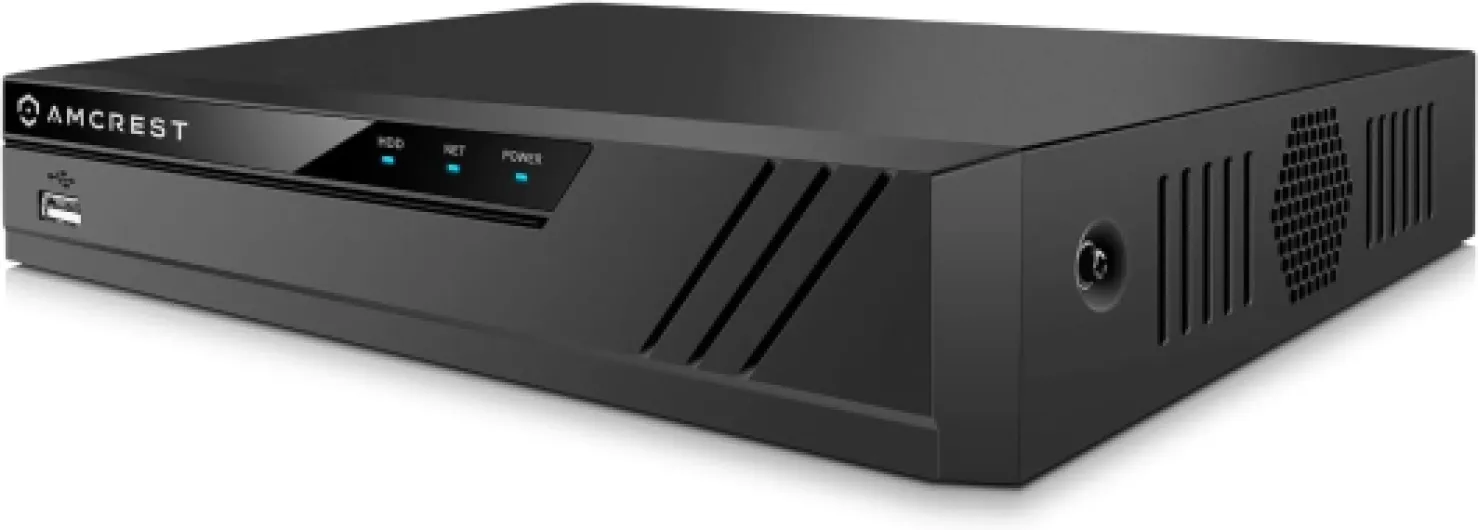
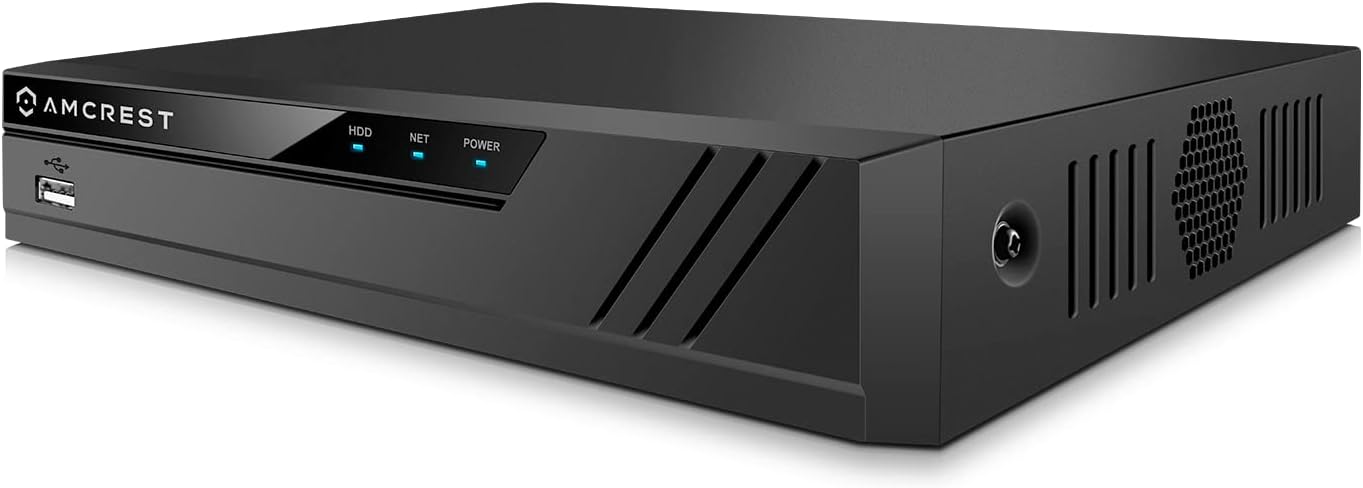
Many modern security cameras offer both paths, letting you record to local storage while also backing up key clips to the cloud. A Tapo camera with a microsd card can store several days of indoor footage, while a Lorex wired security system might keep weeks of outdoor security video on a dedicated recorder. When you compare subscription plans, check how many cameras the plan covers, whether it includes advanced video analytics, and how long each clip remains available.
Some brands promote pack save bundles that combine multiple cameras with a discounted subscription, which can be cost effective for larger homes. However, if you prefer a one time purchase, focus on security cameras with generous local storage options and clear documentation about supported card capacities. A camera tapo model that supports a 256 GB microsd card, for example, can often store far more continuous video than a basic indoor camera limited to 32 GB.
Battery powered cameras with solar security accessories reduce the need for frequent charging, but they may rely more heavily on motion based recording to conserve power. Wired security cameras, by contrast, can record continuously to local storage without worrying about battery life, which suits entrances, driveways, and other high traffic outdoor security zones. For readers comparing retention times, this detailed guide on the duration of camera footage storage offers useful context about how resolution, frame rate, and compression affect real world storage needs.
Indoor and outdoor security: matching cameras to real living spaces
Every home has different blind spots, so the best security cameras with local storage must fit real rooms and outdoor areas. Indoor cameras usually focus on entrances, hallways, and shared spaces, where a compact security camera with two way audio and smart detection can monitor daily activity. Outdoor security cameras, by contrast, must handle weather, changing light, and longer distances while still delivering clear video to local storage.
When planning indoor coverage, start with the main entry door and any ground floor windows that are easy to access. A Tapo indoor camera with a microsd card can quietly record to local storage while sending smart alerts when it detects motion or people. Some indoor security cameras work with Alexa and Alexa Google assistants, allowing you to say a simple phrase to bring live video to a smart display in the kitchen or living room.
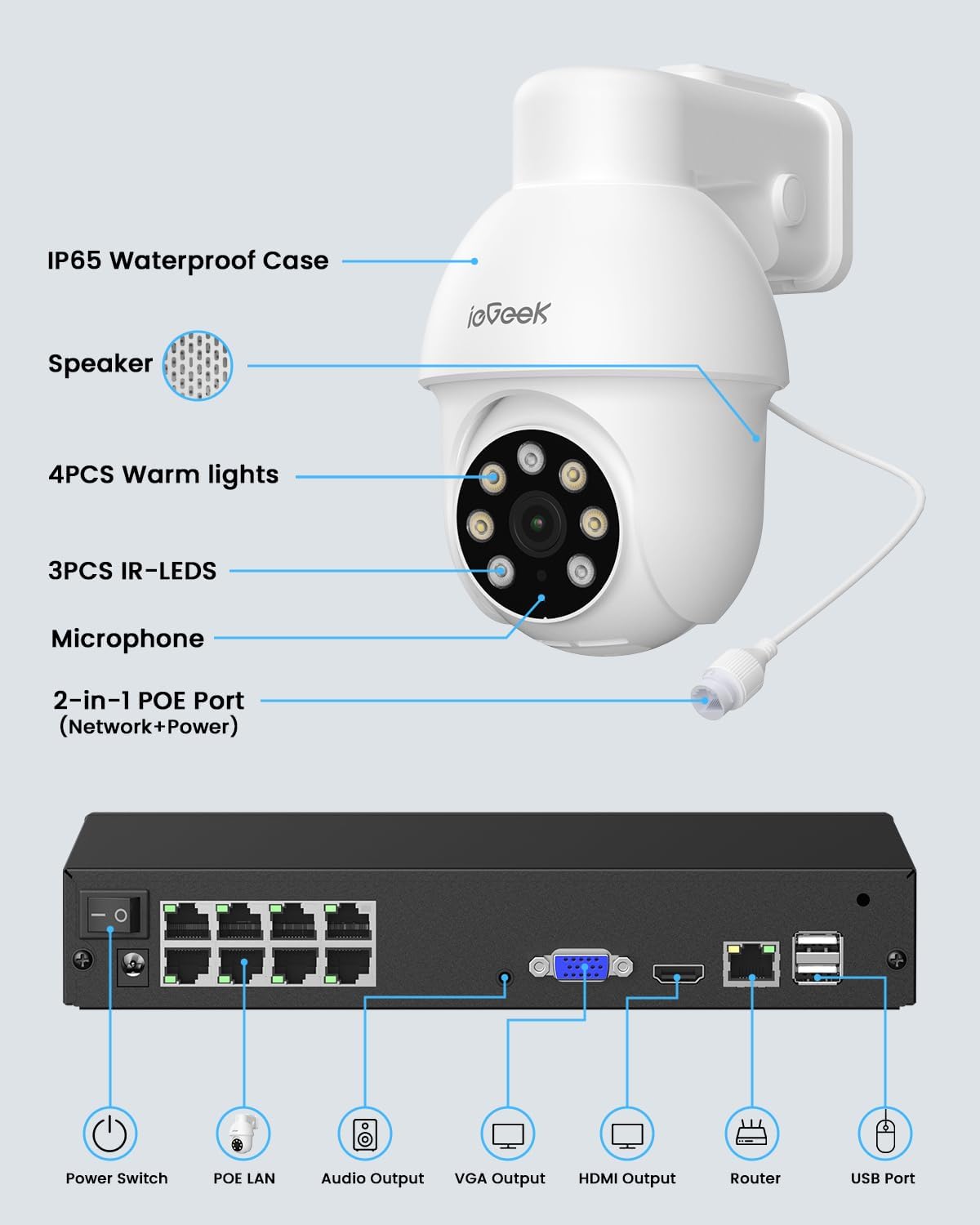
Outdoor security requires more robust hardware and careful placement to avoid glare and obstructions. Lorex outdoor cameras, for example, often use wired security connections to ensure stable video and continuous recording to a local recorder, which can be essential for driveways or garden gates. Battery powered outdoor cameras with solar panel accessories can also provide reliable coverage, especially when you cannot easily run cables to a detached garage or side path.
Night vision remains critical for both indoor and outdoor security cameras. A camera with color night capabilities can capture more detail under streetlights or porch lighting, while traditional infrared night vision still works well in darker corners. To deepen your understanding of placement strategies and product types, you can consult specialised home security blogs that actually help you choose the right cameras, which often compare indoor and outdoor models in realistic scenarios.
Smart integrations, voice assistants, and practical daily use
Smart home integrations can transform the best security cameras with local storage from simple recorders into responsive guardians. Many security cameras now work with Alexa, while others also work with Alexa Google ecosystems, enabling voice control and quick access to live video. When a camera tapo or Lorex camera with local storage supports these platforms, you can arm, disarm, or view feeds without opening a separate app.
For example, an indoor security camera with a microsd card can send a smart notification when it detects motion, then show live video on a kitchen display after a short voice command. Outdoor security cameras with color night vision can trigger smart lights when they detect movement, improving both visibility and deterrence. These integrations reduce friction, making it more likely that you will regularly check your security cameras and maintain storage security settings.
Subscription services still matter in a smart ecosystem, even when local storage is your priority. A balanced setup might use local storage for continuous recording while relying on cloud storage for quick clip sharing, advanced detection, or backup in case a camera with a card is stolen. Pack save offers sometimes bundle multiple cameras and a shared subscription, which can simplify billing and ensure that every indoor and outdoor security device receives the same smart features.
Power options also affect daily use. Battery powered cameras with solar security panels can run for long periods with minimal maintenance, while wired security cameras provide uninterrupted recording but require more planning during installation. By combining a thoughtful list of features, from night vision and color night modes to smart detection and voice control, you can build a security camera system that feels both modern and dependable.
Practical buying checklist for the best security cameras with local storage
When you are ready to choose the best security cameras with local storage, a structured checklist helps avoid costly mistakes. Start by defining how many cameras you need, separating indoor and outdoor security zones, and noting whether each location can support wired security or requires battery powered models. Then, confirm that every security camera on your shortlist offers local storage through a microsd card, recorder, or both, with clear guidance on maximum capacity.
Next, evaluate image quality, night vision, and color night performance at realistic distances. A camera with at least 1080p resolution and strong night vision usually suffices for small rooms, while larger gardens or driveways may benefit from higher resolution and more powerful infrared or color night lighting. Brands like Tapo and Lorex provide detailed specifications, so compare their cameras carefully, paying attention to lens angle, detection range, and whether each camera tapo or Lorex model works with Alexa or Alexa Google assistants.
Storage security and ongoing costs deserve equal attention. If you prefer to avoid a subscription, prioritise security cameras that offer robust local storage and flexible recording schedules, such as motion only or continuous modes. If you accept a subscription, look for pack save options that cover multiple cameras, include cloud storage, and add smart detection features that genuinely help you manage video rather than simply generating more alerts.
Finally, consider installation, maintenance, and long term reliability. Battery powered cameras with solar panel accessories reduce ladder time, while wired security cameras may require professional installation but deliver consistent performance. By combining thoughtful planning, realistic expectations, and a clear list of priorities, you can assemble a home security camera system that uses local storage effectively while still benefiting from modern smart features and integrations.
Common questions about the best security cameras with local storage
No faq_people_also_ask data was provided in the dataset, so specific external FAQs cannot be reproduced. Instead, here are concise answers to frequent real world questions about security cameras with local storage.
How much local storage do I need for a home security camera ?
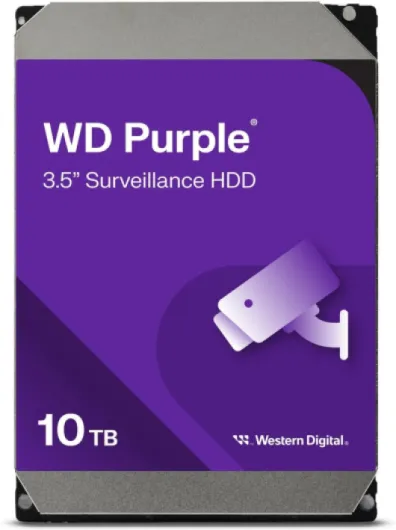
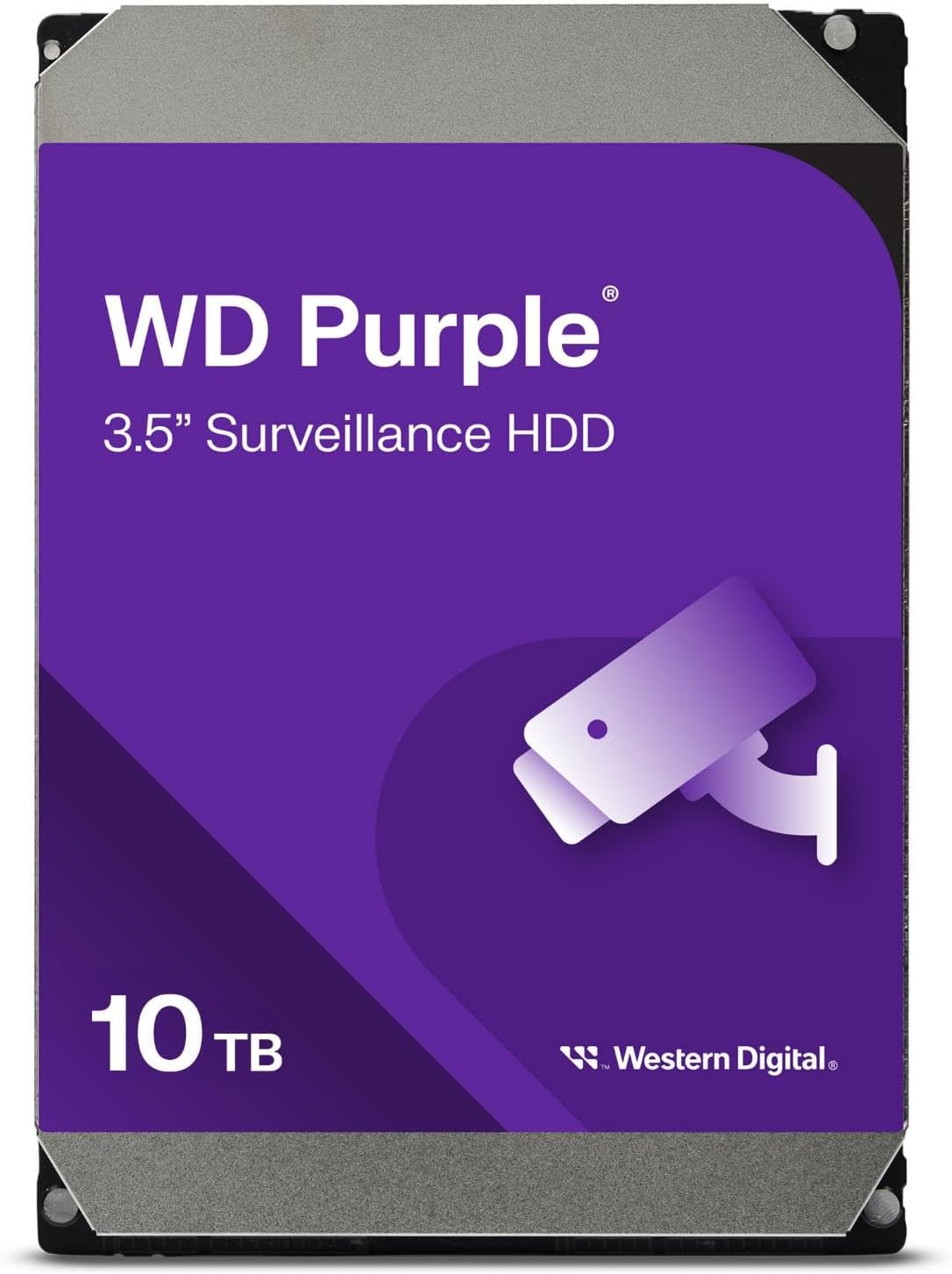
For a single 1080p security camera recording on motion only, a 64 GB microsd card often holds several days of typical activity. Larger homes with multiple cameras or continuous recording usually benefit from 128 GB or 256 GB cards, or from a dedicated recorder with terabyte level capacity.
Are cameras with local storage safer than cloud only models ?
Local storage avoids dependence on remote servers and subscriptions, and it keeps video accessible even during internet outages. However, you must protect the physical camera or recorder, since theft or damage can remove both the device and the stored footage.
Can I use both local storage and cloud storage at the same time ?
Many modern security cameras support hybrid recording, saving clips to a microsd card while also uploading key events to the cloud. This approach combines the resilience of local storage with the convenience of remote access and off site backup.
Do battery powered cameras with solar panels work well for local storage ?
Battery powered cameras with solar panel accessories can maintain charge for long periods, especially in sunny locations. As long as the camera supports a microsd card or connects reliably to a local recorder, it can provide effective local storage alongside flexible placement.