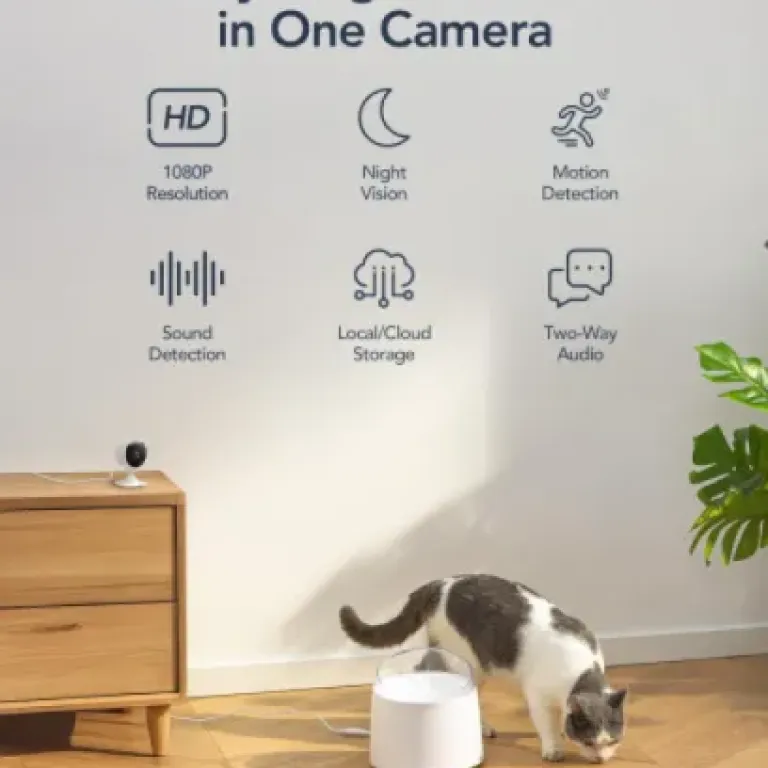

Summary
Editor's rating
Value for money: good hardware, annoying subscription model
Small, plasticky, and easy to hide (but definitely looks budget)
Build quality and long-term feel: light but not flimsy
Image quality, alerts, and app: decent, but with a few quirks
What you actually get in this GNCC GC3 4-pack
Does it actually help with security, pets, and baby monitoring?
Pros
- Four 1080p indoor cameras for a low upfront price, good for covering multiple rooms
- Decent image quality with usable night vision and two-way audio
- Supports local microSD storage up to 128GB per camera, avoiding mandatory cloud use
Cons
- Cloud subscription is per camera, making full 4-camera cloud coverage expensive
- Fixed lens with no pan/tilt and only 15 fps video, so motion looks a bit choppy

Specifications
View full product page →| Brand | GNCC |
Four cameras for the price of one: worth it or just more cables?
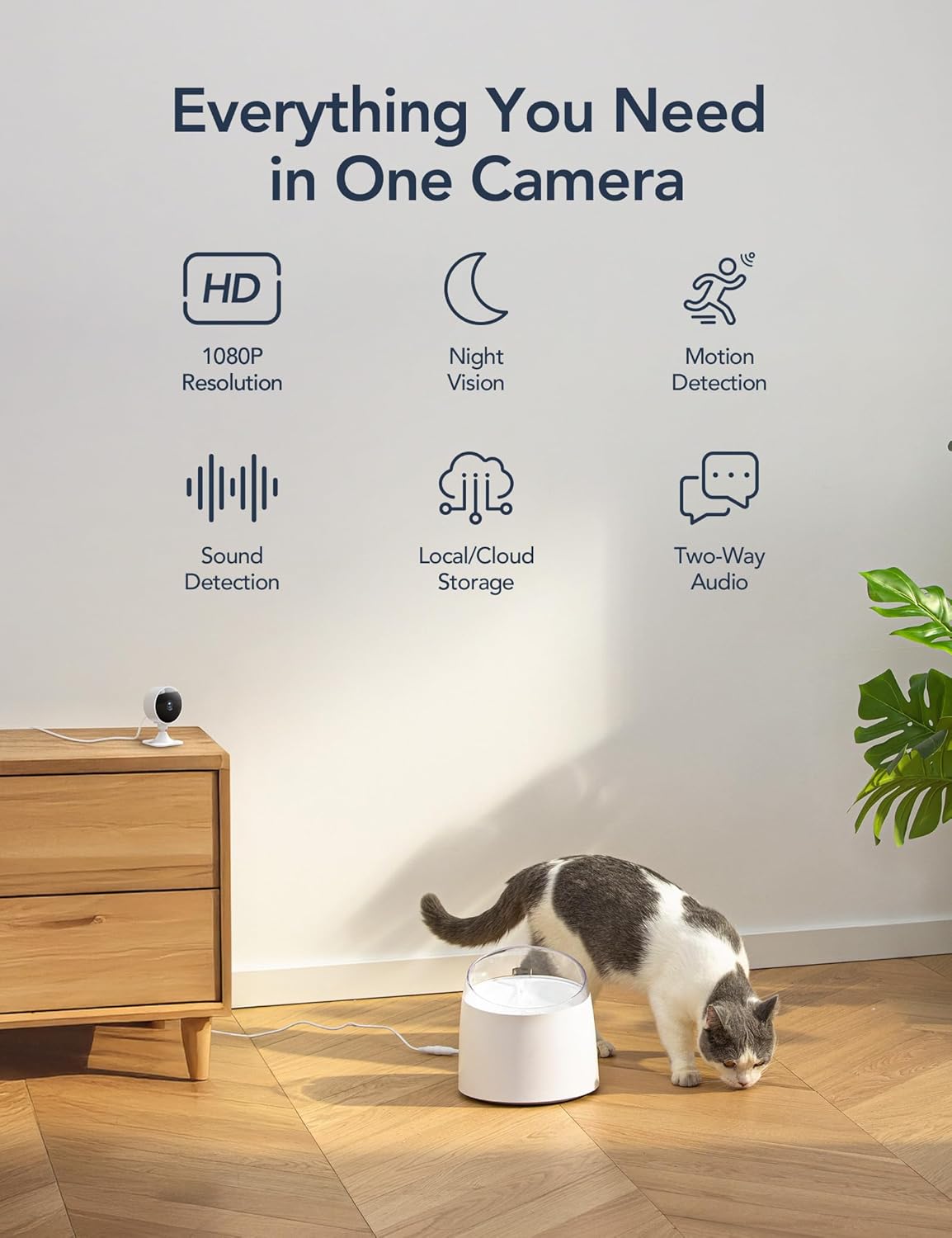
I’ve been using this 4-pack of GNCC GC3 indoor cameras around my flat for a couple of weeks: one in the hallway, one in the living room, one pointing at the front door, and one in the baby’s room. My main goal was pretty simple: get some basic monitoring without spending a fortune on a big-name brand system. On paper, these tick a lot of boxes: 1080p, night vision, app alerts, two-way audio, Alexa/Google support, and you get four units in the box.
In practice, they feel like budget cameras that actually work, with a few catches you need to accept. The biggest thing to know right away: the cloud storage is subscription-based and it’s per camera, not per account. That changes the value a lot if you wanted 24/7 cloud recording on all four. You can dodge that a bit with microSD cards, but you still feel pushed toward the cloud in the app.
Day-to-day, the image is clear enough to see faces and what the dog is doing, the alerts come through, and the app is usable once you get past the initial setup. These are fixed-lens cameras, so no pan/tilt from the app. You physically rotate the body to aim them. For a small flat that’s fine; for a bigger house where you want to sweep a room, it’s limiting.
If you want a no-frills, cheap way to cover multiple rooms and you’re okay fiddling a bit with the app and maybe buying SD cards, they get the job done. If you hate subscriptions or want super smooth video and fancy smart-home triggers, you’ll start to see the weak spots pretty quickly.
Value for money: good hardware, annoying subscription model
On pure hardware value, this 4-pack is good value for money. Getting four 1080p indoor cameras with night vision and two-way audio for the price these usually go for is hard to argue with. If you only care about live viewing, alerts, and maybe SD card recording on one or two of them, you’re getting a lot of coverage for not much cash. Compared to buying four separate big-brand cameras, you’re easily at half or a third of the cost.
Where the value gets muddy is the cloud subscription model. You don’t just pay once for “cloud for the account.” It’s one subscription per camera. If you want 24/7 cloud recording for all four, the monthly cost can quickly reach or even exceed what you paid for the entire kit in a year. For some people that’s fine, but if you were thinking “cheap cameras and cheap cloud,” you’ll be disappointed. This is exactly what one of the Amazon reviewers flagged, and I agree: at four cameras, it feels a bit much.
The workaround is using microSD cards. Up to 128GB per camera is supported, and that’s enough for several days of continuous recording, depending on settings. SD cards are a one-off cost, and you keep control of the footage. The downside: if someone steals the camera, they also take the card and the recordings. Cloud is safer in that sense. In my case, I put SD cards in the two most important cameras (front door and baby room) and left the others on motion alerts only. That setup feels like a decent compromise between cost and functionality.
So, value-wise, I’d sum it up like this: if you plan to lean heavily on cloud for all four cameras, the long-term cost eats into the “cheap” argument quite a bit. If you’re happy using SD cards and only paying for cloud on one key camera (or not at all), then this pack is a sensible, budget-friendly way to cover a home. It’s not the best system on the market, but for the price bracket, it’s a practical option.
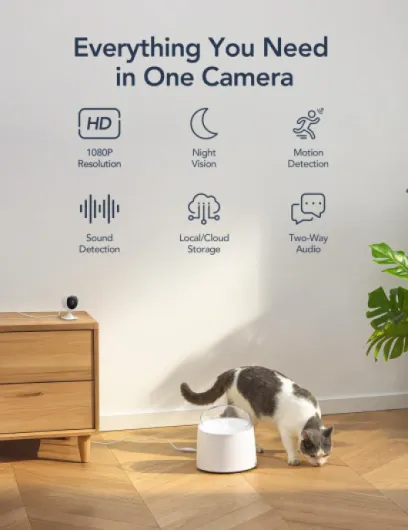
Small, plasticky, and easy to hide (but definitely looks budget)
Design-wise, these cameras are pretty simple: white plastic body, rounded head with the lens in the middle, and a small stand that lets you tilt and rotate them manually. They don’t scream “premium gadget,” but they also don’t look ugly or out of place on a shelf. I’d call them neutral. They blend in fine next to a router or a speaker. There’s no big branding shouting at you, which I like.
The head rotates on a ball joint, so you can point it up, down, or sideways quite easily. That’s important because there’s no motorized pan/tilt. You set the angle once and that’s it, unless you physically walk over and move it. For monitoring a crib, a pet bed, or a doorway, that’s enough. If you’re used to cameras you can steer from the app, this will feel like a step back. On the plus side, fewer moving parts usually means fewer things to break.
The base is light but reasonably stable if you just sit it on a flat surface. If you tug the cable, you can knock it over, so I wouldn’t leave it on a narrow ledge with kids or pets around. The included mounting hardware lets you put it on a wall or ceiling. With the 2m cable, you’re a bit constrained by outlet placement; in one room I had to use an extension lead to reach a decent viewing angle.
There are some small indicator LEDs on the front, which tell you if it’s powered and connected. They’re not bright enough to be annoying at night, but you do notice a faint glow. In a baby’s room, this might bother some people; I ended up angling the camera slightly so the LED wasn’t directly facing the cot. Overall, the design is simple and functional: nothing special, but it does the job and doesn’t draw too much attention.
Build quality and long-term feel: light but not flimsy
These cameras are made from ABS and polycarbonate plastic, and you can feel that they’re budget devices as soon as you pick them up. They’re very light, which isn’t necessarily bad, but they don’t give that heavy, rugged feel you get from pricier brands. That said, after handling and repositioning them a bunch of times, I haven’t had anything crack, rattle, or loosen.
The ball joint for adjusting the angle is usually the weak point on cheap cameras, but here it’s holding up fine so far. It’s stiff enough to stay in place once you set it, but not so stiff that you feel like you’re going to snap it when you move it. I adjusted one of the cameras every couple of days while I figured out the best crib angle, and it still feels the same as new. The base is simple and doesn’t have fancy mechanisms, which actually helps for durability: less to go wrong.
The power cables are standard 2m white cords with basic wall plugs. The strain relief at the camera end isn’t huge, so if you constantly bend the cable sharply, I could see it wearing out over time. In normal use where the cable just runs down a wall or along a shelf, it’s fine. I’d avoid yanking the cable to reposition the camera; grab the body instead. There’s no water resistance at all, so bathrooms, kitchens with lots of steam, or anywhere damp is a bad idea.
On the software side, the app has been stable for me. No random disconnects or cameras dropping off the network once they were set up correctly. That’s important because a cheap camera that keeps going offline is basically useless. Long-term, the big question is whether Osaio keeps supporting firmware updates and the cloud service. That’s impossible to judge after a couple of weeks, but that’s a risk you take with any budget, app-dependent camera. So far, for indoor use and normal handling, they feel durable enough for the price bracket.
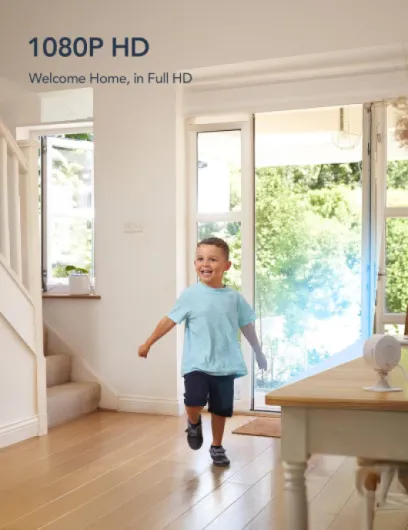
Image quality, alerts, and app: decent, but with a few quirks
On performance, I’d say these cameras are pretty solid for the price, as long as you keep your expectations in check. The 1080p image is clear enough to see faces, read labels on bigger items, and easily tell what your pets or kids are doing. During the day, the picture is sharp with natural colours, not washed out. At night, the IR night vision switches automatically to black and white. You lose some detail, but you can still see movement and recognise people at normal indoor distances.
The frame rate at 15 fps is where you feel the budget side. When someone walks through the frame, the motion looks a bit choppy compared to a 25–30 fps camera. It’s not unusable, but if you’re used to smoother video, you’ll notice it. For checking if a parcel was dropped off or whether the dog’s on the sofa, it’s absolutely fine. For trying to catch tiny details in fast motion, not so much.
Motion and sound detection work reasonably well. The Osaio app sends alerts to your phone when it detects movement or a loud sound. You can set up motion zones, which I used to focus on the front door and ignore the TV area. That cut down on false alerts quite a bit. There are still moments where a change in light (like sun through a window) triggers a notification, but it’s not constant spam. The cry detection is a nice idea for a baby room, but in my case, it sometimes confused loud TV noise for a cry. I wouldn’t rely on it as the only baby monitor, more as a backup.
Streaming through the app is mostly stable, though it depends on your WiFi. On my 2.4GHz network, I had the occasional buffering when switching between cameras, but it settled quickly. With four cameras, you don’t get a fancy multi-view grid; you tap into each feed one by one. Integration with Alexa/Google is basic: you can ask to see a camera on a smart display, which works, but you don’t get deep control or motion-triggered routines like turning on lights. Compared to more expensive brands, it feels limited, but again, for simple live viewing and alerts, it does what it says.
What you actually get in this GNCC GC3 4-pack
Out of the box, the kit is pretty straightforward: four identical white cameras, four power adapters, four 2m USB power cables, and some basic mounting hardware (screws and anchors). There are also adhesive options if you’re renting and don’t want to drill, which is nice. The cameras are small, about the size of a big egg on a stand (roughly 7.5 x 7.5 x 11 cm), so they don’t dominate the room. They’re clearly meant for indoor use only; there’s nothing weatherproof about them.
Each camera is 1080p with a fixed lens and around an 88° viewing angle. In normal English, that’s wide enough to see most of a small room if you place it in a corner, but not ultra wide like some fisheye cameras. The frame rate is 15 fps, which is okay for basic monitoring but you do notice it’s not super smooth when someone is moving quickly. Night vision is handled by six IR LEDs with a claimed 10m range. In my flat, they easily cover a standard-sized room in the dark.
Everything runs over 2.4GHz WiFi only, so no 5GHz support. If your router splits the bands or you’ve disabled 2.4GHz, you’ll need to tweak your network. I had to briefly enable a separate 2.4GHz SSID to get them paired. Once they’re on, you use the Osaio app to view live feeds, get alerts, and manage storage. You can share camera access with up to three other people, which is handy for a partner or relatives.
There are two storage routes: local microSD card (up to 128GB per camera) or cloud via subscription. Important detail: the cloud subscription is per camera. If you naively think, “I’ll just put all four on the cloud,” the monthly cost adds up fast. For me, I ended up using SD cards in the key cameras and leaving the others on live-view only with alerts, which feels like the most sensible compromise with this setup.
Does it actually help with security, pets, and baby monitoring?
From a practical “does it help me day-to-day” point of view, I’d say yes, these cameras are effective enough for basic indoor monitoring. With four units, you can cover the main spots of a small house or flat: I put one watching the entry door, one in the living room, one in the hallway, and one in the baby’s room. That alone already made me feel more in control when I was out, because I could quickly open the app and see what was happening in each area.
For security, they’re more about deterrence and evidence than real-time intervention. If someone walks through the door, you’ll get a motion alert and you can see them on the app, but there’s no built-in siren or automation to scare them off. The two-way audio helps a bit; you can shout through the camera, which might be enough to spook someone or at least talk to a delivery driver. I tested the audio with my partner: the mic picks up normal conversation clearly within a few meters, and the speaker is loud enough to be heard in a quiet room, less so if there’s a TV on.
For pets, they’re actually quite handy. I used one to keep an eye on the dog when I was out. Motion alerts tell me when he’s moving around, and I can quickly check if he’s chewing something he shouldn’t. The fixed view is a limitation; if he goes to a corner the camera doesn’t cover, that’s it. But with four cameras, you can place them to minimise blind spots. The latency on the live feed is there but small enough that you can interact in almost real time.
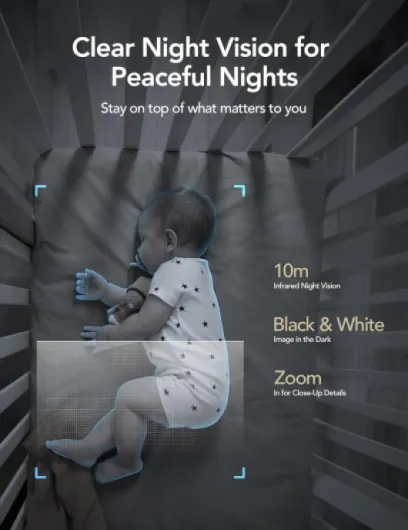
For baby monitoring, I’d still keep a dedicated audio baby monitor next to the cot, but this works well as a visual backup. You can zoom digitally a bit in the app (it’s not optical zoom, just cropping), which helps check if the baby’s actually asleep. The cry detection is hit and miss, but standard sound/motion alerts are fine. The main downside is relying on WiFi and your phone battery; if either drops, your monitoring is gone. So as a secondary camera, great. As your only baby monitor, I’d be cautious.
Pros
- Four 1080p indoor cameras for a low upfront price, good for covering multiple rooms
- Decent image quality with usable night vision and two-way audio
- Supports local microSD storage up to 128GB per camera, avoiding mandatory cloud use
Cons
- Cloud subscription is per camera, making full 4-camera cloud coverage expensive
- Fixed lens with no pan/tilt and only 15 fps video, so motion looks a bit choppy
Conclusion
Editor's rating
Overall, the GNCC GC3 4-pack is a decent but not flashy set of indoor cameras. The image is clear enough, night vision works, motion and sound alerts are reliable most of the time, and the two-way audio is handy. The big selling point is that you get four cameras, so you can actually cover several rooms instead of just one corner of the house. For basic home security, pet watching, and a backup view on a baby room, they get the job done without draining your wallet upfront.
The weak spots are mostly on the software and business side. The cloud subscription being per camera is the main annoyance and can make the long-term cost high if you want full 24/7 cloud recording on all four. The fixed lens and 15 fps video also remind you that this is a budget product: no remote pan/tilt, and motion isn’t super smooth. Integration with Alexa and Google is there but limited; don’t expect deep smart-home automation.
I’d recommend this pack for people who want cheap, simple coverage of several indoor areas, are okay using microSD cards, and mainly care about being able to quickly check in via an app. If you hate subscriptions, want very smooth video and clever smart-home triggers, or you need a rock-solid baby monitor as your only device, I’d look higher up the range or at other brands. For everyone else, especially renters or first-time camera buyers, this is a practical, no-frills option with clear pros and a few manageable cons.