
Summary
Editor's rating
Value for money: good hardware, but the subscription math matters
Design: clean, discreet, and clearly thought out for renters
Battery life and backup: good concept, but expect regular maintenance
Durability and reliability: feels light, but holds up
Performance and day-to-day use: solid, with a few annoyances
What you actually get in the 9-piece kit
Pros
- Very easy DIY installation with clear voice prompts and app guidance
- Reliable wireless performance with decent range and pet-friendly motion sensors
- 24-hour battery backup and optional cellular monitoring for power/Wi‑Fi outages
Cons
- Most useful features (remote monitoring, video recording) require a paid subscription, and the higher plan at that
- Poor or non-existent app/monitoring support outside the US (especially Mexico, based on reviews)
- Camera has no local storage (no SD card), fully dependent on cloud service

Specifications
View full product page →| Brand | SimpliSafe |
A DIY alarm that actually feels made for normal people
I set up this SimpliSafe 9 Piece kit in a small house plus detached garage after getting tired of those fake security stickers and an old wired siren that nobody took seriously. I’m not an alarm installer, just reasonably handy and comfortable with apps. My goal was pretty simple: get alerts if someone opens a door or walks inside, have a loud siren, and be able to check the camera from my phone when I’m away.
Right away, the thing that stood out is how focused this system is on being easy. The base station talks to you, the keypad is idiot-proof, and the sensors already come paired and labeled in the app. Compared to the old-school alarm I had in a previous place (with weird programming codes and a tech visit for every change), this felt more like setting up a Wi‑Fi router than a full alarm system.
But there’s a big catch I only fully realized once it was installed: without a paid SimpliSafe plan, the app and camera are basically crippled. You can’t properly monitor or record video unless you pay monthly, and the useful stuff starts at the higher-priced plan. So the hardware itself is good, but it’s clearly designed around recurring fees. If you want a one-time purchase and full local control, this is not it.
Overall, after some weeks of use, I’d say the system is pretty solid for people who want quick, wireless protection and are okay with a subscription. If you’re in Mexico or outside the US, or you absolutely refuse monthly fees, it’s going to be frustrating. I’ll break down what worked well for me and where it annoyed me.
Value for money: good hardware, but the subscription math matters
On the hardware side alone, the kit is good value for what you get: base station, keypad, four entry sensors, two motion sensors, and a 1080p indoor camera. If you bought all those pieces separately from various brands, you’d probably end up paying a similar or higher total, and you’d have to juggle multiple apps. Here, everything talks to the same system, and the setup is painless. For a small house or apartment, the 9‑piece bundle is a reasonable starter pack.
Where the value gets more complicated is the ongoing cost. To use the app properly, get remote control, and especially to have video recording and professional monitoring with video verification, you’re basically pushed into their higher-tier monthly plan. Some buyers, including one detailed reviewer, only realized after purchase that the cheaper plan or no plan at all leaves them with very limited remote features. If you were hoping to avoid a subscription, that’s a rude surprise.
On the flip side, if you compare it to traditional monitored alarms from big security companies, SimpliSafe’s monthly cost is usually lower and you’re not stuck in a long contract. You can cancel or downgrade if you move or change your mind. For me, paying roughly a dollar a day for real monitoring and app access is acceptable, but it definitely changes the overall cost over a few years. You need to think in terms of “hardware price + 2–3 years of service”, not just the price of the box.
In the US, I’d say the value is pretty solid if you actually want professional monitoring and are okay with the subscription model. If you’re outside the US, especially in Mexico where multiple reviewers say the app and monitoring aren’t properly available, then the value drops hard. You’re paying for a system that can’t do what it’s supposed to do. So the value rating depends heavily on where you live and how you feel about ongoing fees.
Design: clean, discreet, and clearly thought out for renters
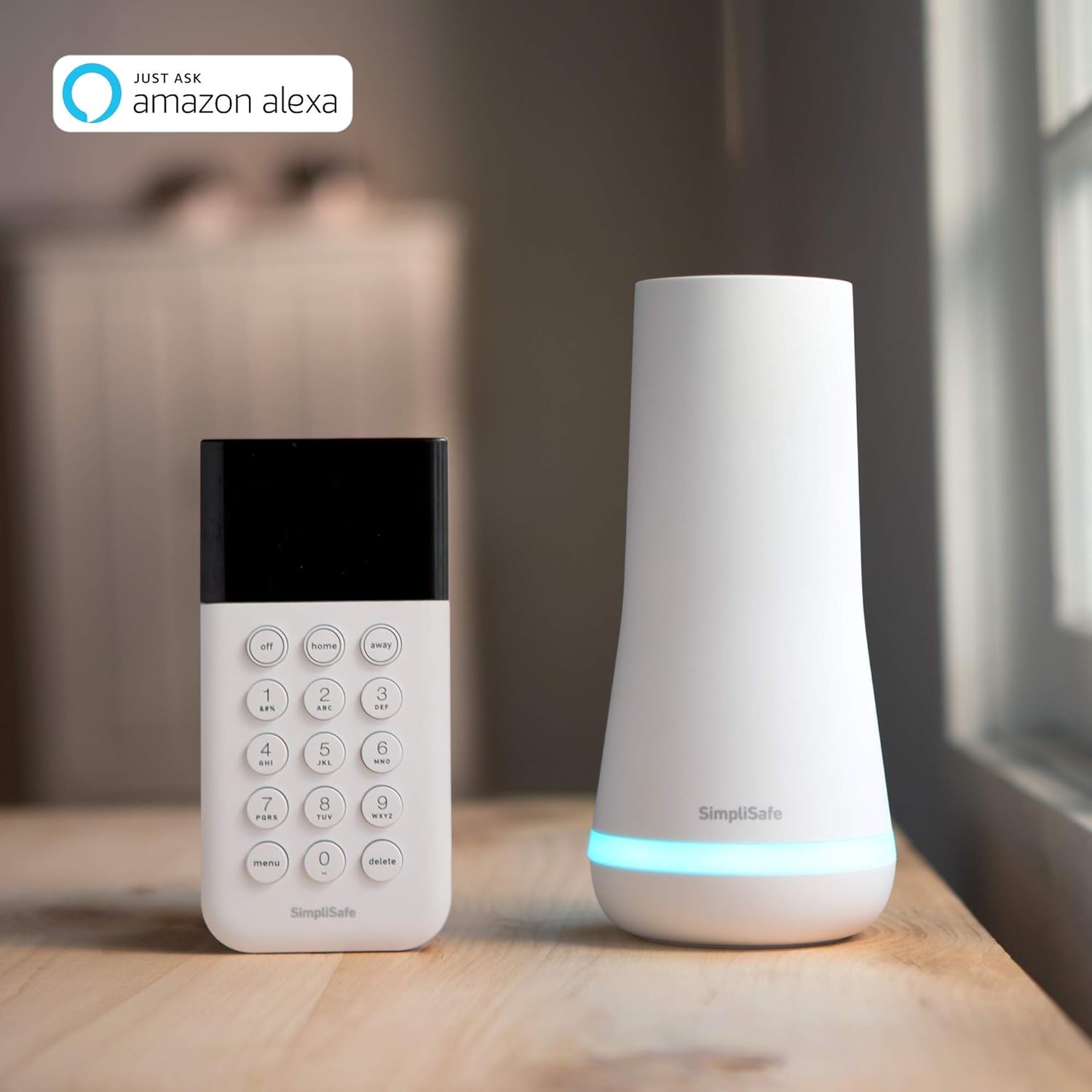
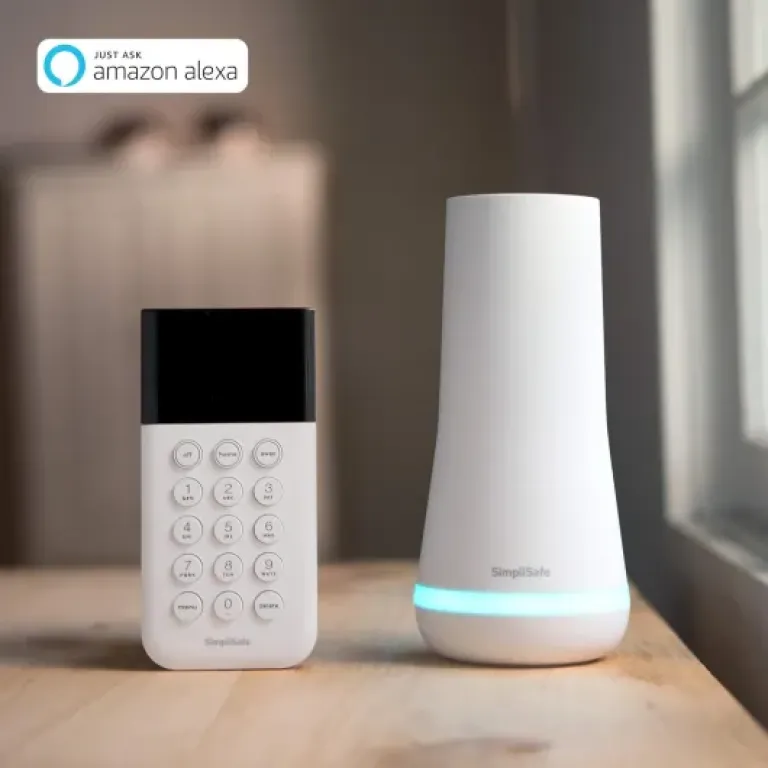
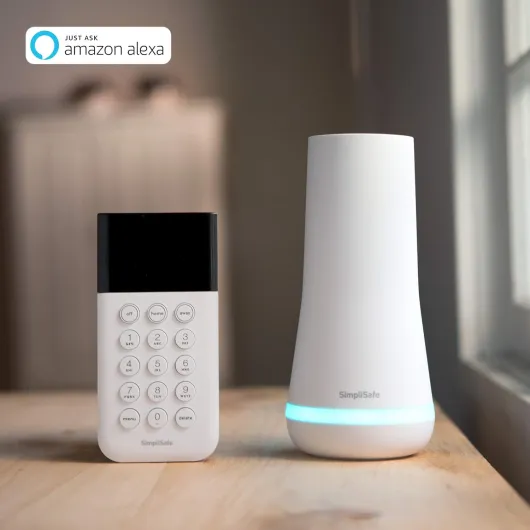
Design-wise, SimpliSafe leans heavily into the “white plastic, rounded corners” look. The base station is a white tower with a light ring, the keypad is slim with backlit buttons, and the sensors are small white rectangles. Nothing screams “industrial alarm system”, which I actually liked. It blends into a normal home, especially if your walls are light-colored. Guests barely notice the sensors unless I point them out.
The keypad is one of the better parts of the design. The buttons are big, the backlight only comes on when you touch it, and there’s no weird jargon. It literally says “Off, Home, Away.” If you’ve ever had to explain a traditional alarm panel to a babysitter or relative, you’ll appreciate how simple this is. The only thing I missed is a bit more screen info – for deeper settings you’re better off using the app.
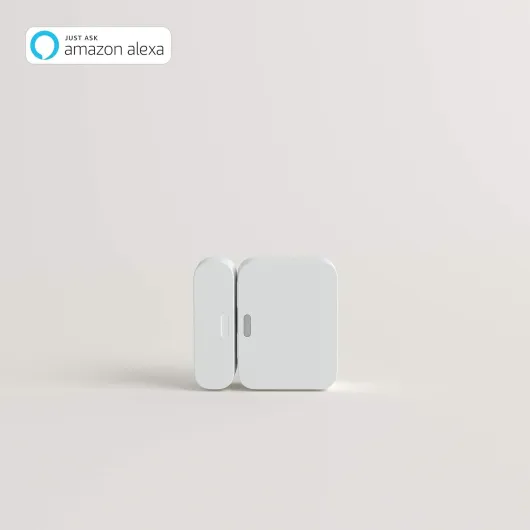
The sensors are very light and mount flat, which is good for renters. The included adhesive works fine on normal painted walls and door frames. On rougher surfaces (like unfinished wood or textured concrete), you’ll probably want to use the included screws instead. One downside: the motion sensors don’t have adjustable mounts. They sit flat or at a fixed angle, so you have to get creative with placement to cover awkward rooms. Other brands give more flexibility there.
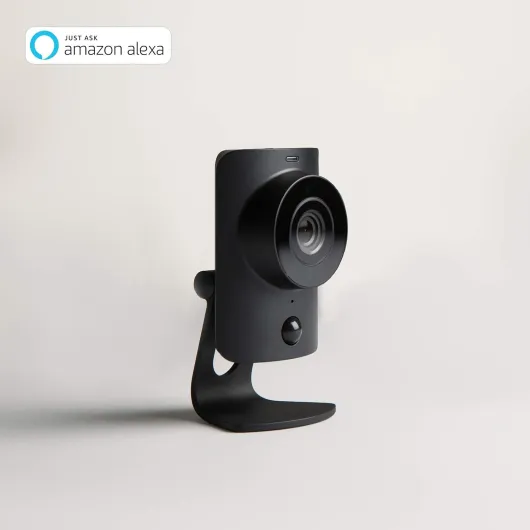
The camera is pretty basic in design: small, black/white body, simple stand, and a physical shutter you can slide closed. I liked that touch because it’s obvious at a glance whether it’s blocked. No motorized pan/tilt, no SD card slot, just a straightforward indoor cam. Overall, the design is practical, low-key, and clearly made to avoid drilling and cable routing. If you want something that looks high-end or matches fancy decor, this is more “functional white box” than stylish object, but it gets the job done.
Battery life and backup: good concept, but expect regular maintenance
Battery-wise, there are two different things to consider: the sensors/keypad batteries and the base station backup battery. The sensors and keypad run on standard batteries (AAA for some pieces, button cells for others), and they come pre-installed with pull tabs. That’s convenient because everything works right out of the box. Over time though, you’ll have to replace them, and in a full house with lots of sensors, that can turn into a small maintenance routine every year or two.
The app does give you alerts when a sensor battery is low, which is helpful. I’d rather swap batteries than run wires through walls, especially in an older house or a rental. One Amazon reviewer who installed this in a cabin with rough-hewn wood made the same point: wiring would have been a pain, so batteries are the lesser evil. Just be prepared to keep a small stash of AAA batteries around and plan on a quick ladder session here and there.
The base station itself has a 24-hour backup battery, which is a big plus. During a power cut I tested, the system stayed online and armed, and if you pay for monitoring with cellular backup, it keeps talking to SimpliSafe’s servers even when Wi‑Fi is down. For me, that’s a key reason to choose something like this over a pure Wi‑Fi camera setup that dies as soon as the router loses power. That said, 24 hours is not huge if you live somewhere with frequent long outages.
One thing that’s not always obvious in the marketing: the cellular backup only works if you’re on a paid plan. Without that, the base station battery just keeps the local siren and sensors working, but you won’t have remote access or alerts if your internet is out. So in practice, the battery and backup story is good, but its full benefits are again tied to the subscription. On the plus side, after several weeks of use, none of my original batteries have died yet, so at least the included cells are not junk.
Durability and reliability: feels light, but holds up
The hardware itself feels light and a bit “plastic-y”, but not fragile. The sensors are small and don’t flex or creak when you press them, and the keypad doesn’t feel cheap when you tap the buttons. The base station is the only heavier piece, and it sits in one place anyway. I wouldn’t call any of this premium, but it’s not toy-level either. It’s clearly built more for practicality than for a luxury feel.
In terms of how it holds up, wireless gear like this really depends on environment. One Amazon user mentioned using it in a cabin with high humidity in summer and cold nights, and so far it’s been fine. In my case, everything is indoors at normal room temperatures, and after weeks of daily arming/disarming and several deliberate alarm tests, there’s no sign of flaky connections or random sensor dropouts. The adhesive mounts are still solid on painted walls and door frames.
I did notice that on rough, uneven surfaces, the adhesive isn’t ideal. That same cabin user chose to screw sensors into rough wood instead of relying on the tape, and I’d recommend the same if your surfaces are textured or get a lot of vibration (garage doors, for example). The good news is that the sensors are light, so even two small screws are enough.
Long-term, the biggest durability question is less about the plastic and more about whether SimpliSafe keeps supporting the system and app. The hardware is pretty simple and should last several years if you don’t abuse it. But if you’re buying this in a country where the app isn’t properly supported (like Mexico based on the 1‑star reviews), then you’re basically stuck from day one. In the US, where the system is officially sold and supported, I’m reasonably confident it’ll stay usable for a good while, especially since it’s still ranking well and not discontinued.
Performance and day-to-day use: solid, with a few annoyances
Once everything was installed, the system has been reliable in daily use. The entry sensors trigger instantly when a door opens, and the base station gives a clear chime and voice message (“Front door”). The motion sensors cover a decent area – SimpliSafe says about 35 feet with a 90° field of view. In my living room, one sensor in the corner easily sees anyone walking through. I have a medium-sized dog around 40 lbs, and so far no false alarms from him when the system is armed, which matches their claim about pets under 60 lbs.
Range hasn’t been a problem either. My furthest sensor is roughly 50–60 feet away from the base, through one floor and a couple of walls, and it still connects fine. One Amazon user mentioned using it in a cabin and barn setup and also reported good range and reliability. The app sends alerts quickly when a door opens or the alarm is triggered, as long as you’re on a plan. I’ve tested it from another city, and the notifications came in within a few seconds.
The camera quality is decent but nothing special: 1080p, clear enough to see faces and details indoors, and night vision works fine in a typical dark room. The microphone is quite sensitive, maybe too much – it picks up fan noise and background hum constantly. It does the job if you just want to see what’s going on at home, but if you’re picky about image quality or want advanced features, there are better standalone cameras out there.
The main performance downside is tied to the service: no serious app monitoring or video recording without a subscription, and for video verification and full remote control, you’re looking at their higher-priced plan. Also, there’s a 3‑day practice mode when you activate monitoring where they won’t call the police even if the alarm goes off. That’s handy to avoid false alarms at first, but if you wanted instant full protection, it’s something to keep in mind. Overall, as long as you accept the service model, the system’s actual performance is stable and predictable.
What you actually get in the 9-piece kit
Out of the box, the 9‑piece kit is fairly straightforward. You get: the base station (the brains and siren), a wireless keypad, 4 entry sensors, 2 motion sensors, and 1 wired indoor SimpliCam, plus batteries, stickers, and a yard sign. For a small to medium home or an apartment, that’s enough to cover the main doors and a couple of key rooms. In my case, I put sensors on the front door, back door, garage entry, and one on a window that’s easy to reach from the outside.
The base station is the key part. It connects to your Wi‑Fi and, if you pay for monitoring, it also has cellular backup and a 24‑hour battery so it stays active during power or internet outages. The keypad is just for arming/disarming and basic settings, while the app (again, only truly useful with a plan) handles remote control and notifications. The SimpliCam is a simple 1080p indoor camera with night vision and a physical shutter for privacy.
Everything in the box is clearly labeled, and the app walks you through the process one device at a time. You don’t have to manually pair each sensor unless you add extras later. The kit is clearly aimed at DIY users who don’t want to deal with a professional installer or running wires. And for that, it does what it says: you can go from sealed box to functional system in under an hour if you’ve already decided where you want each sensor.
My main gripe with the overall package is that it sells itself like a complete solution, but the fine print is that the real functionality is locked behind the monitoring plans and only officially supported in the US. If you live in Mexico, several Amazon reviewers point out that the app situation is a mess or simply not available, especially on iOS. So the hardware kit is solid, but the service geography and paywall are something buyers need to know before hitting “buy”.
Pros
- Very easy DIY installation with clear voice prompts and app guidance
- Reliable wireless performance with decent range and pet-friendly motion sensors
- 24-hour battery backup and optional cellular monitoring for power/Wi‑Fi outages
Cons
- Most useful features (remote monitoring, video recording) require a paid subscription, and the higher plan at that
- Poor or non-existent app/monitoring support outside the US (especially Mexico, based on reviews)
- Camera has no local storage (no SD card), fully dependent on cloud service
Conclusion
Editor's rating
Overall, the SimpliSafe 9 Piece Wireless Home Security System is a solid, easy DIY option if you live in the US and you’re fine paying a monthly fee. The kit covers the basics well: doors and windows, motion in key rooms, and an indoor camera you can check from your phone. Installation is genuinely simple, the system is stable, and features like the 24‑hour battery backup and cellular option (with a plan) make it feel like a “real” alarm, not just a couple of random cameras.
It’s not perfect. The camera has no local storage, so video recording depends on the subscription. The app is pretty basic and clearly designed around their monitoring service. And if you’re outside the US, especially in Mexico, user reviews make it clear that the app and monitoring support are either limited or broken, which makes this a bad buy there. Also, if you absolutely hate subscriptions and want full control with no ongoing fees, this system will probably annoy you.
If you’re a renter or homeowner in the US who wants a straightforward, wireless alarm that you can install yourself in under an hour, this kit gets the job done. It’s especially suited for small to mid-sized homes, cabins, or rentals where drilling and wiring aren’t realistic. If you’re in another country, or you want deep customization and no monthly costs, you’re better off looking at more open systems or standalone cameras with local storage.