

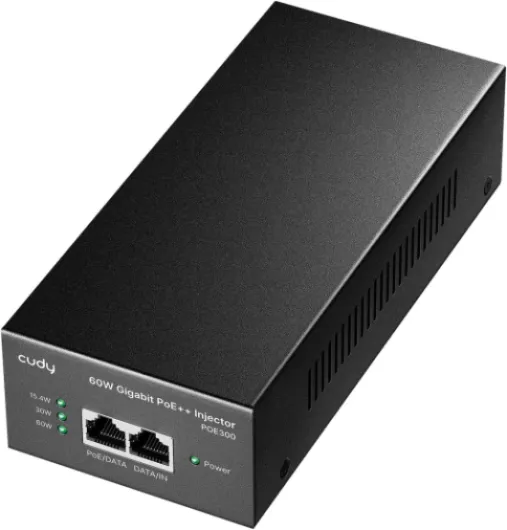
Understanding poe injector poe and its role in home security cameras
What is a PoE Injector and Why Does It Matter?
When setting up a home security camera system, understanding how to deliver both power and data efficiently is crucial. A Power over Ethernet (PoE) injector is a device that allows you to send electrical power and network data over a single ethernet cable to your security cameras or other network devices. This means you can install cameras in locations without needing a nearby power outlet, making your setup more flexible and less cluttered.
How PoE Technology Simplifies Home Security
PoE technology works by combining power and data delivery through standard ethernet cables, such as Cat5e or Cat6. This is especially useful for gigabit network devices, including wireless access points and IP cameras. Instead of running separate cables for power and data, a PoE injector injects power into the ethernet cable, which then supplies both to the connected device. This approach is not only efficient but also cost-effective, reducing installation time and price by minimizing cable runs and electrical work.
- PoE injectors are available in various types, including gigabit PoE and passive PoE, to match different device requirements.
- Many injectors are IEEE compliant, ensuring compatibility with a wide range of network devices and cameras.
- Power output can vary, with some injectors rated for higher watts per port, supporting more demanding devices.
Key Components and How They Work Together
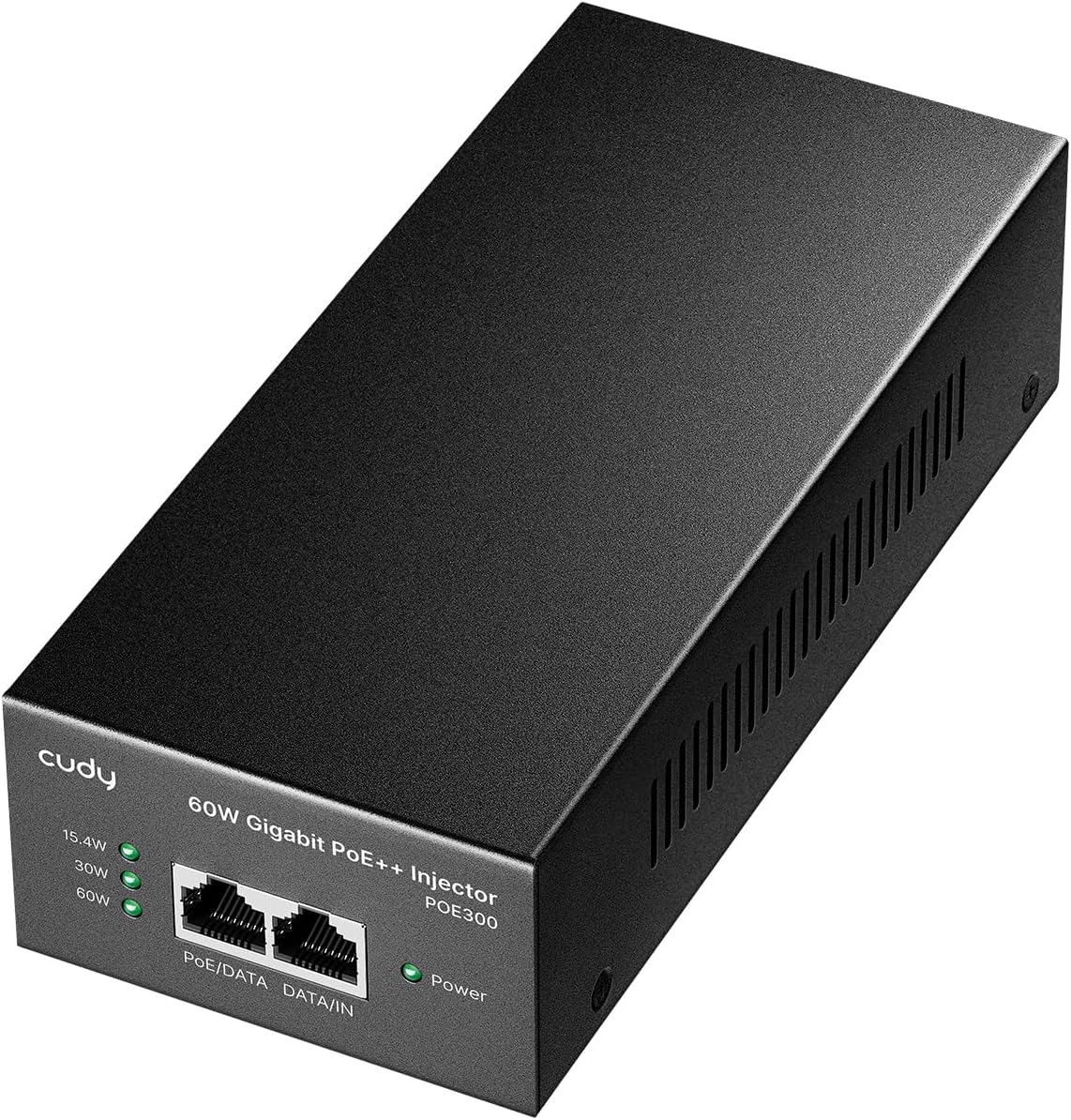
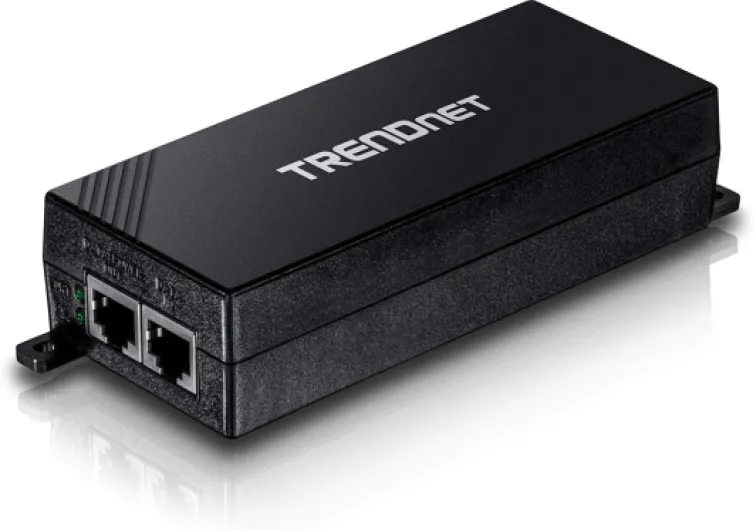
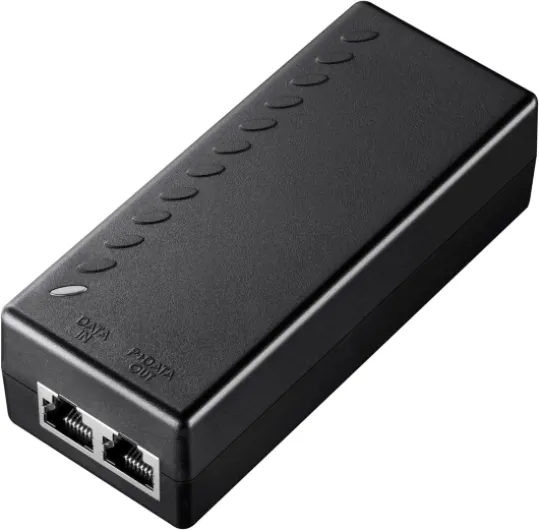
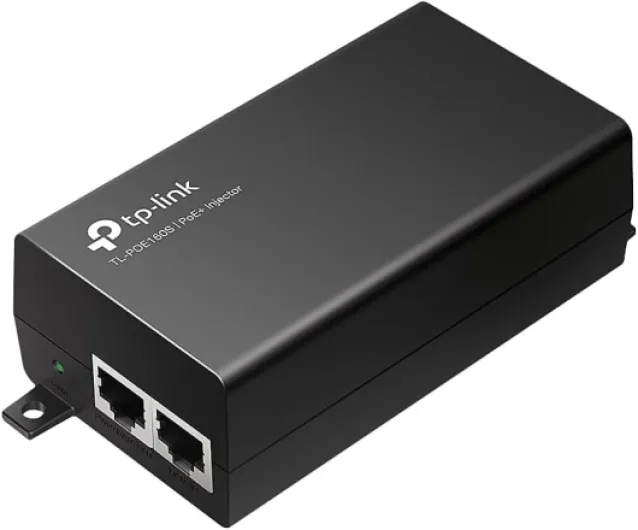
A typical PoE injector features an input for your network connection, an output port for the ethernet cable, and a power input (often labeled as VDC or inj). The injector power is then combined with the network signal, delivering both to your camera or device. Some injectors are designed for gigabit speeds, ensuring high-quality video streams and fast data transfer. Others offer passive PoE, which may not negotiate power delivery but can be suitable for certain devices.
Choosing the right injector depends on your camera's power requirements, network speed, and whether your devices are IEEE compliant. For a deeper dive into how these components fit into your home security setup, check out this guide on the role of a horizontal camera junction box in home security.

Key benefits of using poe injector poe in surveillance systems
Why Power over Ethernet Makes a Difference in Home Surveillance
Using a poe injector in your home security camera system offers several advantages that go beyond simple power delivery. With poe technology, both power and data are transmitted over a single ethernet cable. This simplifies installation, reduces clutter, and minimizes the need for extra electrical outlets near each camera.
- Efficient Power Delivery: A poe injector supplies consistent poe power to your cameras, supporting devices that require different watts per port. Many injectors are ieee compliant, ensuring safe and reliable power delivery to sensitive network devices.
- Flexible Device Placement: Since power and network connectivity are combined, you can install cameras in locations where traditional power sources are unavailable. This is especially useful for outdoor or hard-to-reach areas.
- Cost Savings: By reducing the need for electrical wiring and outlets, poe injectors can lower installation costs. You also avoid hiring an electrician for every new camera location.
- Scalability: Adding more cameras or network devices is easier with poe. Simply connect a new device to your existing injector or poe switch without worrying about additional power supplies.
- Improved Reliability: Centralizing power delivery through a poe injector or gigabit poe switch can make it easier to manage backup power solutions, like uninterruptible power supplies (UPS), for your entire system.
Whether you choose a passive poe or gigabit passive model, the right injector poe can support a range of network devices—from wireless access points to high-resolution cameras. Always check the poe output and ieee standards to match your camera’s requirements.
For more on how to build a robust and reliable home surveillance setup, you might also want to explore enhancing home security with wired backup cameras.
Compatibility considerations with home security cameras
Ensuring Your Devices Work Together
When adding a PoE injector to your home security camera system, compatibility is key. Not all devices and injectors are created equal, so it’s important to check a few technical details before you add anything to your cart. Here’s what to look for:
- IEEE Compliance: Make sure your PoE injector and cameras support the same IEEE standards (like 802.3af, 802.3at, or 802.3bt). This ensures safe and reliable power delivery over your ethernet cable.
- Power Output: Check the watts per port your camera needs. Some cameras require more power, especially if they have features like pan-tilt-zoom or built-in wireless access. Your injector’s output should match or exceed the camera’s requirements.
- Gigabit Support: If your network devices and cameras use gigabit ethernet, choose a gigabit PoE injector or gigabit passive injector. This avoids bottlenecks and keeps your video streams smooth.
- Input and Output Voltage: Look at the injector’s input (often listed as VDC) and output specs. The injector power must align with your camera’s needs for stable operation.
- Number of Ports: Some injectors power just one device, while others can handle multiple cameras. Consider your current setup and future expansion before deciding.
It’s also worth comparing the price and rated performance of different PoE injectors. Some are designed for basic power data delivery, while others offer advanced features for larger or more complex home security systems. If you’re unsure about which injector power or PoE technology fits your needs, you can learn more about matching your devices and network setup here.
Finally, remember that not all security cameras are PoE-enabled. Double-check your device specs before you invest in injectors or ethernet cables. If your camera isn’t PoE-ready, you may need a PoE splitter or consider a different power solution.
Installation tips for poe injector poe in home setups
Preparing Your Network for PoE Injector Installation
Before adding a PoE injector to your home security camera system, it’s important to assess your current network setup. Make sure your router or switch supports gigabit speeds if you plan to use gigabit PoE injectors. This ensures smooth power and data delivery to your devices. Check the ethernet cables you have—Cat5e or higher is recommended for optimal power and network performance.
Step-by-Step Guide to Connecting a PoE Injector
- Choose the right injector: Select a PoE injector rated for the power requirements (watts per port) of your security camera. Confirm it’s IEEE compliant for your device’s needs (such as 802.3af or 802.3at).
- Connect the injector to your network: Plug one end of an ethernet cable into your router or switch, and the other end into the injector’s data input port.
- Connect the injector to your camera: Use another ethernet cable to link the injector’s PoE output port to your camera’s ethernet port. This cable will carry both power and data.
- Power up the injector: Plug the injector into a power outlet. Some injectors have an indicator light to show power delivery is active.
- Verify device operation: Check your camera’s status via your network or app to confirm it’s receiving both power and data.
Tips for Reliable PoE Performance
- Keep cable runs under 100 meters to maintain reliable power and network performance.
- For multiple cameras, consider a multi-port PoE injector or a PoE switch for easier management and expansion.
- Check the injector’s output voltage (VDC) and power rating to match your camera’s requirements.
- Label your cables and devices for easier troubleshooting and future upgrades.
- If using passive PoE or gigabit passive injectors, ensure your cameras are compatible to avoid device damage.
Safety and Best Practices
- Always disconnect power before plugging or unplugging ethernet cables from the injector.
- Keep injectors in a dry, ventilated area to prevent overheating.
- Review the manufacturer’s documentation for specific installation guidelines and rated power delivery.
Troubleshooting common issues with poe injector poe
Common Problems and How to Fix Them
Even with the best-rated gigabit PoE injectors, issues can arise during setup or daily operation. Here are some typical problems homeowners face with PoE technology and practical ways to resolve them:
- No Power to Device
If your security camera or other network devices are not powering up, first check the ethernet cable. Make sure it is firmly connected to both the injector and the device. Inspect the cable for damage, as a faulty cable can interrupt both power and data delivery. Confirm that your injector power output matches the power requirements (watts per port) of your camera or device. - Insufficient Power Delivery
Some devices require more power than basic injectors provide. Check the device’s power rating and compare it to the injector’s output. For example, a gigabit PoE injector rated for 15.4W may not be enough for certain cameras or wireless access points. Consider upgrading to a higher wattage injector or a gigabit passive PoE model if needed. - Network Connection Issues
If your camera is receiving power but not connecting to the network, verify that the injector is IEEE compliant and supports the correct PoE standard (such as 802.3af or 802.3at). Also, ensure your network switch or router is compatible with PoE injectors. Swapping out the ethernet cable or testing with another port can help isolate the problem. - Overheating Injectors
Overheating can occur if the injector is overloaded or placed in a poorly ventilated area. Make sure the total power draw of all connected devices does not exceed the injector’s rated output. Place the injector in a cool, open space to allow for proper heat dissipation. - Compatibility with Non-PoE Devices
Connecting a non-PoE device to a PoE injector can cause malfunctions. Use only PoE-capable devices or add a PoE splitter to safely convert power and data for non-PoE equipment.
Quick Troubleshooting Table
| Issue | Possible Cause | Solution |
|---|---|---|
| No power to camera | Faulty cable, incorrect injector power, loose connection | Check cable, verify injector output, secure connections |
| Camera not connecting to network | Non-gigabit injector, incompatible standards, bad port | Use gigabit PoE injector, confirm IEEE compliance, try another port |
| Injector overheating | Overloaded injector, poor ventilation | Reduce device load, improve airflow |
| Non-PoE device malfunction | Direct connection to injector | Add PoE splitter or use PoE-capable devices only |
When troubleshooting, always check the product specifications, including input and output ratings, to ensure your injector is suitable for your home security setup. If you continue to experience issues, consult the manufacturer’s documentation or seek professional support to avoid damaging your devices or network.
Comparing poe injector poe options for different home security needs
Choosing the Right PoE Injector for Your Security Needs
When comparing PoE injectors for home security camera systems, it’s important to look at several factors that can impact performance, reliability, and overall value. Here’s a breakdown to help you make an informed decision:- Power Output and Delivery: Check the watts per port and total power delivery. Some injectors offer 15.4W (IEEE 802.3af), while others provide up to 30W or more (IEEE 802.3at or 802.3bt). Higher power is essential for devices like PTZ cameras or wireless access points.
- Gigabit vs. Fast Ethernet: For high-resolution cameras and smooth video streaming, gigabit PoE injectors are recommended. They ensure your network devices get both power and fast data transfer over a single ethernet cable.
- Number of Ports: Single-port PoE injectors are suitable for one camera or device. Multi-port injectors or a PoE switch are better if you plan to expand your system or add more devices to your network.
- Passive vs. Active PoE: Passive PoE injectors deliver constant voltage, while active (IEEE compliant) injectors communicate with the device to negotiate power. For most home security cameras, active injectors are safer and more reliable.
- Input and Output Voltage: Make sure the injector’s input matches your power source and the output (often 48VDC) matches your camera’s requirements. Mismatched voltage can damage your devices.
- Build Quality and Ratings: Look for injectors that are well-rated for reliability and safety. Features like surge protection, overcurrent protection, and robust casing can extend the life of both the injector and your security devices.
- Price and Value: Compare prices, but also consider warranty, customer support, and included accessories. Sometimes, a slightly higher price brings better long-term value.
| Feature | Basic PoE Injector | Gigabit PoE Injector | Multi-Port PoE Injector |
|---|---|---|---|
| Power Output | 15.4W (802.3af) | 30W (802.3at) | Up to 60W total |
| Network Speed | 10/100 Mbps | 10/100/1000 Mbps | 10/100/1000 Mbps |
| Number of Ports | 1 | 1 | 2-8 |
| IEEE Compliant | Yes | Yes | Yes |
| Best For | Single device | High-res cameras | Multiple devices |
| Price Range | Low | Medium | Medium-High |