Cloud vs local storage: how to choose for indoor and outdoor use
Indoor and outdoor cameras face different risks, so their storage strategies should differ too. An indoor cam is less exposed to vandalism, which makes local video storage on a card more viable. Outdoor security cameras near doors or garages benefit more from cloud storage, because the risk of theft or damage is higher.
For outdoor models, spotlight cameras with color night capabilities can capture more detail in low light. When these spotlight cameras with cloud storage upload every motion event, you get a searchable timeline of activity around your property. If you rely only on local storage in an outdoor cam, a thief could remove the camera and walk away with the evidence.
Indoor cameras with cloud based recording are ideal for monitoring cleaners, carers, or deliveries. Short clips triggered by motion alerts and audio events reduce bandwidth while still documenting what matters. In many homes, a mix of indoor and outdoor security cameras with different storage settings gives the best coverage.
Battery powered cameras with cloud storage are flexible to install, especially in rentals. A battery camera with efficient compression can upload video over Wi Fi without draining power too quickly. When you compare models, check how many days of typical use each battery lasts between charges and how that changes with continuous recording.
Two way audio is another factor that interacts with storage choices. A camera with audio and cloud recording can save both sides of a conversation, which is useful for disputes about deliveries or access. If you want a deeper look at models that excel here, review this guide to top security cameras with two way audio and compare how each brand handles audio clips in the cloud.
Some households prefer to avoid any subscription and rely on free tiers or local cards. Free cloud storage often limits the number of cameras with access or the length of the video history. If you run several indoor cams and an outdoor spotlight camera, a modest subscription can be more practical than juggling multiple free accounts.
Smart ecosystems: google, amazon, alexa google and app integration
Cloud based cameras are only as useful as the apps and ecosystems that control them. When you choose among the best security cameras with cloud storage, check how well they integrate with Google and Amazon platforms. A security camera that works smoothly with Alexa Google voice commands and Google Home routines can simplify daily use.
Google Nest cameras are tightly integrated with the Google Home app and Nest Aware cloud storage. A Nest Cam with subscription can recognize familiar faces, filter alerts, and store detailed video history in the cloud. If your household already uses Google Nest speakers or displays, adding Nest Cam models keeps everything in one interface.
On the Amazon side, many cameras with cloud storage connect to Echo speakers and Fire TV devices. You can ask Alexa to show a specific cam, such as the front door or nursery, on a television or smart display. This kind of smart integration matters more over time than a small difference in regular price between brands.
Wi Fi reliability is critical for any cloud based security camera system. If your router is far from an outdoor video doorbell or spotlight camera, consider a mesh network to keep video streams stable. For a broader overview of connectivity and placement, this resource on top Wi Fi security cameras explains how wireless performance affects both video quality and storage.
App design also shapes how you experience cloud storage every day. A clear timeline that shows video clips, alerts, and audio events helps you quickly find what you need. Poorly designed apps can make even the best security cameras with cloud storage feel frustrating, especially when you manage several cameras across different rooms.
Think about who else in your household needs access to the security cameras. Shared accounts with granular permissions let family members view live video without changing storage settings or deleting clips. Robust account controls are part of cloud security, because they reduce the chance of accidental or malicious changes to your camera configuration.
Image quality, night vision and field of view in cloud recordings
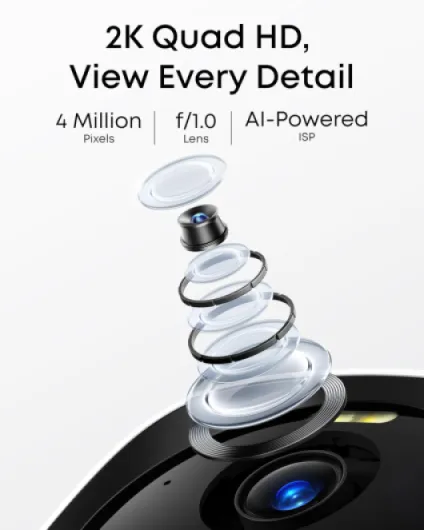
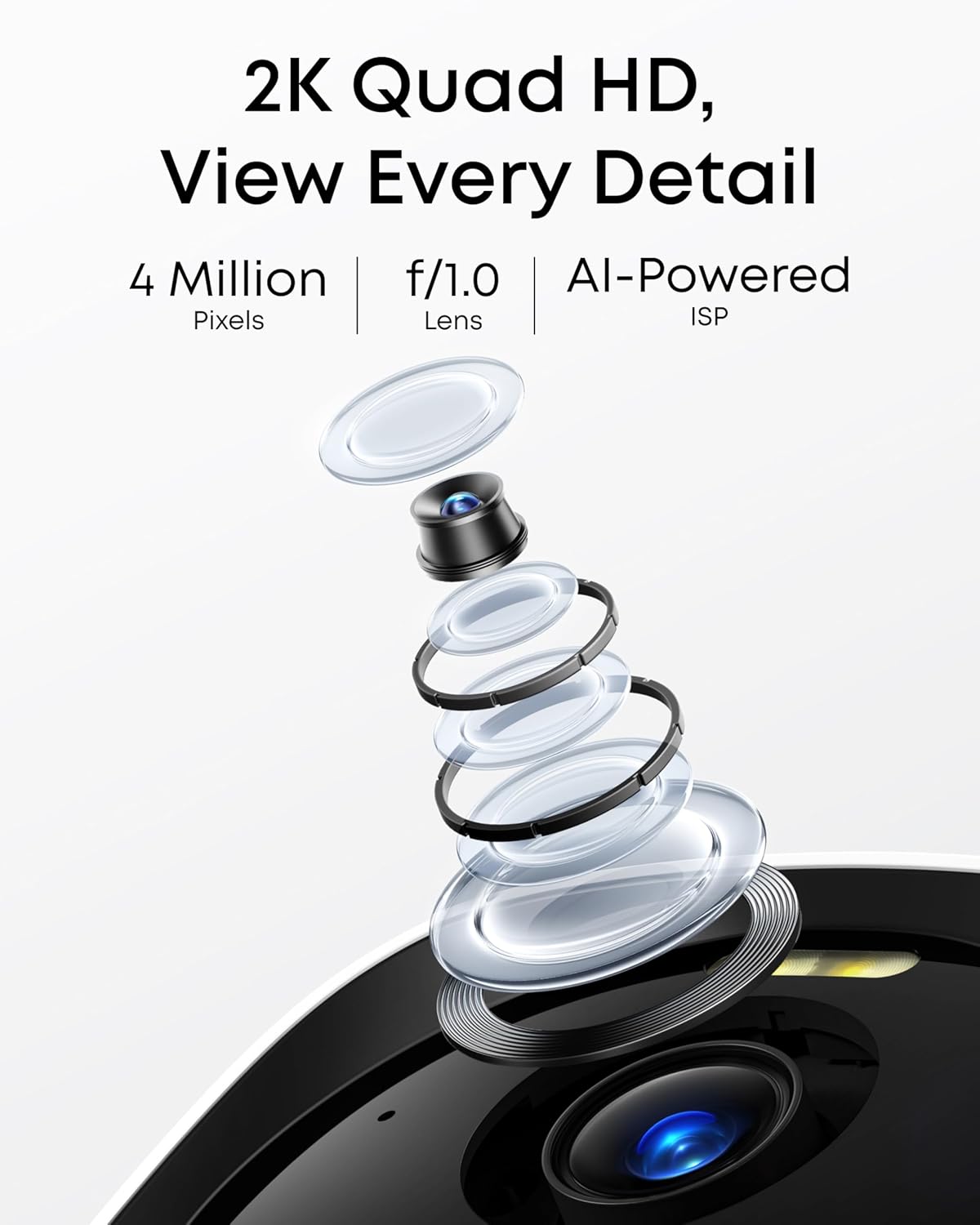
High resolution video is only useful if your storage plan can handle it. Many of the best security cameras with cloud storage now offer 2K or 4K video, which consumes more bandwidth and space than older 1080p models. When you select a cloud storage tier, confirm whether it supports the full resolution of your camera or compresses it heavily.
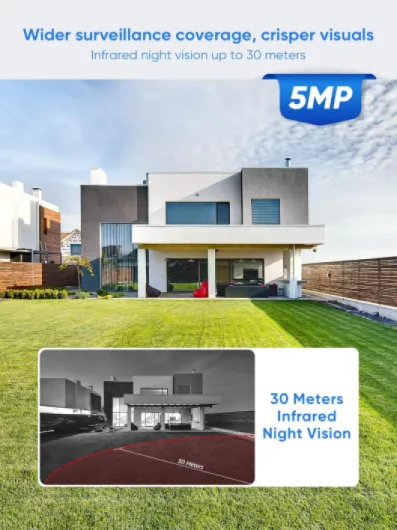
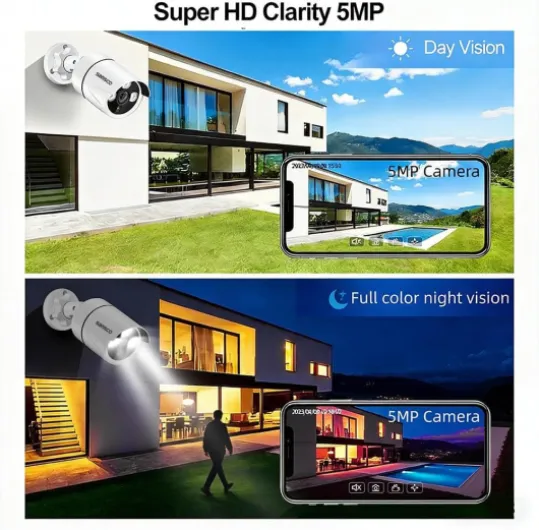
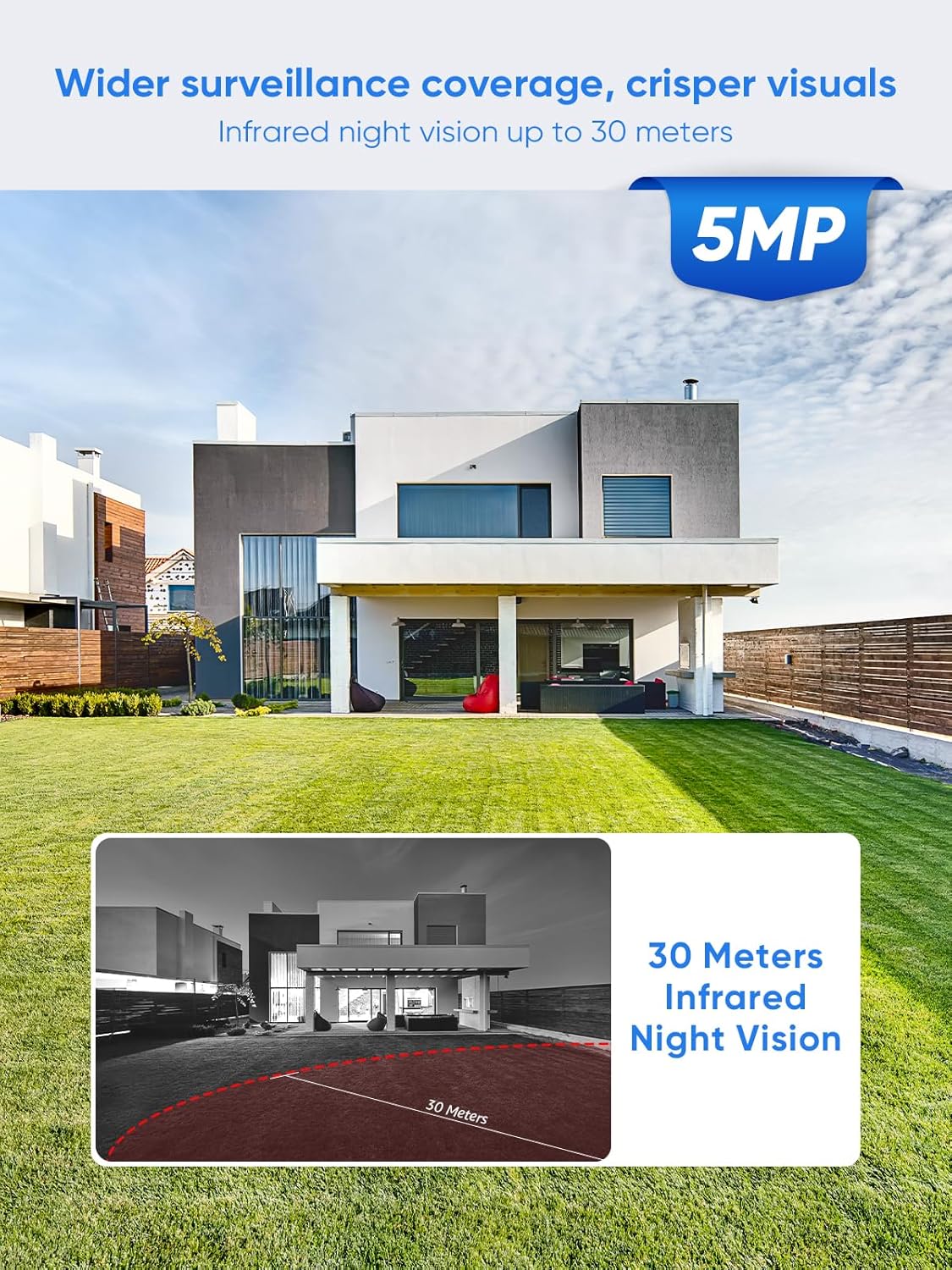
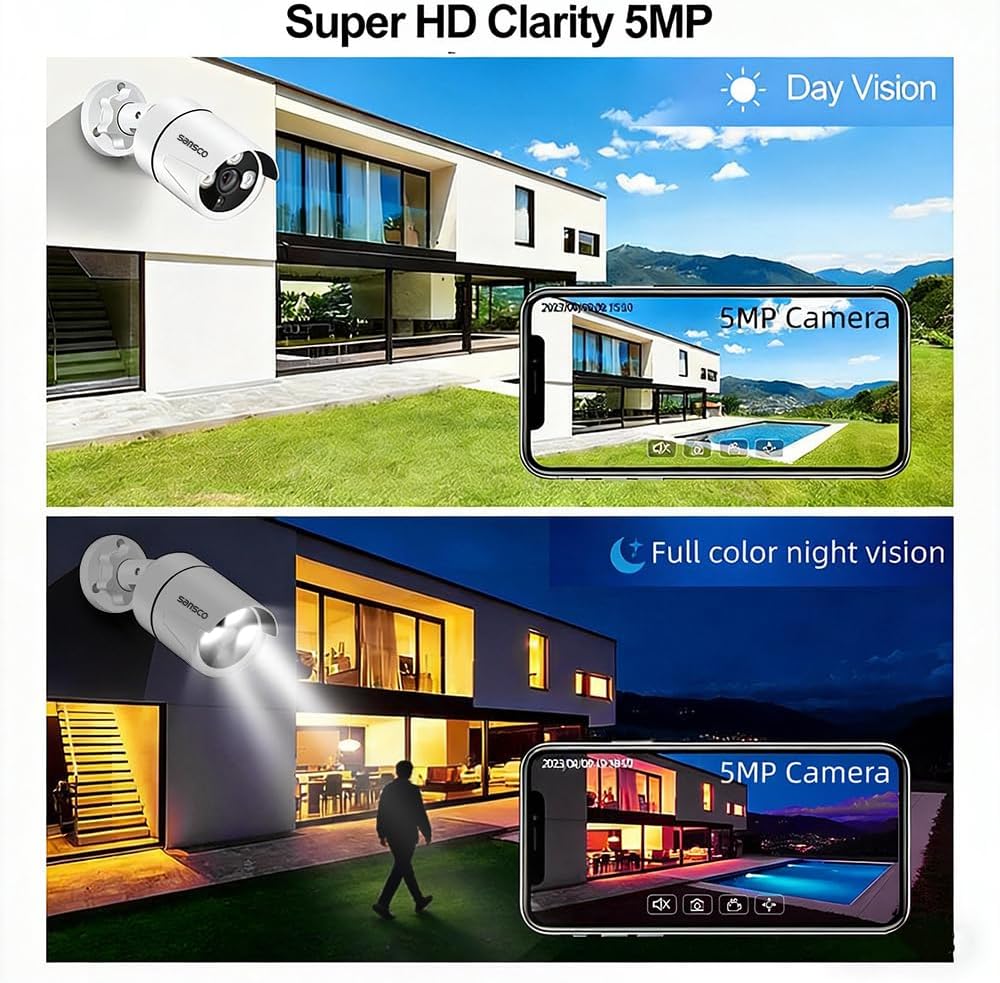
Night vision performance is crucial for outdoor security cameras that watch driveways and gardens. Traditional infrared night vision produces black and white images, while newer color night systems use a spotlight or low light sensors to capture more detail. Color night footage stored in the cloud can reveal clothing colors or vehicle details that matter in an investigation.
The field of view describes how wide an area a camera can see. A wide field view can replace several narrow cameras, which reduces both hardware price and cloud storage costs. However, extremely wide lenses may distort edges, so test how readable faces and license plates remain in your chosen security camera.
Pan tilt cameras add mechanical movement to cover larger spaces such as open plan living rooms. A pan tilt cam with cloud storage can follow motion and upload only the relevant video segments, which saves space compared with continuous recording. In contrast, a fixed indoor cam with a narrower field of view may need continuous recording to avoid missing events.
Compression technology also affects how much video storage you actually use. Modern codecs such as H.265 can cut file sizes significantly while preserving detail, which is valuable when you pay for cloud storage by the gigabyte. If you want to refine your selection further, consult this guide on how to pick the right security camera for your home and compare how each model balances resolution and storage.
Audio quality should not be ignored when you evaluate image performance. A camera with audio that captures clear speech can be as important as sharp video, especially for disputes about deliveries or access times. When both video and audio are stored securely in the cloud, you gain a more complete record of what happened.
Costs, subscriptions and how to read the fine print
Understanding the true price of cloud storage is essential before you commit to any security camera ecosystem. Many brands advertise a low regular price for the hardware, then rely on subscription fees for long term revenue. A temporary sale price can be attractive, but you should always calculate the total cost of ownership over several years.
Start by listing how many security cameras you plan to install now and in the future. Some cloud storage plans charge per camera, while others offer a flat fee for multiple cameras with shared video storage. If you expect to add an outdoor video doorbell, a garage cam, and extra indoor cameras later, a multi device plan may be more economical.
Free tiers can be useful for testing, but they often include strict limits. A free plan might store only a few days of video, support a single camera with basic alerts, or exclude advanced features such as person detection. For serious home security, most households eventually move to a paid subscription that matches their risk profile.
Look closely at how each provider handles events, clips, and continuous recording. Some subscriptions store only motion based clips, which is efficient for battery powered cameras but may miss subtle incidents. Continuous recording uses more cloud storage, yet it can be vital for high risk entrances or shared spaces where disputes are common.
Promotional offers can obscure the long term price sale of a system. A bundle that includes several cameras with a discounted subscription for the first year may jump sharply once the promotion ends. Before you buy, write down the regular price of the subscription and compare it with similar plans from other brands.
Finally, consider the value of premium features such as advanced alerts, rich notifications, and extended retention. If you rarely review footage, a basic plan with shorter history may be enough. If you manage a busy household or a home based business, paying more for longer video storage and smarter alerts can be a rational investment in security.
Battery life, reliability and what happens when the internet fails
Battery performance directly affects how reliable your cloud based security cameras will be. A battery powered camera with efficient motion detection and compression can last weeks or months between charges. In contrast, a poorly optimized cam that uploads constant video will drain its battery quickly and leave gaps in your coverage.
Outdoor spotlight cameras often consume more power because they drive LEDs for color night vision. When these spotlight cameras with cloud storage trigger frequently on passing cars or animals, their battery life can shrink dramatically. Adjusting motion zones and sensitivity helps balance security with practical maintenance intervals.
Think about how your system behaves when Wi Fi or broadband fails. Some security cameras can buffer video locally and upload it to the cloud once the connection returns, which preserves critical events. Others simply stop recording, leaving you with no video storage during outages.
Hybrid models that combine local cards with cloud storage offer extra resilience. If the internet drops, the camera continues to save video and audio locally, then syncs later to the cloud. This approach is especially valuable for a front door video doorbell or key outdoor cam that you rely on for evidence.
Reliability also depends on how often the manufacturer updates firmware and apps. Reputable brands that integrate with Google Nest or Amazon Alexa Google ecosystems usually maintain regular security patches. When you evaluate the best security cameras with cloud storage, check user reports about uptime, app stability, and support responsiveness.
Finally, consider physical durability and weather resistance for outdoor security cameras. A robust housing with proper ingress protection keeps the camera working through rain, dust, and heat, which protects your investment in cloud storage. For indoor cams, reliability often comes down to stable power, good Wi Fi, and a well designed app that handles alerts gracefully.
Buying guide: matching storage choices to real homes
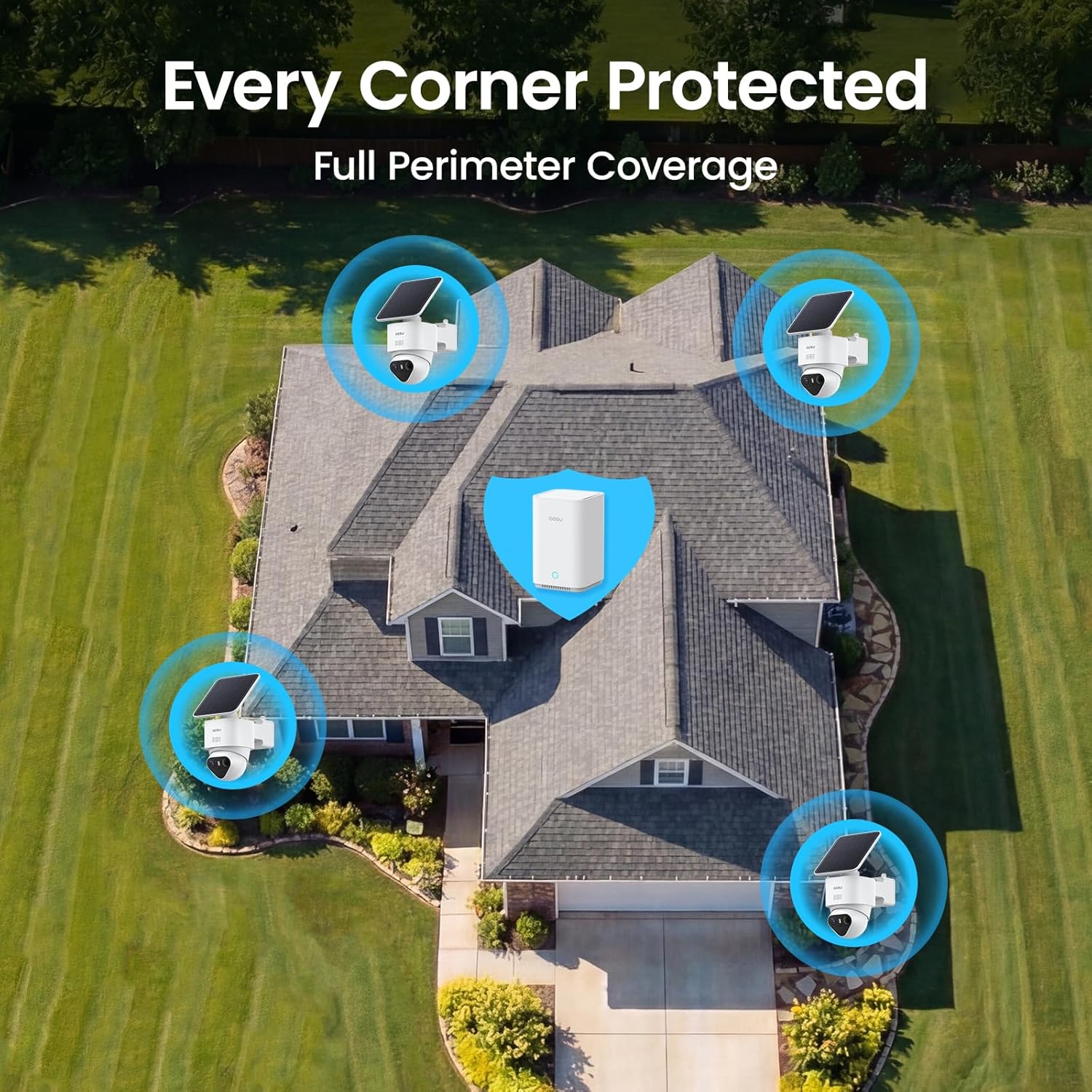
Choosing between cloud and local storage is easier when you map it to real scenarios. A small apartment with one indoor cam and a single video doorbell might work well with free cloud storage and occasional clips. A larger home with several security cameras around the perimeter usually needs a structured subscription and clear retention policies.
For families, smart features such as person detection, package alerts, and with audio communication often justify a paid plan. Parents may want indoor cameras with cloud storage in shared spaces, while keeping private areas free of surveillance. In these cases, a mix of continuous recording at entrances and event based clips elsewhere balances privacy and security.
Remote workers and home based businesses have different needs again. A camera with audio and high resolution video in a home office can document meetings or deliveries, especially when stored securely in the cloud. For sensitive work, combining cloud security with strong passwords and two factor authentication is non negotiable.
When you compare models, list the features that truly matter to you. Some people prioritize color night vision and a wide field view outdoors, while others care more about discreet indoor cams with strong microphones. Pan tilt cameras can reduce blind spots in large rooms, but fixed lenses are often simpler and more reliable.
Remember that the best security cameras with cloud storage for one household may be excessive for another. A single Nest Cam tied into a broader Google Nest ecosystem can be ideal for a minimalist setup. A tech enthusiast might prefer several brands of cameras with different strengths, as long as each camera with cloud storage fits into a coherent plan.
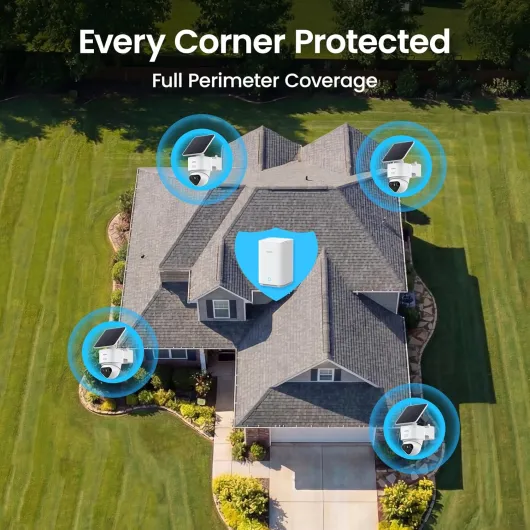
Before you buy, sketch your property, mark key entrances, and decide where each security camera will go. Estimate how much video storage you will generate each day and match that to a realistic subscription tier. This methodical approach turns a confusing market of cameras, apps, and prices into a tailored security system that fits your life.
Key statistics about home security cameras and cloud storage
- According to data from Parks Associates, more than 30 % of US broadband households now own at least one security camera, and a growing share of these devices rely on cloud storage rather than local only recording (Parks Associates, 2024).
- Research from Strategy Analytics shows that battery powered cameras account for over 40 % of new smart security camera shipments, reflecting consumer demand for flexible placement without wired power (Strategy Analytics smart home report, 2023).
- A study by the National Institute of Standards and Technology reported that enabling two factor authentication can reduce the risk of unauthorized access to cloud based accounts, including cloud security camera services, by more than 90 % compared with password only setups (NIST Digital Identity Guidelines, 2020).
- Market analysis from Omdia indicates that video doorbell sales have grown at double digit annual rates, driven largely by integration with cloud storage plans that offer clip history and smart alerts for packages and visitors (Omdia smart home devices outlook, 2023).