Resolution, video quality, and how much detail you really need
Many people assume that the best HD security cameras must always offer the highest possible resolution. In reality, the right balance between resolution, bandwidth, and storage depends on how you use each security camera and where it is installed. A 1080p indoor cam in a small hallway can be perfectly adequate, while a 2K or 4K outdoor cam over a wide driveway may justify the extra detail and cost.
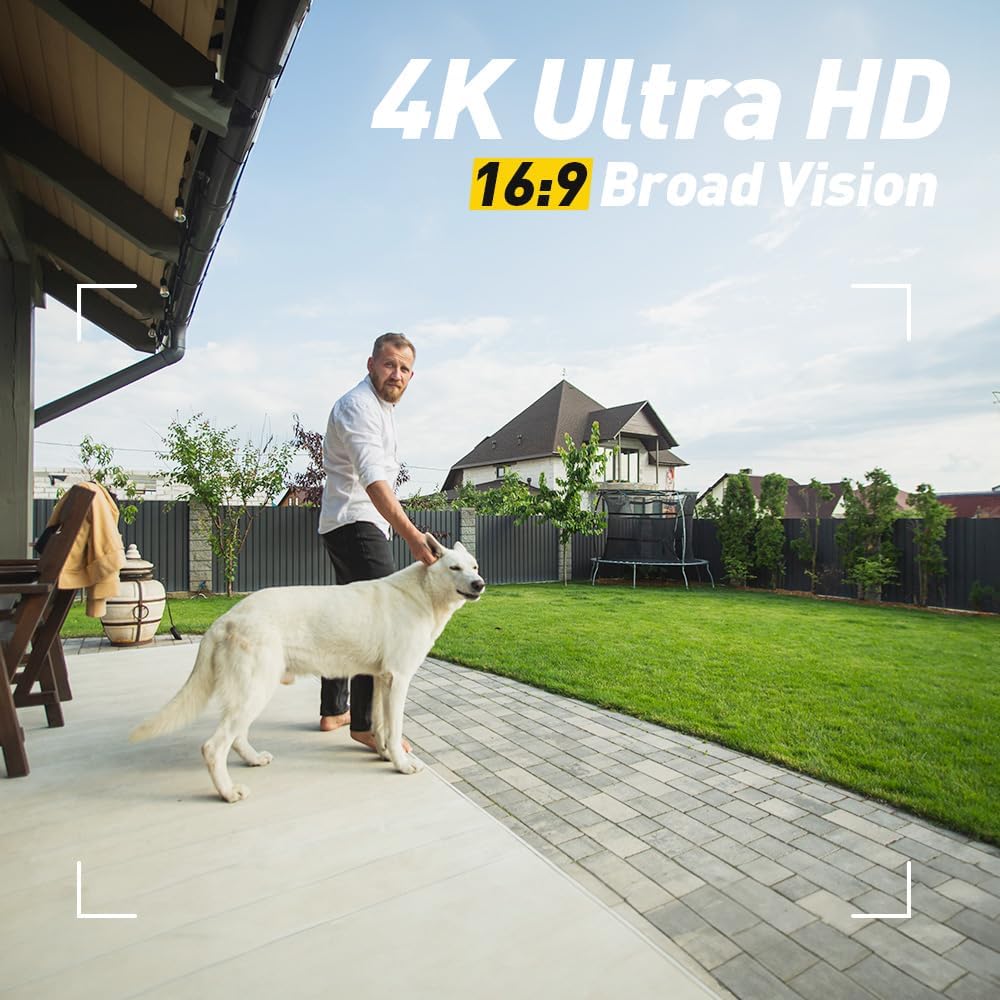
Higher resolution improves video quality when you zoom in on recorded clips, especially for identifying faces or reading vehicle plates. However, every step up in resolution increases the amount of data sent over your Wi Fi network and stored in local or cloud storage. Before you invest in several cameras, it is worth reading a detailed comparison such as this guide on 1080p versus 2K resolution in home security cameras to understand the trade offs.
Motion detection settings also influence how much video storage you will need. A camera that records continuously at maximum resolution will fill a local drive or cloud storage plan quickly, while smart motion detection can limit clips to relevant events. Look for cameras that allow you to adjust sensitivity, create activity zones, and filter alerts by people, vehicles, or packages to avoid unnecessary recordings.
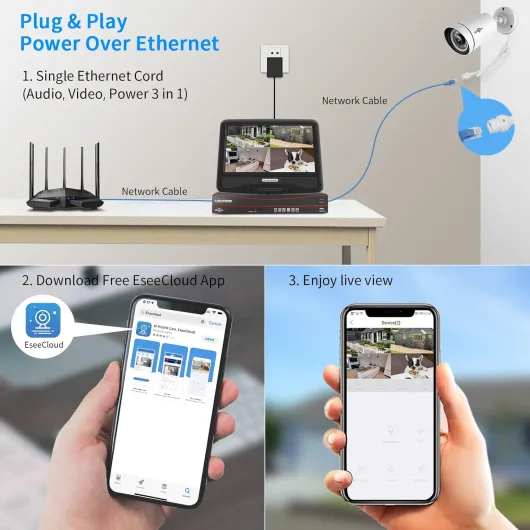
Real time performance matters whenever you rely on live view to check a noise outside or respond to a doorbell alert. A well designed cam pro should open a live view within a few seconds, with minimal lag between what happens in front of the lens and what you see on your phone. If your cameras support pre roll, they can even capture a few seconds of video before motion detection triggers, giving you crucial context about how an event started.
Dual band Wi Fi support can help maintain stable video quality across several cameras. When a camera can connect to both 2.4 GHz and 5 GHz bands, it can adapt to congestion and distance, improving reliability for real time streaming. For larger homes or multi cam systems, pairing dual band cameras with a strong router or mesh network often prevents buffering and dropped connections during critical moments.
Connectivity, smart home integration, and network reliability
Connectivity is the backbone of any system built around the best HD security cameras. A camera with excellent optics but unstable Wi Fi will fail you when you need it most, especially during live view checks or when you review motion detection clips. Start by mapping where you plan to place each indoor cam and outdoor cam, then test signal strength in those locations before drilling any wall mount holes.
Dual band Wi Fi cameras offer more flexibility for complex homes. The 2.4 GHz band travels farther and penetrates walls better, while the 5 GHz band supports higher data rates for smoother video streaming at high quality settings. For a deeper look at network capable models, you can consult a specialised overview of top dual band Wi Fi security cameras that explains how different brands implement roaming and interference management.
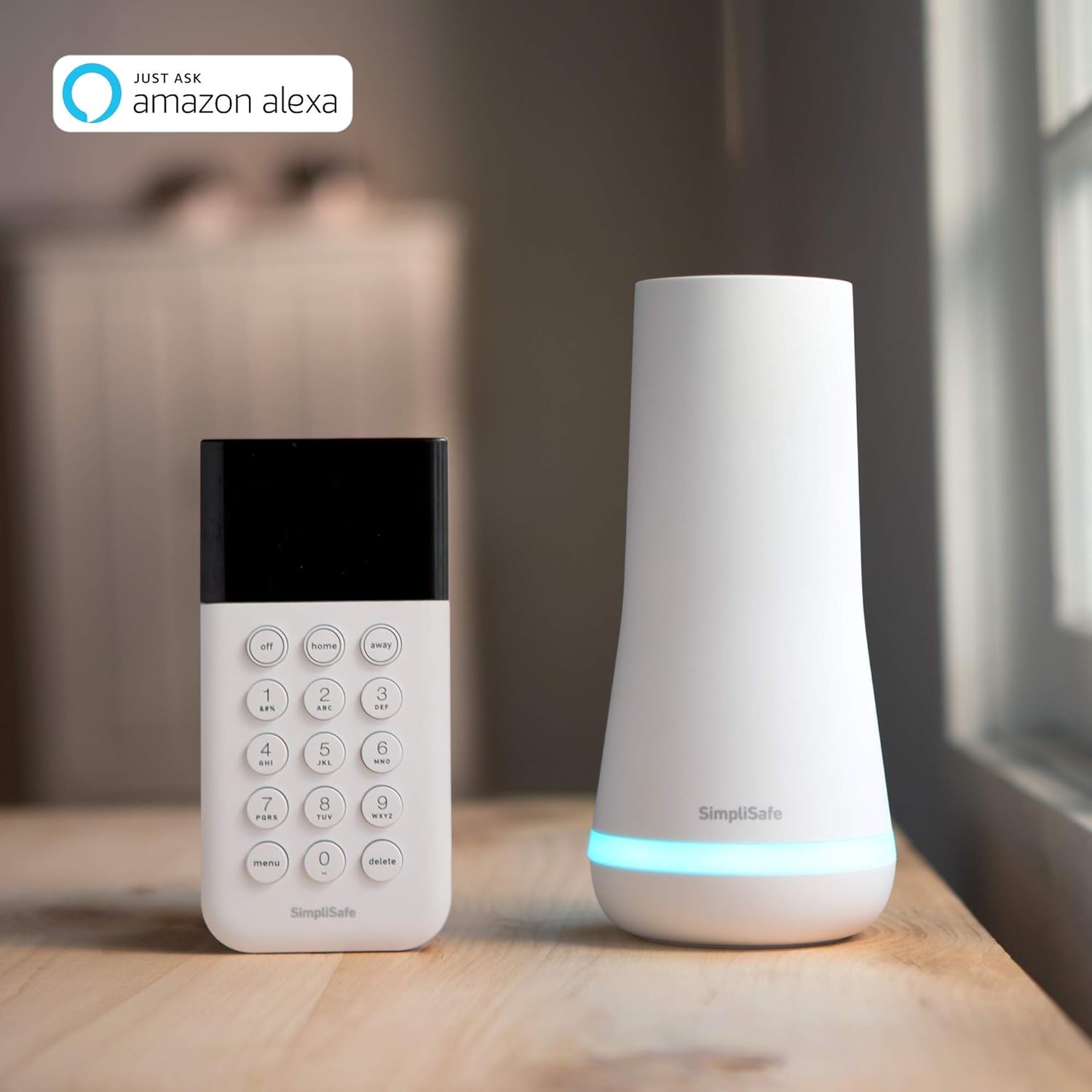
Smart home integration is another key criterion when comparing the best HD security cameras. Many popular models from Ring, Arlo, and Lorex now work with voice assistants such as Alexa, allowing you to call up a live view on a smart display or TV with a simple command. When a security camera integrates smoothly with your existing ecosystem, you can create routines that turn on lights, trigger a siren, or send alerts when motion detection occurs at specific times.
Some households prefer wired connections for critical cameras, especially those covering entrances or safes. A wired cam avoids Wi Fi congestion and power issues, providing consistent bandwidth for high resolution video and reliable audio. If you choose wired security cameras, plan cable routes carefully, use weather rated conduits outdoors, and ensure your router or network switch can handle the total number of connected devices.
Cloud storage and local storage each have strengths and weaknesses that affect connectivity decisions. Cloud storage allows you to access video clips from anywhere and protects recordings even if a camera is stolen, but it usually requires a subscription and stable upstream bandwidth. Local storage on a network video recorder or hub reduces ongoing costs and keeps data on site, yet it demands careful configuration and sometimes more advanced network knowledge.
Indoor versus outdoor protection, night vision, and lighting choices
Indoor and outdoor protection impose different demands on the best HD security cameras. An indoor cam usually operates in stable temperatures and controlled lighting, so you can prioritise discreet design, strong audio, and flexible mounting options. Outdoor cam models must withstand rain, dust, and temperature swings while still delivering reliable video quality and motion detection performance.
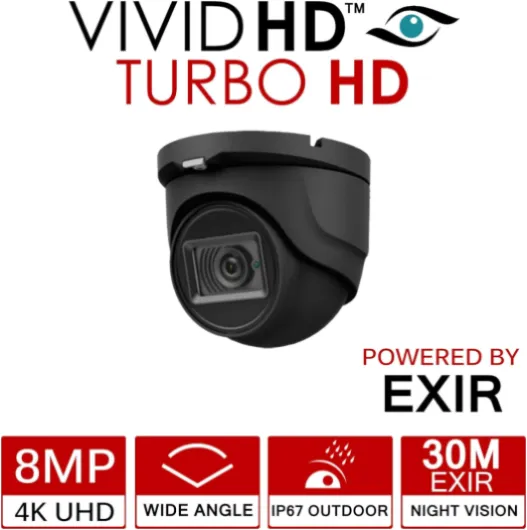
When you evaluate outdoor security cameras, pay close attention to weather resistance ratings and operating temperature ranges. A robust outdoor cam from brands such as Arlo or Lorex often carries an IP65 or higher rating, meaning it can handle heavy rain and dust without failing. Pairing these cameras with a solid wall mount and secure cabling reduces the risk of tampering and keeps the field view stable during strong winds.
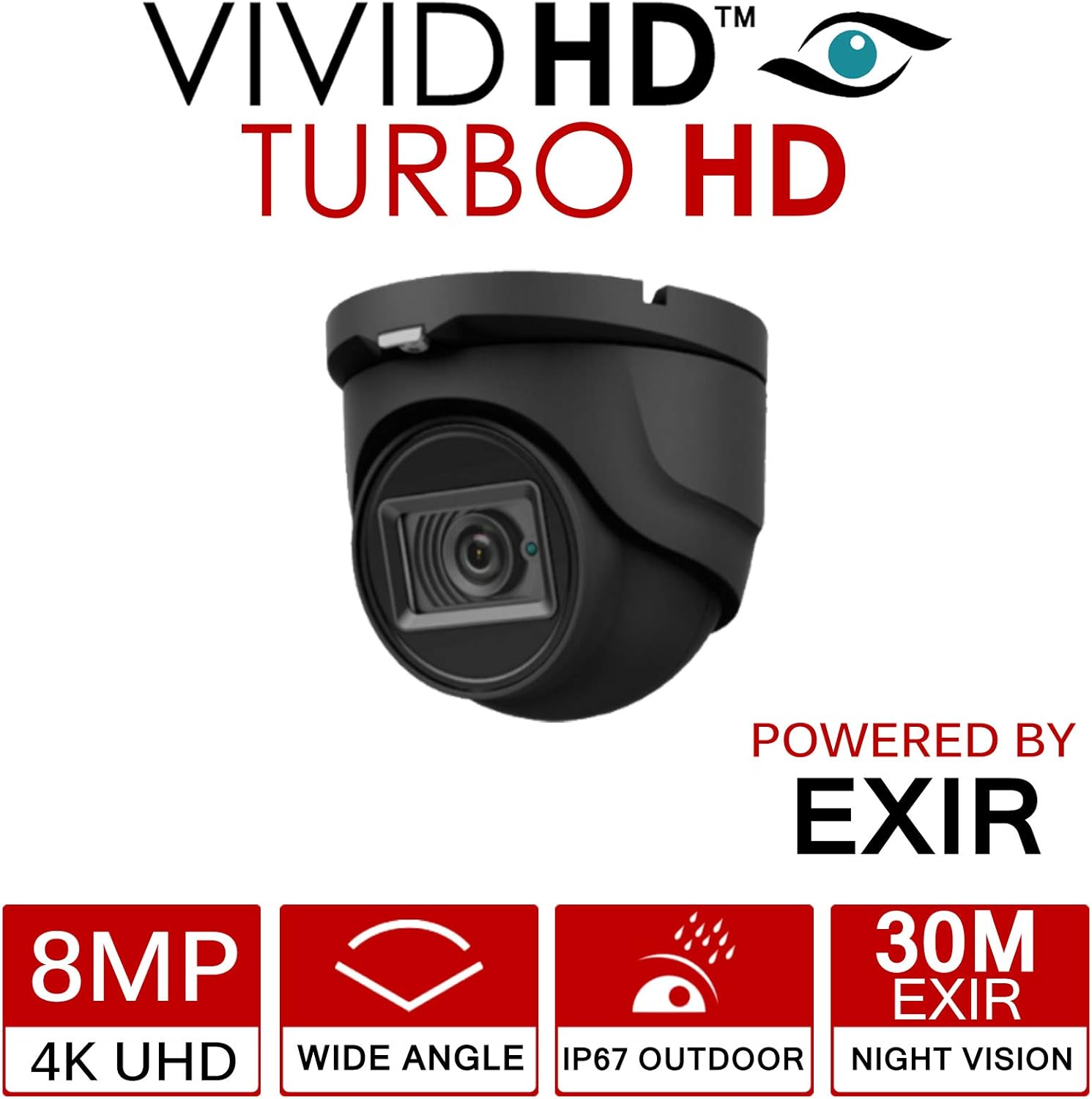
Night vision technology has advanced rapidly, reshaping what the best HD security cameras can capture after dark. Traditional infrared night vision produces monochrome images, which are still valuable for detecting movement and shapes at a distance. Newer color night systems use more sensitive sensors and supplemental lighting to retain colour information, making it easier to distinguish clothing, vehicles, and other details in low light.
Lighting strategy plays a major role in how well your security cameras perform at night. A floodlight cam combines a powerful light with a camera, providing both deterrence and excellent video quality when motion detection triggers the beam. In darker corners of a property, a standard outdoor cam with strong night vision may be sufficient, especially if you add separate motion activated lights to support the camera.
Audio behaviour changes between indoor and outdoor environments, so test microphones and speakers in real conditions. Wind, traffic, and echoes can affect how clearly you hear voices through the cam and how well visitors hear you during two way conversations. For critical entry points, consider pairing a high quality camera with a sheltered mounting position that protects both the lens and microphone from harsh weather.
Storage, subscriptions, and managing your video history
Behind every set of the best HD security cameras lies a storage strategy that determines how long you keep footage. Video storage can rely on cloud storage, local drives, or a hybrid approach, and each option shapes your ongoing costs and privacy posture. Before you buy a single security camera, estimate how many days of history you need and how many cameras will record simultaneously.
Cloud storage services from brands such as Ring, Arlo, and Lorex offer convenient access to clips from any connected device. These plans often scale by the number of cameras, so a multi cam system can become expensive if you keep high resolution recordings for several weeks. Read the fine print on retention periods, maximum resolution, and whether features like pre roll or advanced motion detection require higher tier subscriptions.
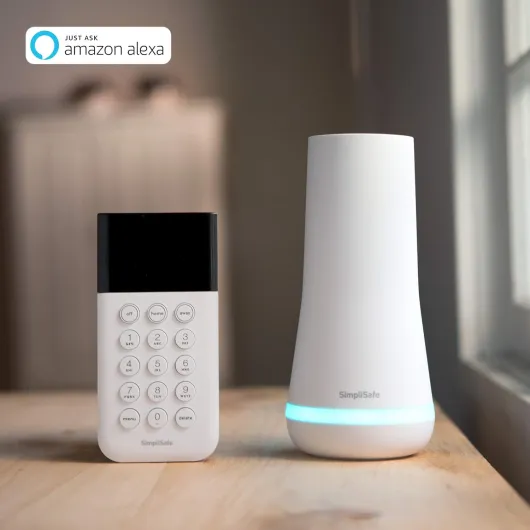
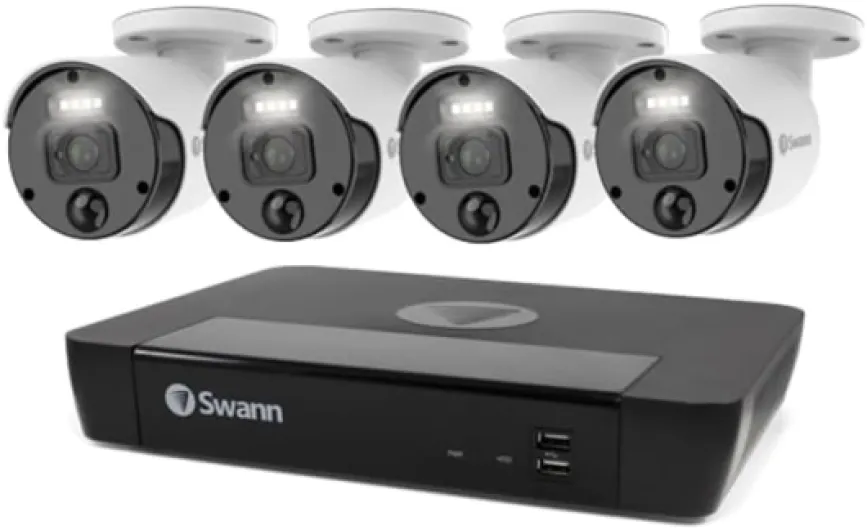
Local storage solutions range from microSD cards inside each camera to centralised network video recorders. A microSD card can be cost effective for a single indoor cam, but it becomes harder to manage when you deploy several cameras across your property. Central hubs, such as an all in one home security centre with expandable local storage and no monthly fee, can simplify management and improve reliability ; one example is described in this detailed review of a home hub that unifies security cameras, alarms, and live view playback.
Compression settings and motion detection rules directly affect how much video storage you consume. A camera that records only when motion detection identifies a person or vehicle will use far less space than one that records every movement of trees or pets. Fine tuning these settings for each security camera, especially in busy outdoor areas, can extend your storage window without sacrificing important evidence.
Privacy and data protection should guide your storage decisions as much as convenience. Keeping sensitive footage in cloud storage requires trust in the provider’s encryption and access controls, while local storage demands secure physical placement and strong passwords. Whichever route you choose, enable two factor authentication on your accounts, keep firmware updated, and review sharing settings regularly to maintain control over who can view your cameras and archived clips.
Placement, power, and practical tips for building a reliable system
Thoughtful placement often matters more than raw specifications when you assemble the best HD security cameras for your home. Start by mapping key zones such as entrances, driveways, garden paths, and interior choke points like staircases or hallways. Each security camera should have a clear field view of its target area without pointing directly at bright lights or reflective surfaces that could degrade video quality.
Mounting height and angle influence both security and privacy. A typical outdoor cam works well between 2,5 and 3 metres high, angled slightly downward to capture faces rather than just the tops of heads. Use a sturdy wall mount with tamper resistant screws, and avoid placing cameras where neighbours’ windows dominate the frame to respect local privacy regulations.
Power choices divide many buyers between wired and battery operated cameras. Wired cameras provide continuous power and stable performance, making them ideal for high traffic zones and devices like a floodlight cam that draw more energy. Battery powered cameras offer flexible placement and easier installation, but they require regular charging or solar panels, especially when motion detection triggers frequent recordings.
Integration with smart platforms such as Alexa can streamline daily use. Being able to call up a live view on a smart display, arm or disarm motion detection schedules with your voice, or receive real time alerts on multiple devices makes the system feel cohesive. When you mix brands such as Ring, Arlo, and Lorex, verify that each camera supports the same smart ecosystem to avoid fragmented control.
Finally, test your system as if you were an intruder rather than a homeowner. Walk around your property at night, approach doors and windows, and check whether cameras trigger motion detection promptly, record with clear night vision or color night detail, and send timely notifications. Adjust angles, update firmware, and refine settings until your multi cam network of indoor and outdoor cameras works as a coordinated shield rather than a collection of isolated devices.
Key statistics and trends in home security cameras
- According to Parks Associates, more than 30 % of broadband households in the United States now own at least one home security camera, reflecting rapid adoption of both indoor and outdoor models over the past decade.
- Research from Strategy Analytics indicates that over 60 % of newly sold consumer security cameras support at least 1080p HD resolution, while a growing share offers 2K or higher, underscoring the shift toward best HD security cameras with improved detail.
- A study by the UK’s Office for National Statistics found that homes using visible external security measures, including outdoor cameras and lighting, experienced significantly lower burglary rates compared with similar homes without such equipment.
- Consumer surveys by J.D. Power show that integration with smart home platforms such as Alexa and Google Assistant is now a top three purchase factor for security camera buyers, alongside video quality and price.
- Data from multiple insurance providers suggest that installing professionally positioned security cameras and alarm systems can reduce home insurance premiums by 5 to 15 %, depending on the insurer and the overall security package.
References
- Parks Associates – Market research on smart home device adoption.
- Strategy Analytics – Reports on global smart home and security camera trends.
- Office for National Statistics (UK) – Crime and burglary statistics related to household security measures.