
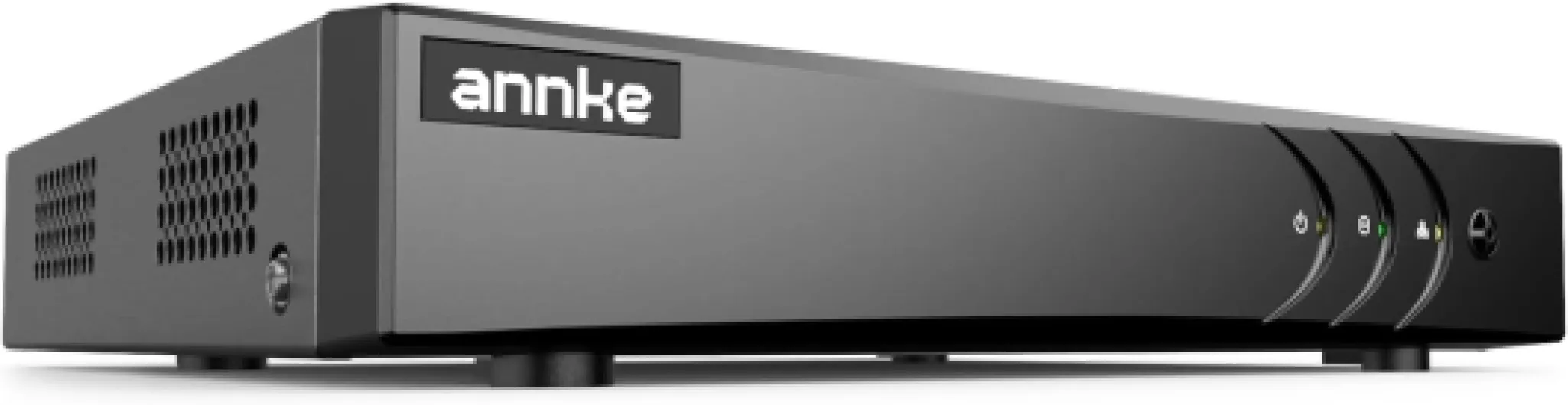
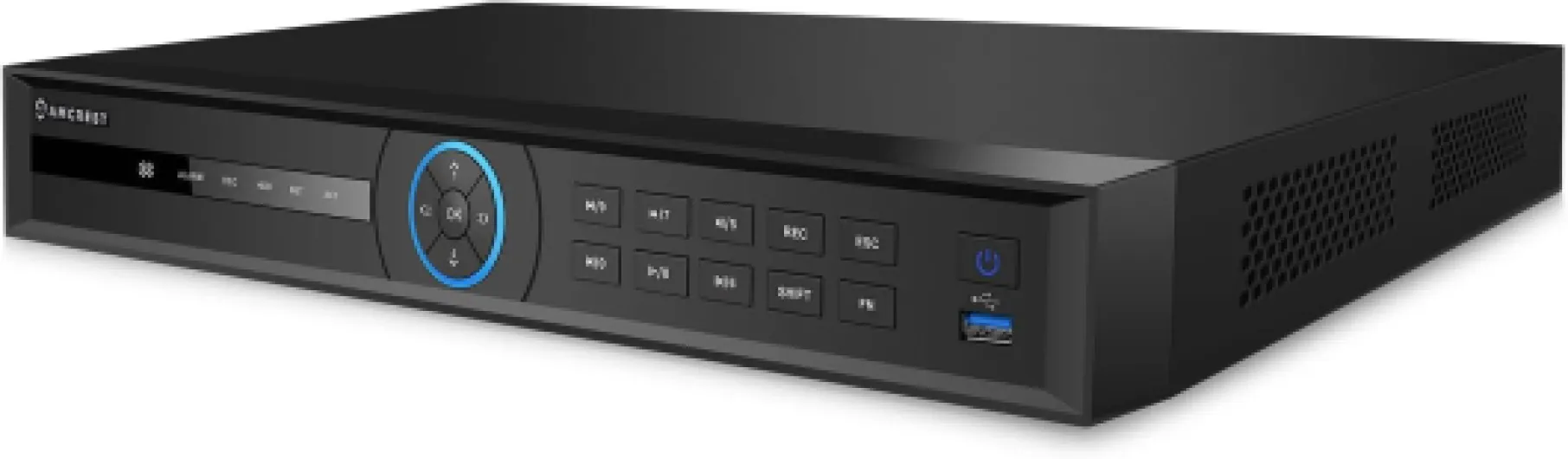
What is the ds-7632nxi-k2 and how does it work
Understanding the Role of a Network Video Recorder in Home Security
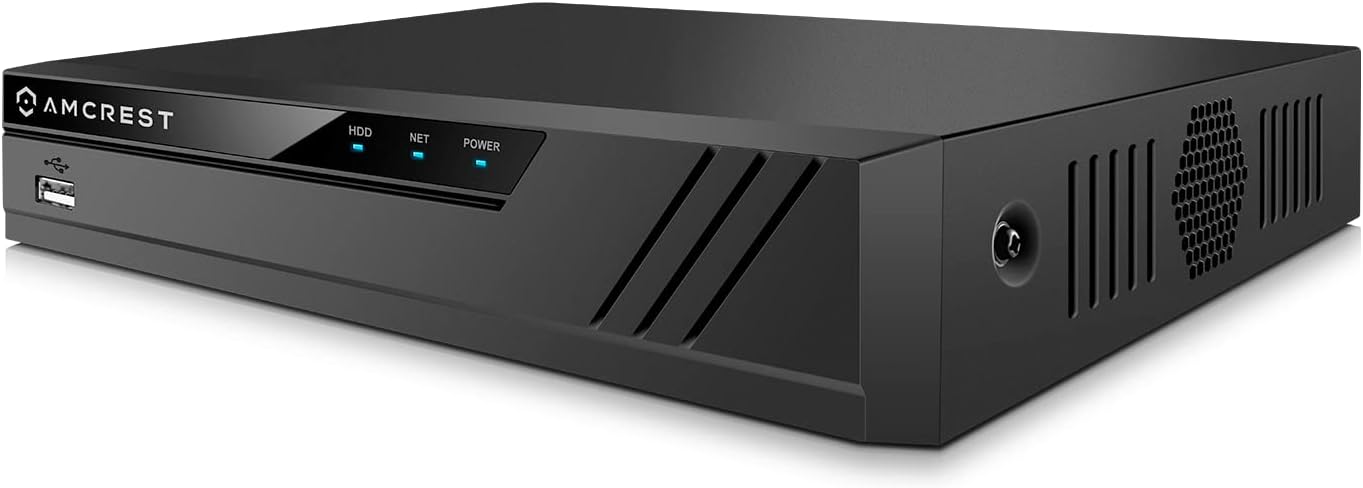
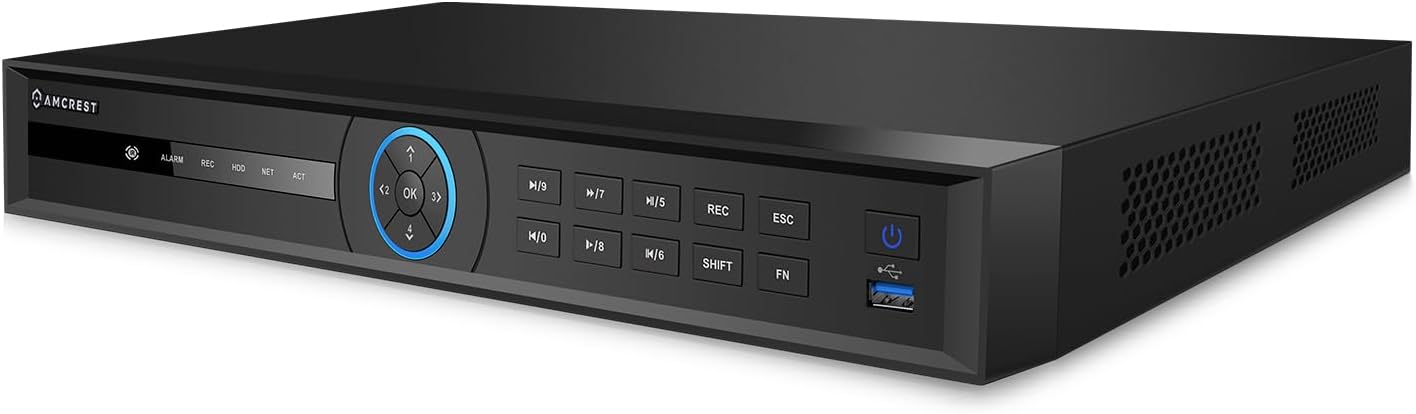
The ds-7632nxi-k2 is a network video recorder (NVR) designed by Hikvision, a recognized leader in security technology. This device acts as the central hub for your home surveillance system, connecting multiple cameras and managing both video and audio streams. With support for up to 32 channels, the NVR unit can handle a wide range of camera types, making it suitable for both small and large home environments.
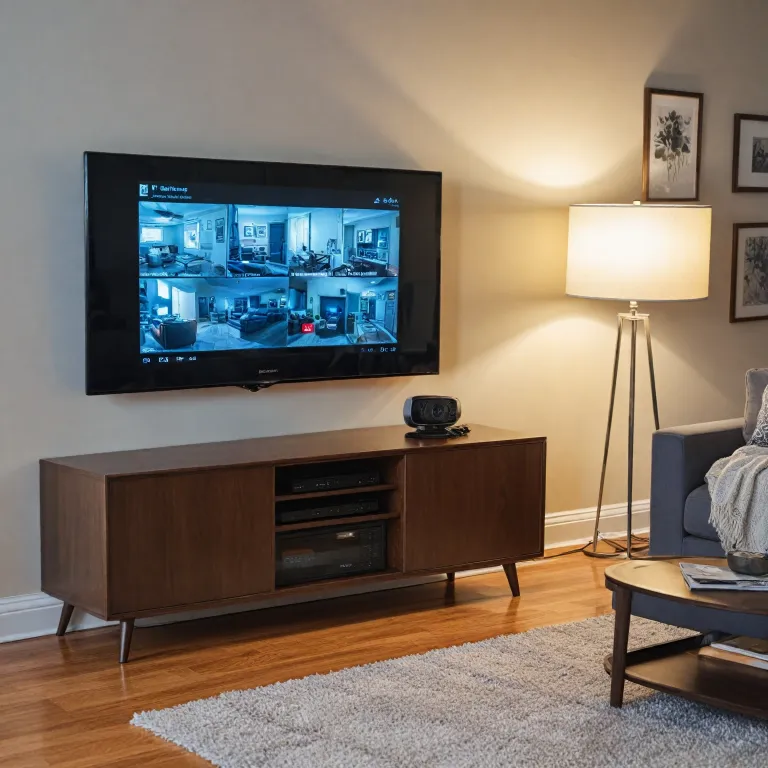
How the ds-7632nxi-k2 Functions in a Home Setup
At its core, the ds-7632nxi-k2 receives video input from network cameras through your home network. It stores footage on internal or external hard drives (HDD), which you can add via USB ports. This allows for scalable storage, depending on your needs and the number of cameras connected. The product supports high incoming bandwidth (up to 256 Mbps), ensuring smooth video recording and playback even when multiple high-definition streams are active.
- Facial recognition and motion detection are built-in analytics features, helping to identify people and detect unusual movement.
- Advanced playback decoding lets you review footage from several cameras at once, with synchronous playback across channels.
- The device supports audio recording, depending on your camera setup, for a more complete security solution.
- With support for Acusense NVR technology, the system can distinguish between human and vehicle movement, reducing false alarms.
Integration with your home network is straightforward, and the NVR’s web interface makes it easy to add cameras, manage channels, and configure settings. If you’re new to home security systems, you might want to learn more about choosing the right alarm system keypad for your home, as this can complement your NVR setup.
Why Choose the ds-7632nxi-k2 for Home Security?
This Hikvision NVR stands out for its robust analytics, including facial detection and recognition motion features. The ability to handle high outgoing bandwidth and multiple synchronous playback streams makes it a reliable choice for homeowners seeking better control and monitoring. Its price point is competitive for the features offered, and you can easily add it to your wishlist or cart when shopping online.
In the following sections, we’ll explore the key features that make this product suitable for home use, how to set it up, and how to integrate it with smart home devices for a seamless security experience.

Key features of the ds-7632nxi-k2 for home use
Advanced Video and Audio Capabilities
The ds-7632nxi-k2 is a network video recorder (NVR) designed for home security, offering robust video and audio features. With support for up to 32 camera channels, this device allows homeowners to monitor multiple areas simultaneously. The NVR unit supports high-definition video input and playback decoding, ensuring clear footage for both live viewing and recorded events. Audio recording is also available, depending on the connected camera models, which can be crucial for capturing important details during incidents.
Smart Motion and Facial Recognition
One of the standout features of the ds-7632nxi-k2 is its advanced analytics, including motion detection and facial recognition. The device leverages AcuSense technology, which enhances recognition motion accuracy by distinguishing between human and vehicle movement. This reduces false alarms triggered by animals or environmental factors. Facial detection and recognition facial capabilities help identify individuals, adding an extra layer of security. These analytics are especially useful for users who want better control over their home monitoring and alerts.
Flexible Storage and Connectivity
This Hikvision NVR supports multiple storage options, including USB and HDD connections, making it easy to expand storage as needed. The product's incoming bandwidth and outgoing bandwidth capacities are designed to handle high-resolution streams from several cameras without lag. With synchronous playback, users can review footage from different channels at the same time, which is helpful for investigating incidents across various locations in the home.
Integration and Usability
The ds-7632nxi-k2 is compatible with a wide range of Hikvision cameras and other ONVIF-compliant devices, allowing for flexible system expansion. Features like add wishlist and add cart options are often available through online retailers, making it easy to purchase and upgrade your system. The NVR also supports channel acusense, providing advanced analytics on each video stream. Decoding capabilities ensure smooth playback, even when multiple streams are active.
Value for Homeowners
When considering the price of the ds-7632nxi-k2, it's important to weigh its advanced features against other products in the market. The combination of facial recognition, motion detection, and high channel support makes it a strong contender for those seeking comprehensive home security. For homeowners interested in continuous monitoring, you may want to learn more about 24/7 recording security camera options to complement your NVR setup.
Setting up the ds-7632nxi-k2 in your home
Preparing Your Home for Installation
Before connecting your ds-7632nxi-k2 network video recorder, take time to plan where you want to place your cameras. Consider areas that need the most coverage, such as entry points, driveways, and backyards. Make sure your NVR unit is positioned in a secure, central location with access to power and your home network. This helps optimize both video input and outgoing bandwidth.Connecting Cameras and Devices
The ds-7632nxi-k2 supports up to 32 channels, so you can add multiple Hikvision cameras for comprehensive coverage. Use compatible network cameras that support features like facial recognition, motion detection, and audio analytics for better security. Connect your cameras to the NVR using Ethernet cables or via your local network, depending on your setup. The NVR unit offers several USB ports for adding external devices, such as a mouse or additional storage.Storage and Playback Setup
Install a compatible HDD in the NVR to store your video recordings. Check the product specifications for maximum supported storage capacity. For playback, the ds-7632nxi-k2 offers synchronous playback and advanced decoding, making it easy to review footage from multiple channels. The NVR’s playback decoding capabilities help you quickly find events using motion detection or facial analytics.Configuring Network and Bandwidth
Connect the NVR to your home network using an Ethernet cable. Adjust incoming and outgoing bandwidth settings to match your network’s capacity. This ensures smooth video streaming and recording, even when multiple cameras are active. The device supports high bandwidth Mbps rates, which is important for high-resolution video and analytics features like recognition motion and human vehicle detection.Initial System Setup and Customization
Power on the NVR and follow the on-screen setup wizard. You’ll be guided through steps to add cameras, set up motion detection zones, enable facial detection, and configure audio settings. The interface allows you to add wishlist cameras or features for future upgrades. You can also set up notifications for motion or facial recognition events, helping you stay informed about activity around your home. For a detailed walkthrough on connecting your cameras and optimizing your network video recorder, check this guide to setting up your wireless security system at home.Tips for a Smooth Setup
- Use high-quality Ethernet cables to ensure reliable video and audio transmission.
- Regularly update your NVR firmware for better performance and security.
- Label your camera channels for easier management and playback decoding.
- Monitor bandwidth usage to avoid network slowdowns, especially with high channel acusense or analytics features enabled.
Integrating the ds-7632nxi-k2 with smart home devices
Connecting Your NVR to Smart Home Platforms
Integrating the ds-7632nxi-k2 network video recorder with your smart home devices can make your home security setup more efficient and user-friendly. The NVR unit supports a wide range of network video cameras, and its compatibility with popular smart home ecosystems allows for seamless operation. Many users appreciate the ability to manage video input, playback decoding, and even facial recognition features from a single interface.
Key Integration Steps
- Network Configuration: Ensure your NVR is connected to your home network. This allows for remote access, real-time video monitoring, and integration with other smart devices.
- Device Pairing: Use the NVR’s interface to add compatible smart cameras, sensors, or audio devices. The ds-7632nxi-k2 supports up to 32 channels, making it suitable for larger homes or those seeking comprehensive coverage.
- Smart Notifications: Enable motion detection and facial recognition analytics. When the system detects a human or vehicle, it can send alerts to your smartphone or smart display.
- Voice Assistant Compatibility: Some Hikvision NVRs, including the nxi series, work with voice assistants. This allows you to view live feeds or playback video using simple voice commands.
Enhancing Security with Advanced Analytics
The ds-7632nxi-k2’s built-in AcuSense technology offers advanced recognition motion and facial detection. These analytics help reduce false alarms by distinguishing between human, vehicle, and other movements. Integrating these features with your smart home system ensures you receive relevant notifications, improving overall security and convenience.
Managing Storage and Bandwidth
When integrating with smart home devices, consider the incoming bandwidth mbps and outgoing bandwidth requirements. The NVR supports multiple USB and HDD options for expanded storage, so you can add more capacity as needed. Synchronous playback across channels lets you review events from different cameras at once, which is especially useful for larger properties.
Tips for a Better Smart Home Experience
- Regularly update your NVR firmware for the latest security and compatibility improvements.
- Use the add wishlist or add cart features on trusted retailers to track price changes for compatible devices.
- Check the product documentation for supported smart home platforms and recommended settings for optimal performance.
Troubleshooting common issues with the ds-7632nxi-k2
Addressing Video and Audio Issues
If your Hikvision DS-7632NXI-K2 network video recorder (NVR) is not displaying video from your cameras or the audio is missing, start by checking the physical connections. Ensure all network cables are securely attached and the cameras are powered. For audio, confirm that your camera models support audio input and that the audio settings are enabled in the NVR interface. Sometimes, a simple reboot of the NVR unit can resolve temporary glitches.Resolving Motion Detection and Analytics Problems
Motion detection and facial recognition are key features of this product. If you notice that motion or facial detection is not triggering as expected, verify that the detection zones and sensitivity settings are correctly configured in the NVR menu. For advanced analytics like human vehicle classification or recognition motion, make sure your cameras and the NVR support AcuSense technology. Firmware updates from Hikvision can also improve analytics performance and fix bugs.Managing Storage and Playback Decoding
If you are unable to view recorded video or experience lag during synchronous playback, check the status of your hard disk drive (HDD). The NVR supports multiple HDDs via USB, so ensure the drives are properly installed and formatted. High incoming bandwidth or too many channels active at once can affect playback decoding. Try reducing the number of simultaneous video streams or lowering the video quality settings to improve performance.Network and Bandwidth Considerations
Network issues can impact both live viewing and recording. Confirm that your router and switches support the required bandwidth Mbps for all connected cameras. The DS-7632NXI-K2 can handle high incoming and outgoing bandwidth, but exceeding its limits may cause dropped video or delayed analytics. Regularly monitor network usage and adjust camera resolutions or frame rates if needed.Expanding and Managing Channels
Adding new cameras or channels to your NVR is straightforward, but if you encounter issues, double-check the compatibility of the camera models and the maximum supported channels for your NVR unit. The DS-7632NXI-K2 supports up to 32 channels, including channel AcuSense features. Use the NVR’s interface to add devices and configure each channel for optimal recognition facial and motion detection.Other Common Troubleshooting Tips
- Keep your NVR firmware up to date for better stability and new features.
- Regularly back up important video footage to an external USB drive or network storage.
- If you experience issues after adding a new device, try removing and re-adding it to the system.
- For persistent problems, consult the official Hikvision support documentation or contact their technical support team.
By understanding these common issues and solutions, you can maintain reliable performance from your Hikvision NVR and ensure your home security system operates smoothly.
Privacy and data protection with the ds-7632nxi-k2
Protecting Your Video Data and Privacy at Home
When using a network video recorder like the ds-7632nxi-k2, privacy and data protection are essential. This device, designed by Hikvision, manages video streams from multiple cameras, including those with facial recognition and motion detection capabilities. As it stores and processes sensitive footage, understanding how to safeguard your data is crucial.- Secure Access Controls: Always set strong, unique passwords for your NVR unit and connected cameras. Enable two-factor authentication if available. Limit user accounts to only those who need access, and regularly review permissions.
- Encrypted Video Transmission: The ds-7632nxi-k2 supports encrypted network connections. Make sure to activate HTTPS and other encryption protocols to protect video and audio streams from interception, especially when accessing your system remotely.
- Firmware Updates: Regularly update your Hikvision device firmware. Updates often patch vulnerabilities that could expose your network video recorder to unauthorized access or malware.
- Data Storage Practices: Use secure USB or HDD storage for video recordings. If you add external drives, ensure they are formatted and encrypted. Set up automatic overwriting or scheduled deletion to avoid unnecessary retention of old footage.
- Privacy Settings for Analytics: Features like facial recognition, motion detection, and human vehicle analytics can enhance security but also raise privacy concerns. Configure these analytics to focus only on necessary areas, and inform household members about their use.
- Network Segmentation: Place your NVR unit and cameras on a separate network or VLAN from your main home devices. This reduces the risk of cross-device breaches and limits exposure if one device is compromised.
- Monitor Bandwidth and Access Logs: Keep an eye on incoming bandwidth and outgoing bandwidth usage. Unusual spikes may indicate unauthorized access or data transfer. Review access logs for any unfamiliar login attempts or playback decoding sessions.