
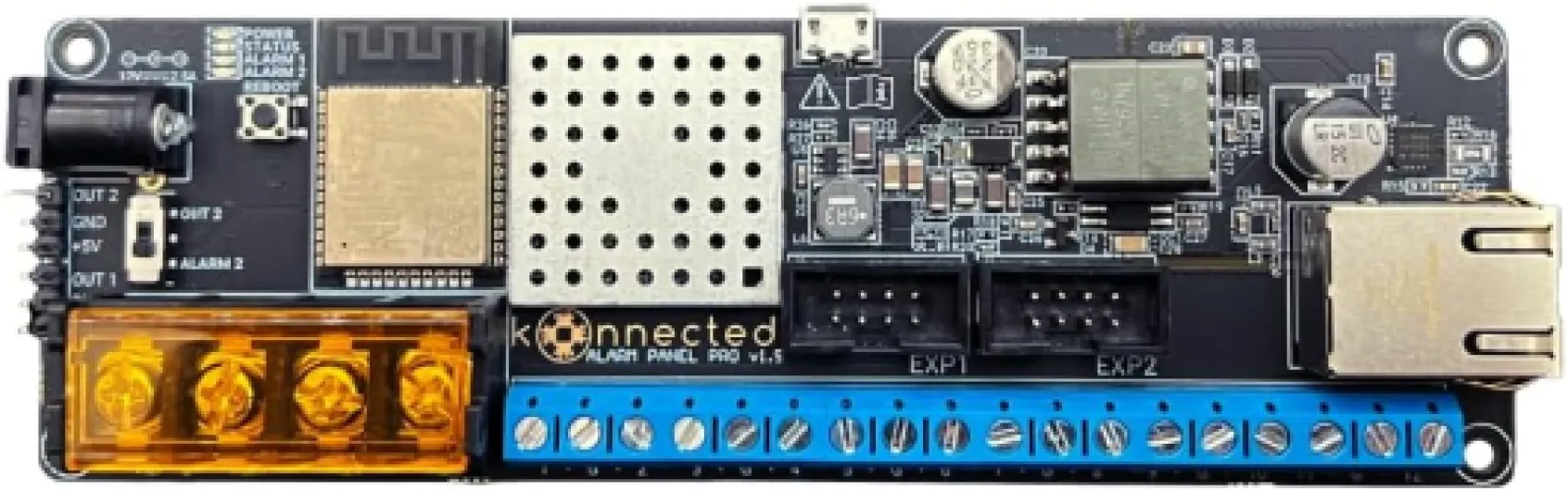
Understanding the role of an alarm system panel
The Central Hub of Your Security System
The alarm system panel acts as the brain of your home security setup. It connects and manages all your security devices, including sensors, cameras, and alarms. Whether you choose a wireless alarm or a traditional wired system, the control panel is where you arm, disarm, and monitor your security system. Modern panels, such as those from Qolsys or DSC, often feature touchscreen interfaces and support for various wireless frequencies like MHz and PowerG, making them compatible with a wide range of sensors and devices.
Why the Panel Matters for Home Security
Choosing the right control panel impacts not just the security of your home but also your daily convenience. A good panel should offer reliable alarm control, support for dual path communication (like AT&T LTE or Verizon LTE), and easy integration with security cameras. Some panels are built with video capabilities, allowing you to view live feeds directly from the touchscreen. Others offer remote access, letting you control your security system from anywhere.
- Integration: The panel links all your devices, from sensors to security cameras, creating a seamless system.
- Control: It serves as the main point for arming, disarming, and customizing your alarm settings.
- Communication: Dual path and LTE communicator options ensure alerts reach you even if one network fails.
- User Experience: Touchscreen panels and custom alpha displays make navigation and control straightforward.
For those interested in how security cameras can be part of your alarm system, this guide on choosing the best game camera for security at home offers practical insights.
As you explore different panels, consider the list price, delivery options, and whether free orders or delivery free promotions are available. The right panel not only enhances your security but also fits your budget and lifestyle.

Key features to look for in an alarm system panel
Essential Elements for a Reliable Alarm System Panel
When selecting an alarm system panel, focusing on the right features can make a significant difference in your home security. The control panel acts as the brain of your security system, managing sensors, cameras, and communication devices. Here are some of the most important features to consider:- Touchscreen Interface: Modern panels often include a touchscreen for easy navigation and control. A clear display helps you manage your security system, check alerts, and adjust settings quickly.
- Wireless Connectivity: Wireless alarm panels offer flexibility in installation and expansion. Look for systems supporting wireless sensors and devices, which can simplify setup and reduce wiring needs.
- Dual Path Communication: For reliable alerts, choose a panel with dual path communication—using both cellular (like AT&T LTE or Verizon LTE) and internet connections. This ensures alarm signals reach monitoring centers even if one path fails.
- Compatibility with Security Cameras: If you plan to integrate security cameras, make sure your panel supports video devices. Some panels, such as those from Qolsys or DSC, are built to work with a range of security cameras and sensors.
- Custom Alpha Display: Panels with custom alpha displays allow for personalized zone names, making it easier to identify which sensor or area is triggered.
- PowerG and MHz Support: For advanced wireless security, look for panels compatible with PowerG or similar high-frequency (MHz) sensors. These offer extended range and encrypted communication.
- Remote Access and Control: Many modern control panels offer remote access via smartphone apps, letting you arm, disarm, and monitor your system from anywhere.
- Expandable System: Choose a panel that supports adding more sensors, cameras, and devices as your security needs grow.
- Alarm Dual Functionality: Some panels provide both intrusion and environmental monitoring (like smoke or CO detection), offering broader protection.
Comparing Price and Value
Alarm system panels come in a wide price range. While the list price can be a deciding factor, consider what is included—such as free delivery, warranty, and support for free orders. Some security systems offer bundled panels and sensors, which can be more cost-effective. Always compare the panel list and features to ensure you get the best value for your investment.Popular Panel Options
A few well-known control panels in the market include:- Qolsys IQ Panel: Known for its intuitive touchscreen, wireless alarm compatibility, and built-in LTE communicator.
- DSC PowerSeries: Offers robust wired and wireless options, with support for PowerG sensors and dual path communication.
- Custom Alpha Panels: These panels provide advanced customization for zone labeling and system control.
Compatibility with home security cameras
Ensuring Seamless Integration with Security Cameras
When selecting an alarm system panel, it’s essential to consider how well it works with your home security cameras. Not every panel supports video integration, and this can impact your overall security system experience. Compatibility ensures that your alarm control panel and cameras communicate effectively, allowing you to monitor live feeds, receive alerts, and review footage directly from the panel or connected devices.
- Supported Devices: Look for control panels that are built to support a wide range of security cameras, including both wired and wireless options. Panels like Qolsys and DSC often offer robust compatibility with popular camera brands and models.
- Video Streaming and Storage: Some advanced panels feature built-in video streaming, letting you view camera feeds on a touchscreen display. Consider whether the panel supports dual path communication (Wi-Fi and cellular, such as AT&T LTE or Verizon LTE) for reliable video transmission. Storage options and footage retention policies are also important; for more on this, see security camera footage retention.
- Sensor and Camera Integration: The best security systems allow seamless integration between sensors and cameras. For example, when a door sensor is triggered, the system can automatically prompt the nearest camera to record or send a video alert to your phone.
- Remote Access and Control: Modern alarm control panels often come with mobile apps, enabling you to control your security system and view camera feeds remotely. This is especially useful for free delivery notifications or checking in on your property while away.
- Wireless and Wired Options: Wireless alarm panels offer easier installation and flexibility, while wired systems may provide more stable connections for video. Consider your home’s layout and your preference for wireless or wired security systems.
When comparing panel list price, factor in the cost of adding security cameras and any required LTE communicator modules. Some panels, like those with PowerG technology or custom alpha displays, may offer enhanced features for integrating video and sensors. Always check the manufacturer’s compatibility list to ensure your chosen panel supports your preferred security cameras and devices.
Wired versus wireless alarm system panels
Comparing Wired and Wireless Alarm System Panels
When selecting a control panel for your home security system, one of the most important decisions is whether to choose a wired or wireless alarm panel. Both options have their strengths, and the right choice depends on your home layout, budget, and security needs.
- Wired Alarm Panels: These systems use physical cables to connect sensors, cameras, and the main control panel. Wired panels, such as those compatible with DSC and custom alpha keypads, are known for their reliability and resistance to signal interference. They are ideal for homes with existing wiring or new constructions. However, installation can be more complex and may require professional help, impacting the overall price and delivery timeline.
- Wireless Alarm Panels: Wireless systems, like Qolsys or panel PowerG models, use radio frequencies (often in the MHz range) to communicate with sensors and devices. These panels are easier to install, making them a popular choice for DIY security systems. Wireless alarm panels often feature touchscreen controls and support for dual path communication (Wi-Fi and cellular, such as AT&T LTE or Verizon LTE). This flexibility allows for remote control and monitoring, which many homeowners appreciate. Wireless panels are also easier to expand with additional sensors or security cameras.
When comparing price, wireless alarm panels may have a higher list price due to advanced features like built-in LTE communicators and video integration. However, the savings on installation and the convenience of free delivery or free orders from some providers can offset the initial cost. Wired systems may have a lower panel list price, but installation costs can add up, especially if your home is not pre-wired for security systems.
Security systems with wireless alarm control panels are generally more adaptable to modern smart home devices. Many support integration with video security cameras, touchscreen control panels, and dual path communication for enhanced reliability. Wired panels, while robust, may require additional modules to connect with newer devices or to enable remote access.
Ultimately, the choice between wired and wireless alarm control panels comes down to your specific needs. Consider the complexity of installation, compatibility with existing sensors and security cameras, and the importance of features like remote control and dual path connectivity. Both types of panels can provide strong protection when matched to the right home environment and security system requirements.
User-friendly controls and remote access
Making Everyday Security Simple and Accessible
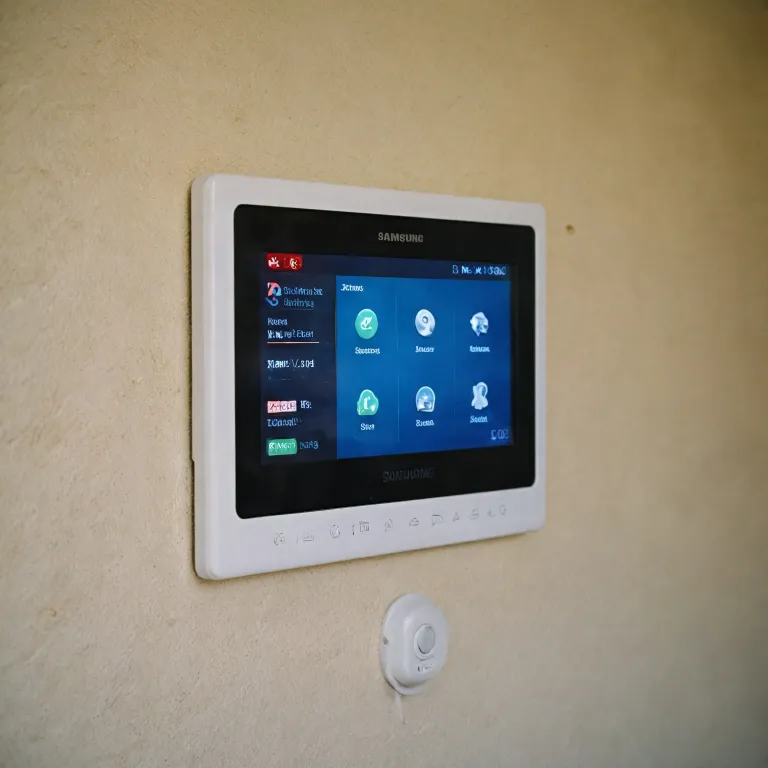
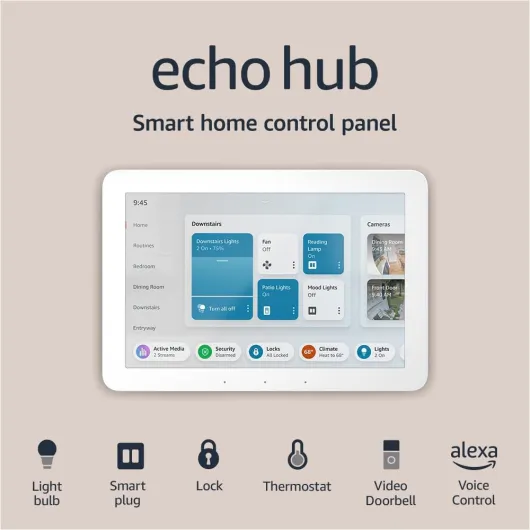
When choosing an alarm system panel, ease of use is a top priority for most homeowners. Modern control panels, like those from Qolsys and DSC, are designed with user-friendly interfaces. Many feature large, responsive touchscreens that make it easy to arm or disarm your security system, check sensor status, and view video feeds from your security cameras. Touchscreen panels also allow for quick navigation between settings and alerts, which is especially helpful in stressful situations.
Remote Access and Mobile Control
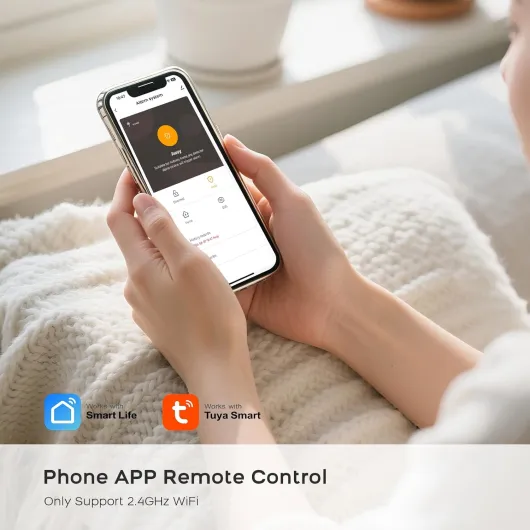
Today’s security systems often include remote access features, letting you control your alarm and monitor your home from anywhere. With wireless alarm control panels, you can use a smartphone app to:
- Arm or disarm your system remotely
- Receive instant alerts for triggered sensors or alarms
- View live video from connected security cameras
- Check the status of all connected devices and sensors
Look for systems that support dual path communication (Wi-Fi and cellular, such as AT&T LTE or Verizon LTE) for reliable remote access. This ensures you stay connected even if one network goes down.
Customizing Controls for Your Needs
Some panels offer custom alpha displays, letting you label sensors and zones in a way that makes sense for your home. This makes it easier to identify which sensor has been triggered. Advanced panels also support integration with smart home devices, so you can control lights, locks, and thermostats from the same interface.
Comparing Price and Features
When reviewing panel lists and list prices, consider what features are included. Some systems offer free delivery or delivery free on certain orders, and you may find bundled deals that include sensors or video devices. Wireless systems are often easier to install and move, while wired panels may offer more robust power options (like panel PowerG).
Key Takeaways
- Choose a panel with a clear, intuitive touchscreen for easy daily use
- Ensure remote access is available via a secure app, with dual path (Wi-Fi and LTE communicator) support
- Look for customizable controls and integration with other smart devices
- Compare panel list prices, delivery options, and included features before making a decision
Prioritizing user-friendly controls and remote access will make your security system more effective and convenient, helping you stay connected to your home’s safety at all times.
Maintenance and troubleshooting tips
Keeping Your Alarm System Panel Running Smoothly
Regular maintenance is essential to ensure your alarm control panel and connected security systems work reliably. Whether you use a wireless alarm panel like Qolsys or a traditional wired system, a little attention can prevent costly issues and keep your home secure.- Check Panel Power: Make sure your control panel is always powered. For wireless panels, inspect the backup battery and replace it as needed. For systems with LTE communicators (AT&T LTE or Verizon LTE), confirm cellular connections are stable.
- Test Sensors and Devices: Run regular tests on all sensors, including door, window, and motion detectors. Confirm that your security cameras and video devices are communicating with the panel. Many panels, like DSC or those with PowerG technology, offer built-in test modes.
- Update Firmware: Manufacturers often release free updates to improve security and add features. Check for updates for your touchscreen control panels or custom alpha displays. Keeping software current helps prevent vulnerabilities.
- Inspect Wireless Connections: For wireless alarm systems, ensure all devices are within range. Interference from other electronics can disrupt communication between sensors and the main panel.
- Review Alarm Dual Path Settings: Dual path systems use both internet and cellular connections. Test both paths regularly to guarantee alerts are sent even if one method fails.
- Monitor Delivery Free Offers: When ordering replacement parts or new sensors, look for free delivery or delivery free promotions to save on price. Compare the list price and panel list options before purchasing.
Troubleshooting Common Issues
If your alarm system panel displays errors or fails to respond, try these steps:- Restart the Panel: Power cycling can resolve minor glitches in most control panels, including touchscreen models.
- Check Wireless Frequency: Ensure your wireless devices are compatible with your panel’s MHz frequency (such as 319.5 MHz or 345 MHz). Mismatched frequencies can cause communication failures.
- Review System Logs: Many security systems provide logs or alerts. Use these to identify which sensor or device is causing the issue.
- Consult the Manual: Each alarm control panel has unique troubleshooting steps. Refer to the manufacturer’s documentation for guidance on error codes or connectivity problems.