
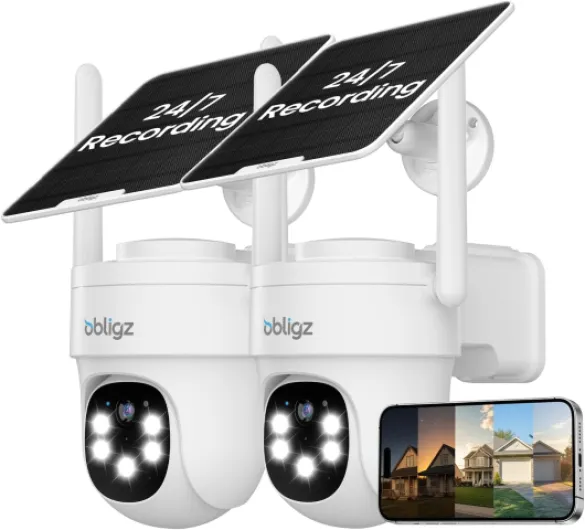
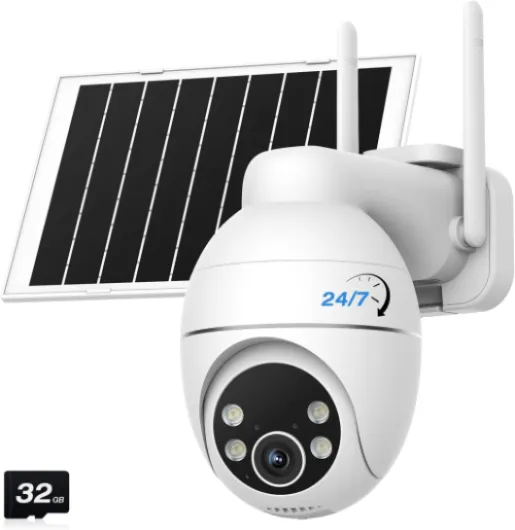
Understanding 24 7 recording security cameras
What does 24 7 recording really mean for home security?
When exploring home security options, you might come across the term 24 7 recording security camera. This simply means the camera is designed to record video continuously, day and night, without interruption. Unlike cameras that only activate when they detect motion, a continuous recording camera captures every moment, providing a complete record of what happens in and around your home.
Continuous video recording is available in both indoor and outdoor cameras. Many modern models, such as those from Tapo and other smart brands, offer features like wifi connectivity, night vision, and even dual lens setups for wider coverage. Whether you need a wifi indoor camera for your living room or a battery powered outdoor camera for your backyard, there are options that support 24 7 recording mode.
- Continuous recording ensures you never miss an event, even if motion detection fails or is delayed.
- Many security cameras now come with smart app support, making it easy to set up, monitor, and save footage from anywhere.
- Features like color night vision and dual band wifi improve video quality and reliability, especially in challenging conditions.
Choosing the right recording camera for your home depends on your specific needs, such as storage capacity, motion detection preferences, and whether you want indoor security or outdoor coverage. For a deeper dive into selecting and using the best security camera for your home, check out this practical guide to home security cameras.
As you continue your research, you’ll find that understanding the basics of 24 7 recording is just the start. The next steps involve weighing the benefits, comparing features, and considering how to manage your video footage effectively.

Key benefits of continuous recording for home security
Why continuous video recording matters for your home
Choosing a 24 7 recording security camera means your home is always under watch, not just when motion is detected. Unlike cameras that only record when triggered, continuous recording captures every moment, giving you a full timeline of events. This is especially useful if you want to review incidents that might not have triggered motion detection, such as package thefts or suspicious activity near your property.
Advantages of uninterrupted footage
- Complete coverage – Continuous recording ensures you never miss important details. Whether you have an indoor camera or an outdoor camera, every second is saved, providing peace of mind.
- Reliable evidence – In case of a security incident, having a full video history can be crucial for investigations or insurance claims. You can easily tap into your storage and review footage without gaps.
- Better monitoring – With features like dual lens or dual band wifi, modern security cameras can cover multiple angles and maintain stable connections for uninterrupted video recording, both day and night.
- Smart notifications – Many continuous recording cameras integrate with an app, allowing you to set alerts for specific events while still recording everything in the background. This makes it easy to save and review key moments.
Enhanced night vision and outdoor protection
Continuous recording is especially valuable for outdoor security cameras with night vision or color night features. These cameras record even in low light, so you can monitor your property around the clock. Whether you choose a battery powered model or a wifi indoor camera, having uninterrupted footage means you’re protected at all hours.
Seamless integration with your security system
Continuous recording cameras often work well with other smart home devices, making it easy to set up a comprehensive security system. For more on integrating your cameras with the right alarm system panel, check out this guide on choosing the right alarm system panel for your home security needs.
Important features to look for in a 24 7 recording security camera
Essential Capabilities for Reliable Continuous Video Recording
When choosing a 24 7 recording security camera for your home, the right features make all the difference in both security and convenience. Not all cameras are created equal, so it’s important to know what to look for to ensure your system meets your needs.
- Continuous Recording Mode: Make sure the camera supports true continuous video recording, not just motion-triggered clips. This ensures every moment is captured, providing a complete record for review.
- High-Quality Night Vision: Look for cameras with clear night vision or color night vision. This is crucial for outdoor and indoor security, as incidents often happen in low-light conditions. Some models offer dual lens setups for enhanced clarity at night.
- Reliable Motion Detection: Even with continuous recording, smart motion detection helps you quickly find important events in hours of footage. Advanced cameras can send alerts to your app, letting you tap to view live feeds or saved clips.
- Dual Band WiFi Support: A camera with dual band wifi (2.4GHz and 5GHz) offers a more stable connection, reducing interruptions in your video recording. This is especially important for wifi indoor or outdoor cameras set far from your router.
- Flexible Storage Options: Consider cameras that support both local storage (like microSD cards) and cloud storage. This lets you save footage securely and access it easily when needed.
- Weatherproof and Versatile Design: For outdoor security, choose a camera with a weatherproof rating. Indoor cameras should have a compact, easy set design for flexible placement.
- App Integration and Smart Features: A good security camera should connect seamlessly with a mobile app, allowing you to monitor live video, manage storage, and adjust settings remotely. Features like two-way audio, smart home compatibility, and easy tap controls can enhance your experience.
- Power Options: Decide if you need a battery powered camera for flexible placement or a wired model for uninterrupted continuous recording. Some cameras offer both options.
Brands like Tapo offer a range of indoor and outdoor security cameras with these features, including dual lens models and smart app integration. Whether you need an indoor security camera for your living room or a robust outdoor camera, prioritizing these features ensures your system is ready for real-world demands.
For more on how wireless cameras and monitors can enhance your home security setup, check out this guide on enhancing home security with wireless cameras and monitors.
Storage solutions and managing footage
How to Store and Manage Your Continuous Video Footage
When you choose a 24 7 recording security camera, one of the biggest questions is how to handle all the video your cameras record. Continuous recording means a lot of data, so smart storage solutions are essential for both indoor and outdoor setups.- Local Storage: Many security cameras offer microSD card slots or built-in hard drives. This is a reliable option for indoor security and outdoor camera models, especially if you want footage to stay on-site. However, storage space is limited, so older recordings are often overwritten automatically.
- Cloud Storage: Some wifi indoor and outdoor cameras provide cloud storage plans. This lets you access video from anywhere using an app, and it’s a good backup if your camera is damaged or stolen. Be sure to check the subscription costs and how long your footage is saved.
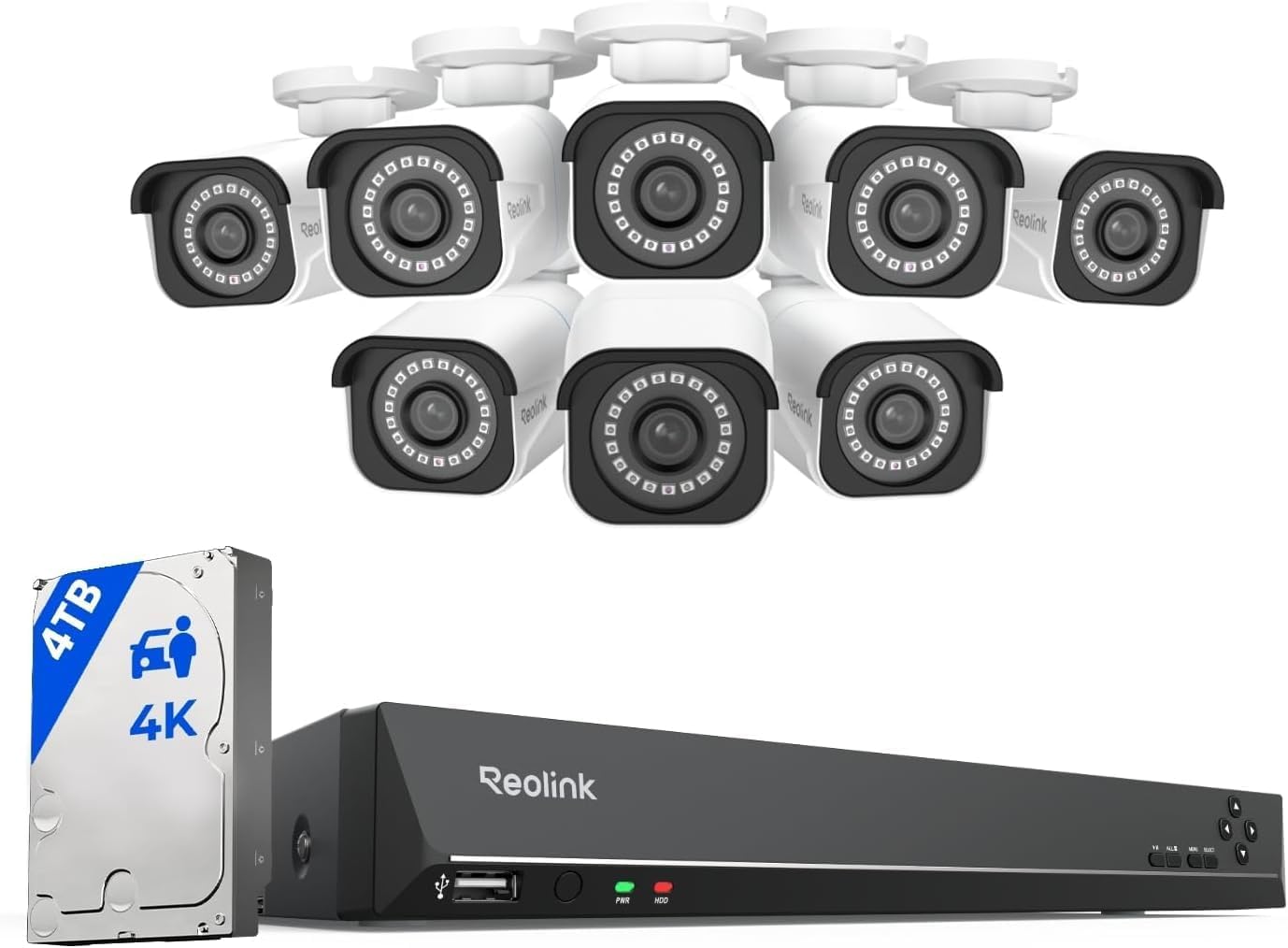
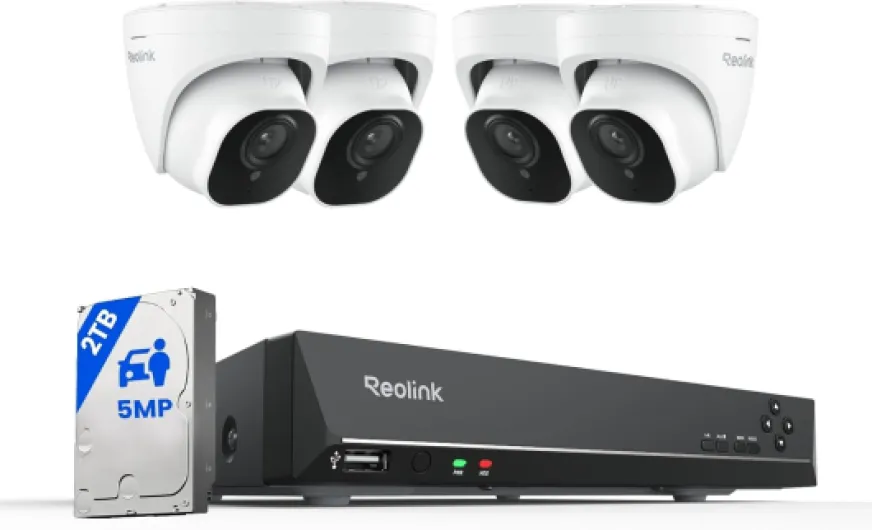
- Network Video Recorders (NVRs): For those with several cameras or dual lens models, an NVR can centralize video recording. This is ideal for larger homes or when you want to set up a more advanced system with dual band wifi and multiple recording cameras.
Tips for Efficient Video Management
- Choose cameras with motion detection or smart recording mode. This way, your security camera only saves video when there’s activity, helping you save storage space while still capturing important events.
- Look for easy set options in your app to manage and review footage. Many brands, like Tapo, offer user-friendly interfaces for both indoor and outdoor cameras.
- Consider dual storage solutions. Some recording security cameras let you save footage both locally and in the cloud for extra peace of mind.
- Check if your camera supports high-capacity storage cards or external drives, especially if you want to keep weeks of continuous recording.
Balancing Storage and Video Quality
Continuous recording in high resolution, such as color night vision or 1080p, uses more storage. If your cameras record in dual lens or night vision mode, adjust the settings to balance quality and storage needs. Battery powered cameras may offer limited continuous recording, so check the specs before you buy. Managing your security camera footage doesn’t have to be complicated. With the right storage solution and smart features, you can keep your home secure and your video organized.Privacy concerns and legal considerations
Protecting Your Privacy with Continuous Video Recording
When you set up a 24 7 recording security camera at home, privacy becomes a real concern. Continuous video recording means your camera is always on, capturing everything in its field of vision. While this boosts security, it also raises questions about who can access your footage and how it is stored.- Data access: Most modern security cameras, including wifi indoor and outdoor models, let you manage access through a secure app. Make sure only trusted users can view or download recordings. Always set strong passwords and enable two-factor authentication if available.
- Storage security: Whether you use cloud storage or local storage (like SD cards or NVRs), check that your video is encrypted. This helps prevent unauthorized access to your continuous recording footage.
- Motion detection and privacy zones: Some smart cameras offer privacy zones or allow you to disable recording in certain areas. This is especially useful for indoor security cameras in private spaces. Motion detection features can also help limit unnecessary recording.
Legal Considerations for Home Security Cameras
Recording security video at home comes with legal responsibilities. Laws vary by country and region, but here are some general guidelines:- Informing others: If you have indoor or outdoor cameras, let household members and visitors know they are being recorded. This is especially important for indoor camera setups in shared spaces.
- Recording public areas: Avoid pointing your outdoor camera at public spaces or neighbors’ property. Most laws prohibit recording areas where people expect privacy, like bathrooms or bedrooms.
- Audio recording: Some security cameras record audio as well as video. In many places, recording conversations without consent is illegal. Check your local regulations before enabling audio recording mode.
Installation tips and maintenance for reliable performance
Getting the Most from Your Security Camera Setup
Proper installation and regular maintenance are crucial for your home security camera system to deliver reliable, continuous recording. Whether you have an indoor camera, outdoor camera, or a combination of both, following best practices ensures your cameras record high-quality video and keep your home protected.
- Choose the Right Location: Place your security cameras where they cover entry points, driveways, and other vulnerable areas. For indoor security, position cameras in common areas and hallways. Outdoor cameras should be mounted high enough to avoid tampering and to maximize the field of view.
- Ensure Stable Power and Connectivity: Continuous recording requires a reliable power source. For wifi indoor cameras, ensure a strong wifi signal. Dual band cameras can help minimize connectivity issues. If you prefer battery powered models, check battery life regularly and recharge or replace as needed.
- Weatherproofing for Outdoor Cameras: Outdoor cameras must be rated for weather resistance. Look for models with IP ratings and features like night vision or color night vision for round-the-clock video recording, even in low light.
- Optimize Motion Detection: Adjust motion detection sensitivity to reduce false alerts. Some smart cameras offer dual lens or dual sensor technology for more accurate detection, helping you save storage by recording only when activity is detected.
- Regular Maintenance: Clean camera lenses to prevent dirt or spider webs from obscuring the view. Check for firmware updates via the camera app to keep your system secure and up to date.
- Test Your System: Periodically review recorded footage and test the recording mode. Make sure all cameras record as expected, especially after power outages or wifi changes.
- Storage Management: Monitor your storage solutions, whether using SD cards, cloud storage, or network video recorders. Set up alerts for when storage is full, and regularly back up important video clips.
Easy set up and ongoing care help your recording security system deliver peace of mind. With smart features like app control, motion alerts, and night vision, modern security cameras make it simple to monitor your home day and night. A well-maintained system ensures your continuous recording is always reliable, whether you’re using a tapo, tap, or any other trusted brand.