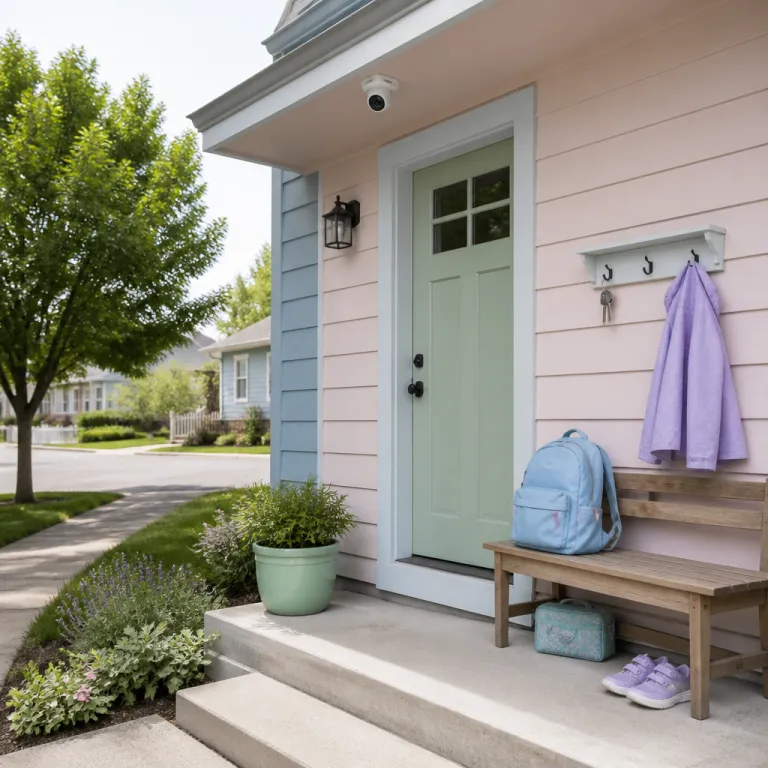
Why a back-to-school camera setup matters when kids stay home
Back-to-school season quietly changes the daily rhythm at home. Many parents finish work later than the school day, so a growing number of kids stay home alone for one or two hours. That gap is exactly where a well planned security camera kids home alone setup can turn anxiety into practical control and give parents a clear way to confirm safe arrivals.
When a child walks through the front door after school, you want a simple signal that they arrived safe. The most useful home security routine is boring by design, because it sends one clear alert and then stays quiet unless something looks wrong. A smart home system that links an indoor security camera, smart locks on the main door, and a basic alarm scene can support child safety without turning your living room into a control room or a permanent film set.
Think of the camera as a verification tool, not a babysitter. A single indoor security camera aimed at the hallway near the front door or garage entry lets you see that kids stay safe without watching every move. Mount the camera at roughly eye level for adults (about 5 to 6 feet high) and angle it slightly downward so faces are clear as kids pass by. That narrow field of view respects privacy, while still helping parents keep kids on the radar when they are staying home alone after school and moving between key rooms.
Arrival alerts in real time without turning your home into a studio set
Arrival detection sounds fancy, but in practice it is simple. You pair one indoor security camera with a contact sensor on the front door, then set a rule that sends a notification when the door opens between, say, 15:00 and 17:00. The alert lands on your phone in real time, you tap once, and a short clip confirms that your child came home alone and is moving normally through the hallway toward the kitchen or main living area.
Most modern security cameras from brands like Ring, Arlo, Nest, Eufy, and Blink support this kind of basic automation. Even budget products sold on Amazon can link a video doorbell at the front door with an indoor camera, so the system shows who rang and who actually walked inside. For a first time homeowner, this is usually the best starting point for home security, because it focuses on one job: ensuring that the right age kids arrive and stay safe until you get back.
Placement is where many parents go wrong. Instead of putting cameras in bedrooms or over the sofa, use a hallway only approach that covers the main door, the path from the garage, and maybe the kitchen entrance. Position the camera 8 to 12 feet back from the door if possible, avoiding direct glare from windows or bright lamps that can wash out faces. A well chosen indoor model with strong night vision, like those highlighted in this guide to indoor security cameras with night vision, lets you keep kids in view at key choke points without filming every private moment or turning private rooms into monitored zones.
Choosing the right security camera and smart locks for latchkey kids
For a security camera kids home alone setup, the hardware details matter more than the marketing. The Ring Stick Up Cam and Blink Outdoor 4 are easy to mount and integrate well with Ring or Alexa based security system products, but both lean heavily on subscriptions if you want cloud clips longer than a few seconds. Ring Protect plans and Blink subscription tiers, for example, unlock extended video history, rich notifications, and person alerts that go beyond basic motion pings, with typical entry level plans often priced in the range of a few dollars per month per device.
The Arlo Pro 5S and Nest Cam Battery offer sharper video and better person detection, while Eufy SoloCam models push hard on local storage to keep your data in the home. When you are evaluating security cameras for a smart home with latchkey kids, focus on three things: arrival clarity, audio quality, and reliability. Arrival clarity means the camera must show faces clearly at the front door or hallway, even when the sun is behind your child or the porch light is the only illumination, so look for at least 1080p resolution and high dynamic range or similar image balancing features.
Audio quality matters because two way talk is how you ensure child safety in an emergency, and a muffled microphone turns a calm check in into a frustrating shouting match. Reliability is where the failure points show up. I have seen passive infrared sensors on cheaper cameras die after one winter, Wi Fi hand off drops when a child moves from the driveway to the hallway, and subscription paywalls that suddenly lock basic features like activity zones behind monthly fees. If you want a robust wireless option that handles outdoor to indoor transitions, look at a dual band model such as the type reviewed in this 2K wireless security camera test, then pair it with smart locks on the main door so your child never has to fumble with keys in the dark.
Balancing child safety, privacy, and two way audio ground rules
The hardest part of any security camera kids home alone setup is not the wiring; it is the relationship. Older kids and teenagers know when they are being watched, and constant surveillance can quietly erode trust at home. A better approach is to draw a clear privacy line, where cameras cover entry points and shared spaces, while bedrooms and bathrooms stay completely off limits so kids still feel that home is a safe, private place.
Children around 12 and up should have real input on where cameras go and how parents use them. The American Academy of Pediatrics notes that many children are first left alone around ages 11 to 12, but readiness depends on maturity, comfort level, and local laws; many state child welfare agencies publish age guidance and supervision rules on their official websites that you can check for your area. Sit down before school starts and explain that the goal is to keep kids safe when they stay home, not to monitor homework or every snack. Show them the app, walk through the privacy policy for your chosen security system, and agree on simple rules: hallway and front door cameras stay on, but no one checks the feed unless there is an emergency or a missed arrival alert.
Two way audio needs its own ground rules. Use it to check in, not to check up, which means short, calm messages like “Text me when you start homework” instead of constant commentary from the ceiling speaker. A smart home setup that combines a video doorbell, indoor cameras, and smart locks can give parents peace of mind and give kids the independence of staying home alone, as long as everyone understands that the system exists to ensure child safety, not to replace trust. A simple daily routine helps: arm the system when you leave, get a single arrival alert, send one quick check in if needed, and then let the cameras go quiet unless something unusual happens.
FAQ
What is the best camera placement when my child is home alone after school ?
For latchkey situations, place one indoor camera facing the front door and another covering the hallway that leads to the kitchen or main living area. This lets you confirm that your child arrived and is moving normally, without filming bedrooms or private spaces. Mount cameras high enough that kids cannot easily tamper with them, but low enough to capture faces, and avoid pointing cameras directly at desks or sofas, because that shifts from safety to surveillance and can make kids feel constantly watched.
Do I need a subscription for basic arrival alerts ?
Most mainstream cameras can send motion or door triggered alerts without a paid plan, especially when you store clips locally on a microSD card or a home hub. Subscriptions like Ring Protect, Arlo Secure, Nest Aware, or Blink plans usually add longer cloud history, facial recognition, and more precise activity zones. For many families, free person detection and a short clip of each arrival are enough for daily peace of mind, while a low cost monthly plan can be added later if you decide you need extended video storage.
How old should kids be before they stay home alone with a camera system ?
Age guidelines vary by state and by child, but many parents start leaving kids alone for short periods around late elementary or early middle school. Some state child welfare agencies suggest that children under 8 should not be left alone at all, while kids 12 and up can often handle brief stretches. A camera and smart lock setup does not replace maturity; it only supports it. Use short trials, like a 20 minute errand, to test how your child handles staying home before stretching that time, and consult your state or local child protection agency for specific legal age recommendations.
How do I talk to my child about cameras without making them feel spied on ?
Be transparent from the start and show them exactly what you can see and hear. Explain that the goal is to keep them safe during the window when they are home alone, not to watch their every move. Invite them to help choose camera locations, and agree together on no camera zones such as bedrooms and bathrooms so they know there are clear limits on monitoring. You can also mention that organizations like the American Academy of Pediatrics emphasize balancing safety with independence, which reinforces that the camera is a tool, not a test.
What should my child do if the camera shows something unusual or an emergency ?
Teach a simple three step plan: move to a safe room, call a trusted adult, and then call emergency services if needed. Make sure your child knows how to lock doors, use the smart lock keypad, and operate the video doorbell intercom. Practice a short drill once or twice so the response feels familiar, not frightening, and so they know you will stay calm and guide them if something looks wrong on the camera, whether you are watching live or reviewing a motion alert clip.