
Summary
Editor's rating
Value for money: good deal, with clear trade-offs
Design and build: looks solid, but not exactly discreet
Battery and solar: where this camera actually shines
Performance: good image, slow reactions
What the EufyCam C37 actually offers in real life
Detection, alerts, and real security use
Pros
- Solar panel keeps the battery near 100% with normal use, very low maintenance
- 2K image and colour night vision are good enough for faces and general details
- No mandatory subscription, works with microSD or HomeBase 3 / Mini for local storage
Cons
- Live view connection and pan & tilt controls are noticeably slow
- 15 fps and 2K resolution limit detail on fast movement and number plates

Specifications
View full product page →| Brand | eufy Security |
A 360° solar cam that looked perfect on paper
I picked up the EufyCam C37 because I wanted a simple outdoor camera that I could just mount, forget about charging, and still have decent coverage of my driveway and front door. The idea of a solar-powered 360° pan & tilt camera with local storage and no monthly fees sounded exactly like what I needed. I already use a couple of Eufy cameras with a HomeBase 3, so I was curious how this cheaper pan & tilt model would fit into my setup.
After a few weeks of use, the general feeling is: it’s pretty solid for the price, but there are some real annoyances, especially if you plan to use the pan & tilt a lot or if you’re picky about responsiveness. It does a lot of things right: image quality is good enough, the solar panel actually keeps the battery topped up, and the smart detection (people/pets/vehicles) is useful when it works as intended. But it’s not perfect and you do feel where Eufy has cut corners compared to their more expensive 360 models.
I installed it above my front door, slightly off to the side, to cover the driveway, gate, and front step. That’s where the 360° function should shine: one camera to cover almost everything without needing two or three fixed cameras. In theory, it’s a neat setup. In practice, the camera does the job for basic monitoring, but if you want something super quick to respond when you open the app or when you move the camera, this one can feel a bit sluggish.
So if you’re thinking about buying the EufyCam C37, think of it as a good value, all-in-one outdoor cam that’s more about "set it and leave it" than constantly steering it around in the app. I’ll break down what worked well for me and what clearly needs work, so you know exactly what you’re getting into.
Value for money: good deal, with clear trade-offs
In terms of price, the EufyCam C37 sits in a pretty attractive spot. For what you pay, you get 2K resolution, 360° pan & tilt, AI detection, colour night vision, and a solar panel included. Plus, there are no mandatory subscription fees if you use a microSD card or connect it to a HomeBase Mini or HomeBase 3. That alone already makes it more interesting than some brands that lock most features behind a monthly plan.
Where the value becomes a bit more nuanced is when you compare it to other Eufy models. If you don’t really care about pan & tilt, their fixed C35 model is cheaper, available in more colours, and from what I’ve seen, more responsive. On the other hand, if you really want a smooth 360° camera with faster reactions, their more premium 360 models cost more but seem to avoid the lag issues. So the C37 feels like a "budget 360" option: you get the feature on paper, but not with top-tier fluidity.
For someone who just wants a single camera to cover a wide area, doesn’t plan to constantly steer it around, and really values the solar + no subscription combo, the price is pretty fair. You pay once, you install it, and you’re basically done. But if fast live view, quick controls, and maximum detail are priorities, I’d say it’s worth spending a bit more or dropping the pan & tilt idea and going for a sharper fixed camera.
So overall, I’d call the value "good but with compromises". You’re not getting a perfect product, but for the money, it covers a lot of needs: driveway, front door, or side passage, with minimal maintenance and no recurring costs. As long as you’re aware of the performance limits, it’s a sensible purchase.
Design and build: looks solid, but not exactly discreet
The design is very much in the typical Eufy style: white plastic body, rounded shape, and a visible camera head that can rotate. It’s not ugly, but it’s not discreet either. If you’re trying to keep a low profile, this is more obvious than their smaller fixed cams. Mounted under my eaves, it’s clearly visible from the street. That’s not necessarily bad for deterrence, but if you want it to blend in, this isn’t the most subtle camera, and unlike some other models like the C35, you don’t get multiple colour options.
Build quality feels decent for the price. The plastic doesn’t feel cheap or hollow, and the joints for the pan & tilt don’t feel like they’re going to snap off if you accidentally tap the camera while cleaning. The IP65 rating seems credible – mine has handled wind and rain without any weird noises, condensation, or movement problems. That said, it’s still a plastic outdoor camera, not a heavy-duty industrial device. I wouldn’t expect it to survive a direct hit from a football or someone grabbing it and twisting it hard.
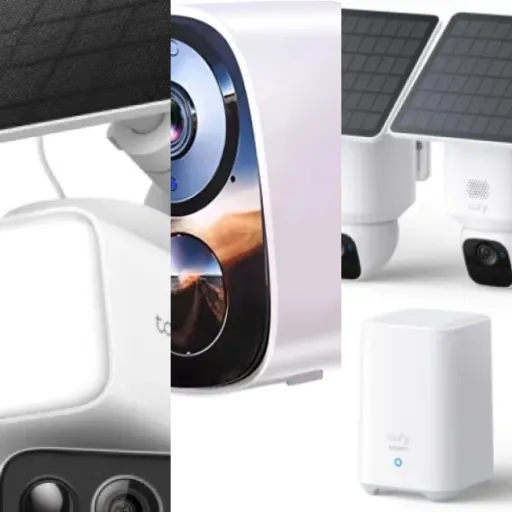
The detachable solar panel is a strong point in terms of design. It’s small, light, and comes with its own mounting base so you can put it a bit higher or at a better angle than the camera itself. The cable between the panel and the camera is long enough for a bit of flexibility, but not so long that it becomes a mess. Once mounted, the panel sits close to the wall and doesn’t flap around in the wind. You still see it, but it’s not an eyesore.
Installation is pretty straightforward: screw-in mount for the camera, screw-in mount for the panel, and that’s it. The only thing that bothered me slightly is that the camera head, because it can rotate, looks a bit more fragile than a fixed bullet camera. If someone really wants to mess with it, they probably can. For normal home use though, the design is functional, decent looking, and practical enough. Nothing fancy, but it gets the job done.
Battery and solar: where this camera actually shines
This is the part where the EufyCam C37 does really well. With the 3W detachable solar panel, the battery basically never became a concern for me. I live in a place that’s not exactly sunny every day, and even with a mix of cloudy and rainy days, the battery level stayed around 90–100%. I didn’t have to take it down once to charge it, which is exactly what I wanted. Compared to battery-only cameras that need a recharge every few months, this is a big quality-of-life improvement.
In practice, I mounted the camera under the eaves, slightly sheltered, and the solar panel a bit higher where it catches more light. I don’t get full sun all day, but the panel still manages to feed enough power to cover daily use: a few live checks, motion-triggered recordings, and notifications. If you put it somewhere very shaded, obviously it’ll be less effective, but with even moderate light, it seems to keep up fine. It’s not magic, but for normal home use, it’s good enough to be worry-free.
One thing to keep in mind: if you abuse the spotlight at night (always on, very frequent triggers) and you’re constantly pulling live view and moving the pan & tilt, you’ll use more power. The camera still has a battery inside, so it can handle days with poor sunlight, but I wouldn’t treat it like a 24/7 floodlight. With my fairly normal use — motion detection, occasional live view, spotlight only when needed — the battery graph in the app was almost flat at the top.
So on the battery/solar side, I don’t have much to complain about. This is one of the main strengths of the product. If your priority is "install once and forget about charging" and you can give the solar panel a reasonable shot at daylight, this camera does what it says. Just don’t expect miracles if you stick the panel under a deep porch that never sees the sun.
Performance: good image, slow reactions
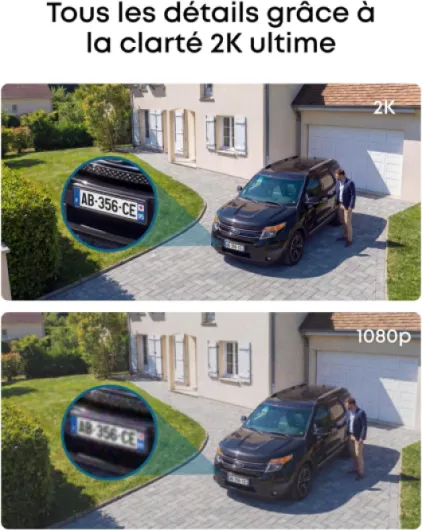
Let’s talk about how it actually behaves day to day. On the positive side, the image quality is good for a 2K camera. During the day, the picture is clear enough to recognise faces, see clothing details, and generally understand what’s going on. It’s not as sharp as a 4K cam, obviously, but for regular monitoring and checking who’s at the door, it’s fine. Where you notice the limit is with fast movement or when you try to read a number plate from a higher mounting point. The 2K resolution plus the 15 fps frame rate means motion can look a bit blurred if someone runs or a car passes quickly.
At night, the colour night vision with the spotlight is genuinely useful. When the light comes on, you get a clear, colour image, which helps a lot for identifying clothing colours or car colours. Without the light, the standard infrared night mode is also decent, but obviously in black and white. The quoted 6m night range feels about right; beyond that, you can see shapes, but not details. For a front door or driveway, that’s enough. If you have a large garden or want to cover a long alley, this might be a bit short.
Where the camera loses points for me is in responsiveness. Compared to my other Eufy cams, this one is noticeably slower to connect when I open the live view in the app. I’m talking about 10–15 seconds sometimes before I see the image, while my other Eufy cameras usually load in 1–3 seconds. For a security camera, that’s a problem: if you get a notification and open the app, you want to see what’s going on right away, not wait while it spins up. The pan & tilt control is also laggy: you tap to move left, and it responds several seconds later, then sometimes processes multiple taps in a row and overshoots.
The AI tracking is hit and miss. When it locks on a person walking up the drive, it follows reasonably well and you get a full clip of them approaching. But when movement is fast or if the connection is being slow, it can feel jerky, and sometimes it just doesn’t track smoothly. I ended up using it more as a camera that covers a wide fixed zone, with the 360° as a backup option, rather than something I constantly steer in real time. So performance overall: good picture, decent night vision, but too sluggish for heavy pan & tilt use.
What the EufyCam C37 actually offers in real life
On paper, the EufyCam C37 ticks a lot of boxes: 2K resolution, 360° pan & tilt, colour night vision with spotlight, solar charging, smart AI detection (people, pets, vehicles), and no mandatory subscription. It connects over 2.4GHz Wi‑Fi and can record either to a microSD card (up to 256 GB) or to a HomeBase Mini / HomeBase 3. No cloud subscription is required, which was a big reason I went for it. I’m not keen on paying a monthly fee just to see what’s happening outside my own house.
In practice, the camera really is designed for outdoor use: IP65 weatherproof, LED spotlight for colour night vision, and a detachable 3W solar panel. The solar panel is separate from the camera, so you can angle the panel toward the sun and the camera toward the area you want to monitor, which is more practical than fixed solar models. I stuck the camera under the eaves and the panel further up where it gets more light, and it’s been fine through a few rainy days and some cloudy ones.
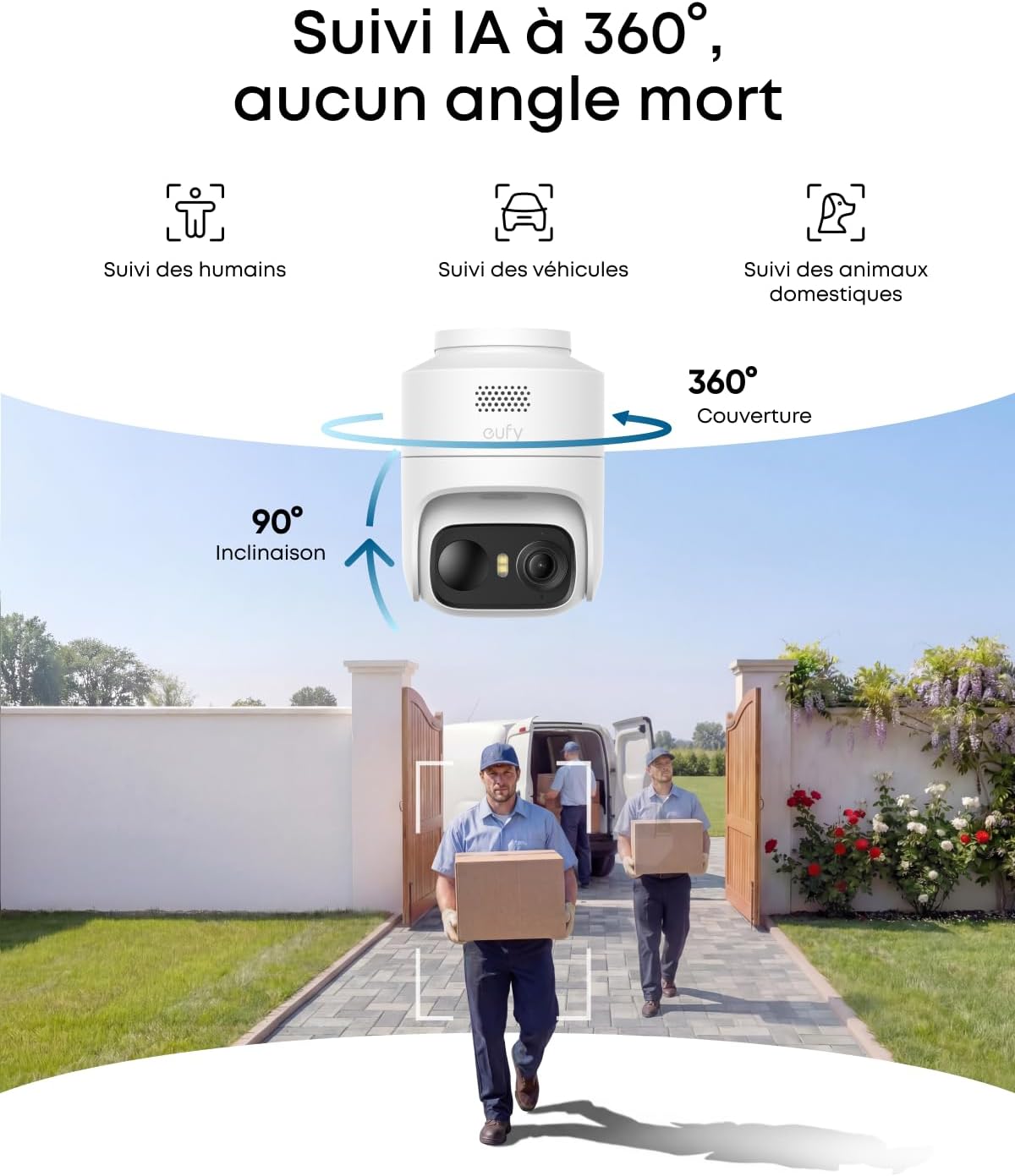
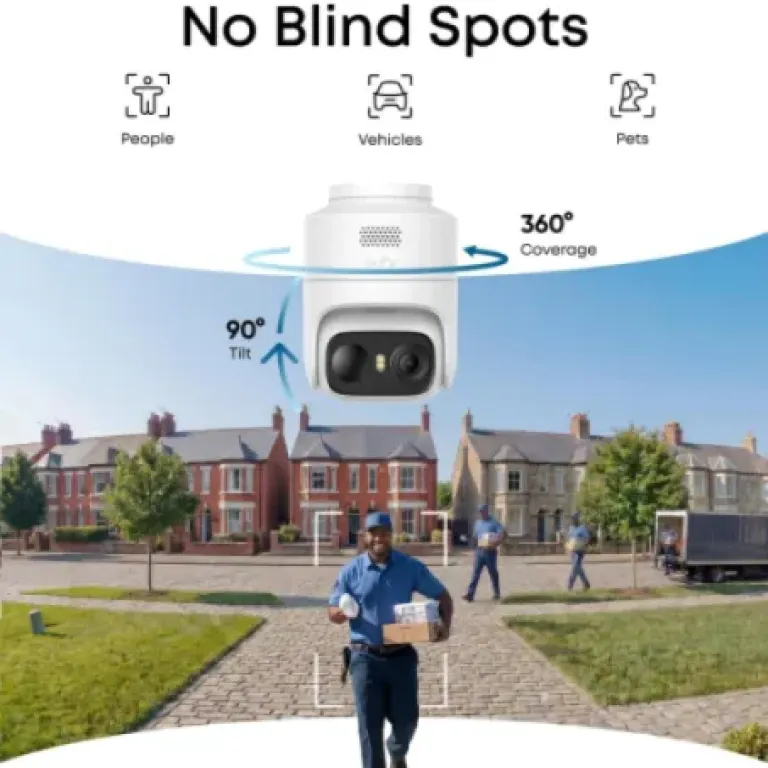
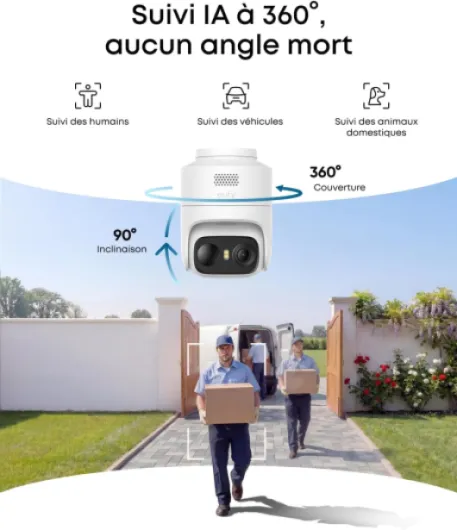
The AI detection is one of the main features. The camera tries to recognise if it’s seeing a person, a vehicle, or a pet, and you can tweak notifications in the app so you don’t get spammed every time a leaf moves. It’s not perfect, but it’s good enough that I could filter out most false alerts from cars passing in the distance. It also has auto-tracking, meaning the camera can follow a subject as it moves, which is where the pan & tilt comes in. When it works, you get a proper sequence of what happened, not just a static shot.
Overall, the feature set is pretty complete for a camera in this price range. But you do feel the limits in some areas: the frame rate is only 15 fps, which you notice on fast movement, and the connection speed when opening a live view is slower than my other Eufy cams. So functionally, it’s a good all-rounder, but not the fastest or smoothest device in Eufy’s lineup.

Detection, alerts, and real security use
For actual security use, the key points are how well it detects things, how many false alerts you get, and how easy it is to understand what happened. On that front, the EufyCam C37 is decent. The smart AI that separates humans, pets, and vehicles is helpful. I set it so that I only get alerts for humans near the door and vehicles entering the driveway, not every car passing in the street. After some tweaking of zones and sensitivity, I reached a point where I wasn’t constantly spammed, which is important if you don’t want to start ignoring notifications altogether.
The camera’s 360° pan & tilt plus AI tracking should, in theory, give you a complete story of someone approaching the house. When it works, it’s actually quite nice: you get a clip where the camera follows the person as they walk up, instead of them walking out of a fixed frame. But the slow movement and lag between your command and the actual movement makes manual steering frustrating. For automatic tracking, it’s okay as long as the subject isn’t moving too fast or too close to the camera. If someone rushes through quickly, you might just get a partial view.
Notifications to the phone are fairly quick, but combined with the slow live view connection, it sometimes feels like you’re watching things a bit after the fact. For recorded events, the 2K quality is enough to identify regular visitors, delivery people, and what car came in. Reading number plates at night from a higher angle is hit and miss, especially if the car is moving. That’s partly the resolution and partly the 15 fps limit. If plate reading is your top priority, I’d look at a higher-end model.
Overall, as a general home security tool, the EufyCam C37 is effective enough for daily use. It keeps an eye on the area, sends relevant alerts once configured, and the AI categories are actually useful. But if you need very fast response and smooth tracking, or if you’re serious about evidence-level detail, you’ll probably find its limits fairly quickly.
Pros
- Solar panel keeps the battery near 100% with normal use, very low maintenance
- 2K image and colour night vision are good enough for faces and general details
- No mandatory subscription, works with microSD or HomeBase 3 / Mini for local storage
Cons
- Live view connection and pan & tilt controls are noticeably slow
- 15 fps and 2K resolution limit detail on fast movement and number plates
Conclusion
Editor's rating
The EufyCam C37 is a solid all-round outdoor camera if your priorities are solar power, no monthly fees, and wide coverage from a single device. The 2K image is good enough for everyday use, the colour night vision with the spotlight is genuinely useful, and the detachable solar panel means you can more or less forget about charging the battery once it’s installed correctly. For basic home security — seeing who’s at the door, watching the driveway, keeping an eye on deliveries — it does the job without too much hassle after initial setup and tuning.
Where it falls short is on speed and polish. The live view connection is slow compared to other Eufy cameras I’ve used, and the pan & tilt controls feel laggy to the point of being annoying if you try to use them a lot. The AI tracking is decent but not flawless, and the 15 fps frame rate plus 2K resolution mean it’s not the best choice if you’re obsessed with reading number plates or capturing fast movement with maximum clarity. If you can live with those limits, the value is good. If you want something snappier and smoother, you’re better off either going for a higher-end 360 model or sticking with a fixed cam like the C35.
In short: this camera fits people who want a "set it and forget it" solar cam with wide coverage and local storage, and who won’t be constantly steering it around in the app. If you’re the type who opens live view every time a notification pops up and expects instant control, you’ll probably get frustrated. For the price, it’s a decent workhorse, but not a miracle device.