Key features that define a reliable indoor security camera with night vision
Once you understand the basics, focus on the features that truly matter at home. A reliable indoor security camera with night vision must combine strong motion detection with stable Wi‑Fi and intuitive controls that anyone in the household can use. The best indoor security cameras with night vision feel almost invisible day to day, yet they react instantly when motion or sound breaks the routine.
Motion detection technology has evolved far beyond simple pixel changes on a video feed. Many current security cameras use passive infrared sensors and computer vision to distinguish people from pets, vehicles or shifting light, which reduces false smart alerts at night. Look for cameras with motion zones and sensitivity sliders, because these let you fine tune detection with precision so that only relevant activity triggers a notification.
Two way audio turns a basic indoor cam into a more versatile indoor security tool. With a built in microphone and speaker, you can talk through the cam to reassure a child, warn an intruder or ask a courier to leave a parcel at the door. When you test a security camera, pay attention to audio delay during live view, since lag can make conversations awkward and undermine the sense of real time presence.
Network performance underpins every feature of modern security cameras, especially at night when you rely on remote access. A dual‑band Wi‑Fi design that supports both 2.4 GHz and 5 GHz bands gives you flexibility to prioritise range or speed depending on your router and apartment layout. If your wireless network is crowded with phones, laptops and consoles, placing the indoor cam on the less congested band can dramatically improve video stability.
Smart home compatibility shapes how naturally an indoor security system fits into your daily routine. Many of the best indoor security cameras with night vision now work with Alexa, Google Assistant or Apple Home, allowing you to arm, disarm or pull up a live view using voice commands. When a camera works with multiple platforms, you can integrate it into routines, such as turning on lights when motion detection with a person is triggered after midnight.
Privacy controls deserve as much attention as any technical specification on a security camera. Look for a physical shutter on the lens, clear options to disable audio recording and granular user permissions for shared access to the indoor cam app. A trustworthy manufacturer explains how it encrypts video, where data is stored and how long motion clips are kept, so you can decide what to save and what to delete without guesswork.
Comparing leading brands and models for indoor security and night vision
Brand ecosystems strongly influence which indoor security cameras will suit your home. Buyers often compare Ring, Tapo, Arlo and Google Nest when searching for the best indoor security cameras with night vision that integrate smoothly with existing devices. Each brand balances image quality, motion detection, subscription costs and smart alerts differently, so the best choice depends on your priorities rather than a single best seller badge.
Ring indoor cam models appeal to households already invested in Ring doorbells and outdoor cam units. A Ring security camera offers tight integration with the Ring app, quick access to live view and straightforward motion detection settings that sync across multiple cameras. If you use Echo speakers, a Ring indoor cam that works with Alexa can announce motion events aloud and show the video feed on an Echo Show without extra configuration.
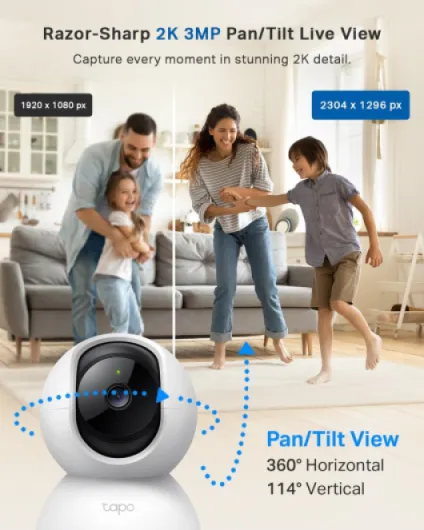
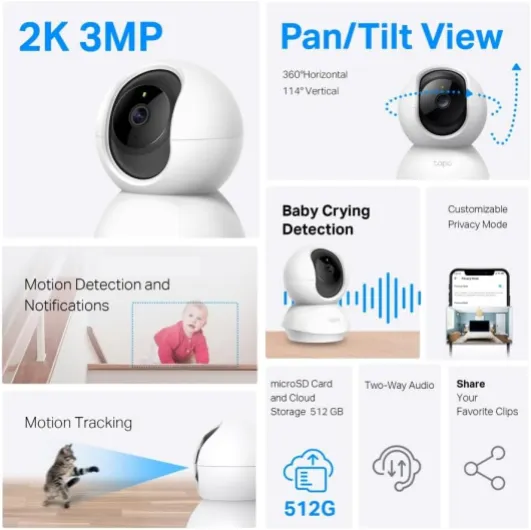
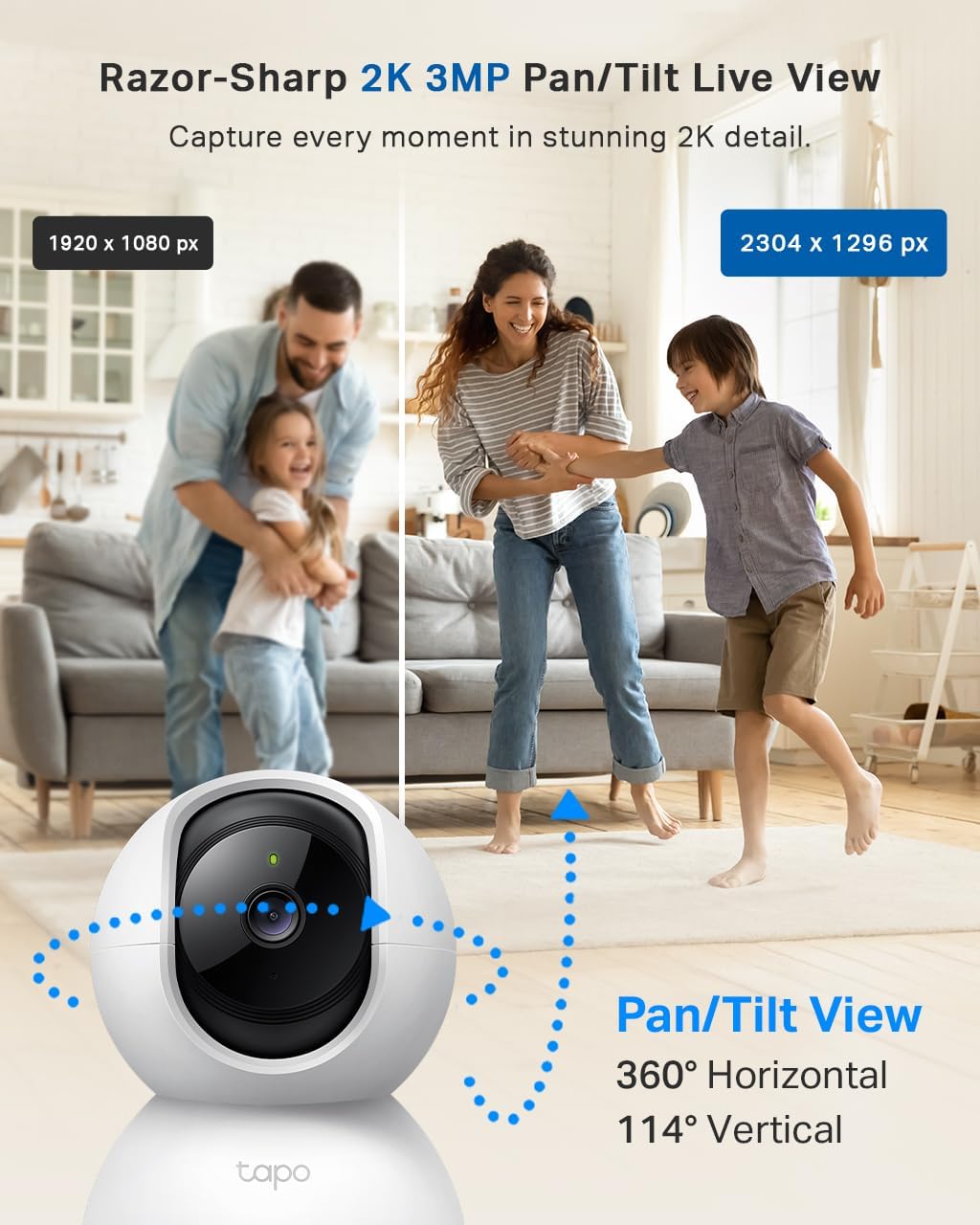
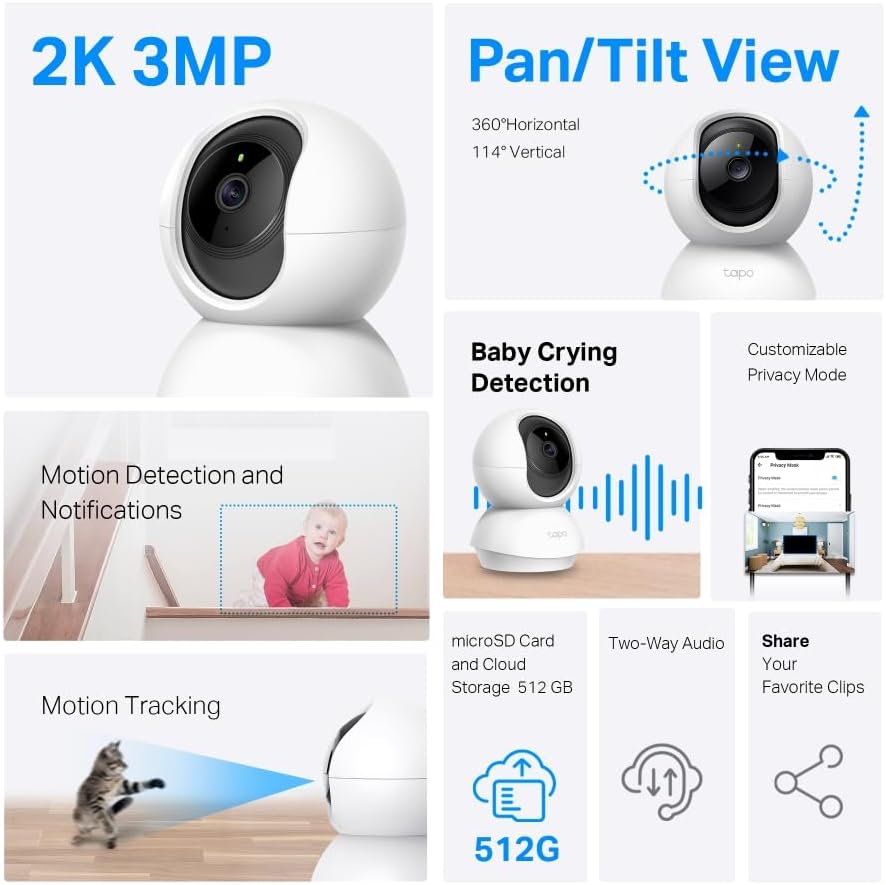
Tapo indoor cam devices from TP Link target buyers who want strong value without sacrificing essential features. A typical Tapo security camera combines 1080p video, infrared night vision and flexible storage options, including microSD and cloud, at a lower price than many rivals. For renters who cannot drill walls, compact Tapo cameras pair well with guides on top no drill security cameras, because they mount with adhesive pads or simple stands.
Premium cam pro models from brands like Arlo and Google Nest focus on advanced analytics and polished apps. These security cameras often deliver higher resolution video, wider field of view coverage and more sophisticated motion detection with person, package or animal classification. The trade off is that you usually need a subscription to unlock full length video history, rich smart alerts and cloud based activity zones.
When comparing indoor security options, do not ignore how each brand handles connectivity and Wi‑Fi performance. Some security cameras support only 2.4 GHz networks, which travel further through walls but can suffer interference from neighbours, microwaves and baby monitors. Others offer dual‑band Wi‑Fi, letting you place a cam on the 5 GHz band for smoother live view streaming and faster clip uploads, especially in apartments crowded with devices.
Outdoor cam units from the same brand can complement your indoor security layout, creating a more coherent system. A Ring outdoor cam or Tapo outdoor cam can monitor entrances, while indoor cam devices watch hallways and living spaces, all feeding motion detection events into one app. If you want cloud storage across both indoor and outdoor security cameras, you can compare subscription tiers and retention periods using specialised overviews such as the guide to top security cameras with cloud storage.
To make the trade offs clearer, here is a simplified comparison of representative models and their typical specifications:
- Google Nest Cam (Indoor, wired): 1080p resolution, night vision range around 7.5 m, 135° field of view, cloud storage via Nest Aware subscription with event history and familiar face alerts.
- Arlo Essential Indoor Camera: 1080p video, infrared night vision up to roughly 9 m, 130° field of view, optional Arlo Secure plan for extended cloud recording and advanced motion detection.
- Ring Indoor Cam (2nd Gen): 1080p resolution, night vision suitable for most rooms at 6 to 8 m, 143° diagonal field of view, Ring Protect subscription for cloud history and rich notifications.
- TP Link Tapo C110: 2K resolution, quoted night vision distance of about 9 m, 105° field of view, microSD local storage plus optional Tapo Care cloud service.
Placement, installation and network setup for indoor security cameras
Even the best indoor security cameras with night vision perform poorly if placed badly. Positioning a camera with care can expand the field of view, improve night video clarity and reduce false motion detection from windows or televisions. Before you mount any indoor cam, walk through your home at night and identify the routes an intruder would most likely take.
Height and angle matter more than many buyers realise when installing a security camera. Mounting an indoor cam about 2 to 2.5 metres high, angled slightly downward, usually captures faces clearly while keeping the cam out of easy reach. Avoid pointing vision cameras directly at windows, because reflections from infrared night vision LEDs can wash out the image and confuse motion detection with light changes.
Power and cabling constraints often dictate where indoor security cameras can realistically sit. A wired cam pro with a long USB cable offers stable power but may require trunking to keep cables tidy and safe from pets. Battery powered security cameras give more freedom for placement, yet you must remember to recharge them and accept that frequent motion at night will shorten battery life.
Network planning is essential when you rely on Wi‑Fi for every live view and alert. Test signal strength in the intended camera location using a smartphone, checking both 2.4 GHz and 5 GHz bands if your router supports dual‑band Wi‑Fi. If speeds drop sharply in a corner room, consider a mesh system or a repeater before blaming the security camera for choppy video.
During setup, follow the app prompts slowly and verify each permission requested by the indoor cam. Many security cameras ask for access to your microphone, local network and sometimes location, which are necessary for features like two way audio, time based motion detection and smart alerts. If a camera works with Alexa or another assistant, you will usually need to link accounts and enable a specific skill or action to control the cam with voice.
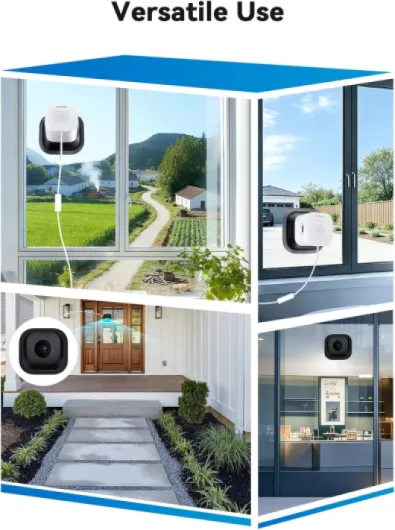
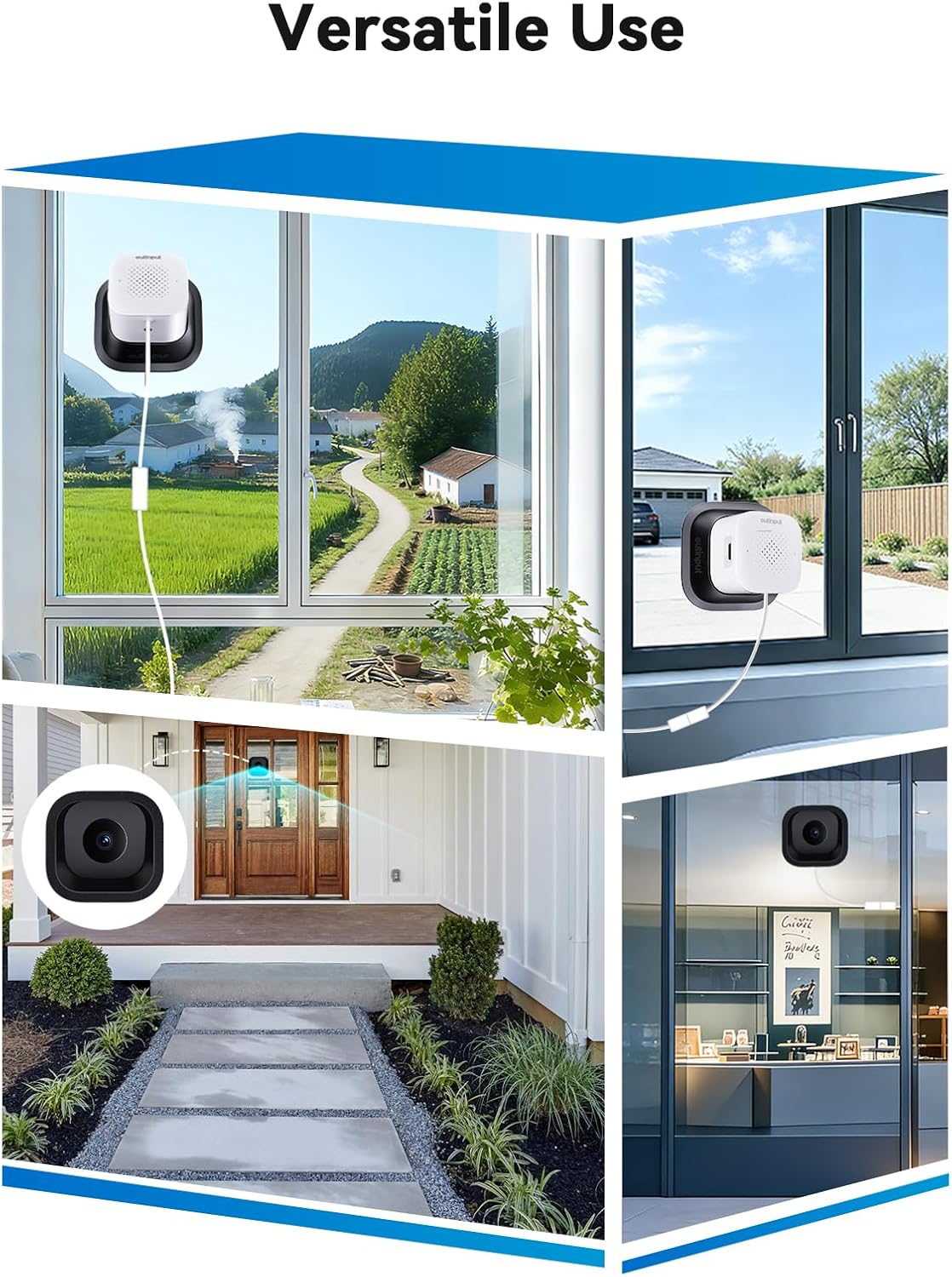
For renters or those wary of drilling, adhesive mounts and freestanding bases make indoor security more flexible. Lightweight indoor cam models from Tapo, Ring and other brands can sit on shelves or be attached with removable strips, avoiding damage to walls. When you plan a no drill installation, double check that the surface is stable and that the camera with its field of view will not be blocked by plants, curtains or furniture.
Privacy, data protection and ethical use of indoor security cameras
Installing the best indoor security cameras with night vision raises legitimate questions about privacy. A security camera that records every movement in a shared living space can feel intrusive if household members do not understand how video and audio are handled. Ethical indoor security starts with transparency, clear rules and thoughtful placement of each cam.
Data protection begins with how your security cameras connect to the internet and store footage. Choose manufacturers that encrypt video streams end to end and offer two factor authentication for the indoor cam app, reducing the risk of unauthorised access. When a camera with cloud storage uploads motion clips at night, check whether you can control retention periods, download important video and permanently delete unwanted recordings.
Local storage can complement or replace cloud services for some indoor security setups. A Tapo indoor cam or similar device with a microSD slot lets you save motion detection clips on site, which can appeal to privacy conscious users. However, remember that a thief could remove the card, so combining local storage with encrypted cloud backup often provides a better balance between privacy and resilience.
Household communication is as important as technical safeguards when deploying security cameras indoors. Inform family members, guests and domestic workers where each indoor cam is located, when motion detection is active and whether audio is recorded. Avoid placing vision cameras in bedrooms or bathrooms, and instead focus on entry points, hallways and shared living areas where security concerns are strongest.
Smart features such as smart alerts and automation must be configured carefully to avoid overreach. If a camera works with Alexa or other assistants, resist the temptation to link every motion event to loud announcements that may disturb sleep or create anxiety. Instead, tailor alerts so that only critical motion with a person or unexpected night activity triggers notifications, while routine daytime movement is summarised in the app timeline.
Regulations on video surveillance vary by country, but general principles apply to most indoor security scenarios. You should not use a security camera to monitor people without their knowledge, nor should you share video publicly without consent unless required for legal reasons. Treat every live view and recording from your indoor security cameras as sensitive data, and review privacy settings regularly as apps and firmware evolve.
Cost, subscriptions and how to get long term value from indoor security
Price alone rarely identifies the best indoor security cameras with night vision for your needs. A low upfront cost can hide expensive subscriptions, while a pricier cam pro may include generous free storage and advanced motion detection features. To judge value, you must calculate both the purchase price and the ongoing cost of keeping your security cameras fully functional.
Subscription plans typically unlock extended video history, rich smart alerts and more detailed motion detection with person, package or pet recognition. Ring, Tapo and other brands offer tiered services that scale from a single indoor cam to whole home coverage, including outdoor cam units. When comparing plans, note how many days of video are stored, whether clips are limited in length and how easy it is to save important footage before it expires.
Some buyers prefer security cameras that minimise recurring fees by relying on local storage. A camera with a microSD slot or a network video recorder can save video without monthly payments, though you may lose cloud based features such as advanced smart alerts or multi day timelines. Hybrid systems that combine local and cloud storage often provide the best compromise, letting you keep routine motion clips on site while backing up critical night events remotely.
Energy consumption and network usage also affect the long term cost of indoor security. A wired indoor cam that streams high resolution video constantly will use more electricity and bandwidth than a model that records only when motion with a person is detected. Check whether your security camera offers power saving modes, such as reduced frame rates at night or scheduled privacy shutters during hours when you are at home.
Durability and support determine how long your investment in indoor security cameras will last. Choose brands with a track record of firmware updates, responsive customer service and clear warranties for both indoor cam and outdoor cam models. If a manufacturer stops updating apps or fails to patch security flaws, even the best indoor security cameras with night vision can become liabilities rather than assets.
Finally, consider the non financial value of peace of mind that a well designed indoor security system can provide. Knowing that motion detection, live view access and reliable night vision cameras are watching over your home can reduce stress when you travel or work late. By balancing cost, features and privacy, you can build an indoor security setup that protects both your property and your sense of comfort for many years.
Key statistics about indoor security cameras and night vision
- According to a report from Parks Associates, more than 20% of broadband households in the United States now own at least one security camera, reflecting rapid adoption of indoor security solutions over the past decade (see Parks Associates, “Security Camera Market Assessment,” 2022, for detailed methodology and sample sizes).
- Consumer testing by organisations such as Consumer Reports shows that cameras with at least 1080p resolution and infrared night vision typically capture 30 to 40% more usable detail in low light scenes than older 720p models (Consumer Reports, “Best Home Security Cameras,” 2023, based on controlled lab comparisons of image sharpness and contrast).
- Surveys of smart home users indicate that around 60% of buyers prioritise motion detection accuracy and smart alerts over raw video resolution when choosing the best indoor security cameras with night vision, according to multiple smart home adoption studies published between 2021 and 2023 that track purchase drivers and satisfaction.
- Industry data from major router manufacturers suggests that households now connect more than 25 devices on average to Wi‑Fi networks, which makes dual‑band Wi‑Fi support increasingly important for stable live view streaming.
- Insurance studies in several European markets have found that homes equipped with integrated alarm systems and security cameras experience burglary rates up to 50% lower than comparable properties without visible surveillance, based on aggregated insurer risk reports and claim statistics.