

Understanding the alarm com mobile app
Exploring the Core Functions of the Alarm.com Mobile App
The Alarm.com mobile app stands out as a central hub for managing your home security system. Designed for both residential and business users, the app brings together control, monitoring, and automation features in one place. Whether you want to arm your system, check your front door camera, or receive real-time alerts, the app provides a seamless experience across iOS and Android devices, including support for Apple Watch.
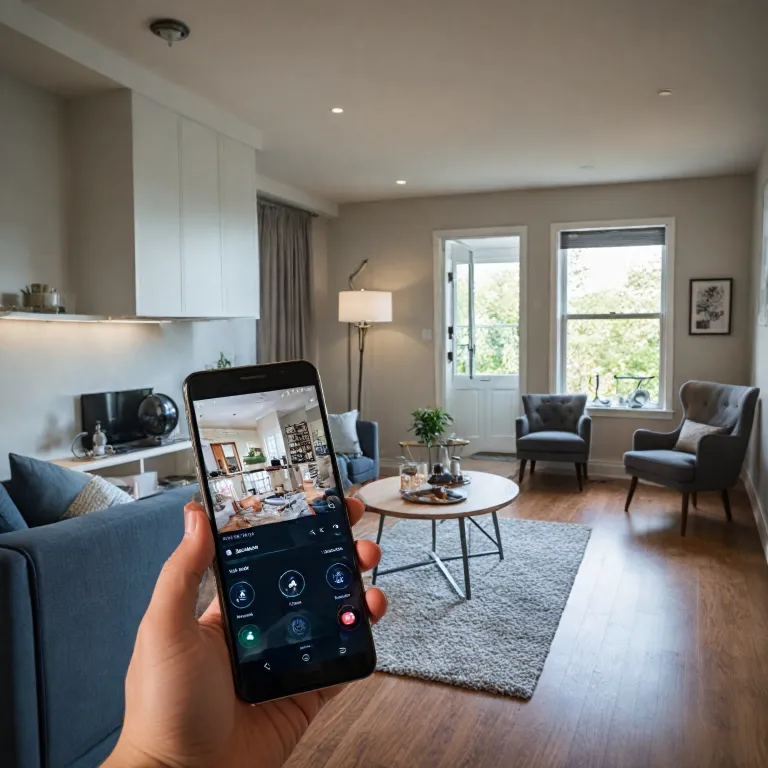
One of the main advantages is the ability to manage security from anywhere. The app lets you access live video feeds, control smart devices, and review system status in real time. This means you can check on your cameras, lock your door, or adjust scenes even when you’re away from home. The system will also send you instant notifications if an alarm is triggered or if there’s activity at your doorbell camera.
- Comprehensive control: Arm or disarm your security system, manage access control, and set up custom scenes for different times of day.
- Video analytics: The app includes advanced video analytics, helping you distinguish between people, vehicles, and animals for smarter alerts.
- Continuous improvements: Regular updates deliver bug fixes, minor enhancements, and new features, ensuring your system stays current and reliable.
For those interested in the latest features and improvements, the app review section in the app store highlights recent bug fixes, enhancements, and future features under development. This transparency builds trust and keeps users informed about the power future updates will bring to their security systems.
If you want to learn more about how remote control features can enhance your security experience, check out this detailed guide on enhancing home security with remote control features.

Setting up your home security cameras with the app
Getting Your Cameras Connected and Ready
Setting up your home security cameras with the Alarm.com mobile app is a straightforward process, but a few key steps ensure you get the most out of your system. The app is designed to work seamlessly with a wide range of security cameras and systems, making it easier to manage security for your home or business. First, make sure your cameras are compatible with the Alarm.com platform. Most modern smart cameras, including doorbell cameras and video analytics-enabled models, are supported. If you’re using an Apple Watch or iOS app, the setup process remains consistent, with minor enhancements for mobile control.- Download and install the Alarm.com app from your device’s app store.
- Log in with your account credentials and follow the on-screen instructions to add your security cameras.
- Connect each camera to your Wi-Fi network. The app will guide you through this step, ensuring a secure connection for real-time video access and alerts.
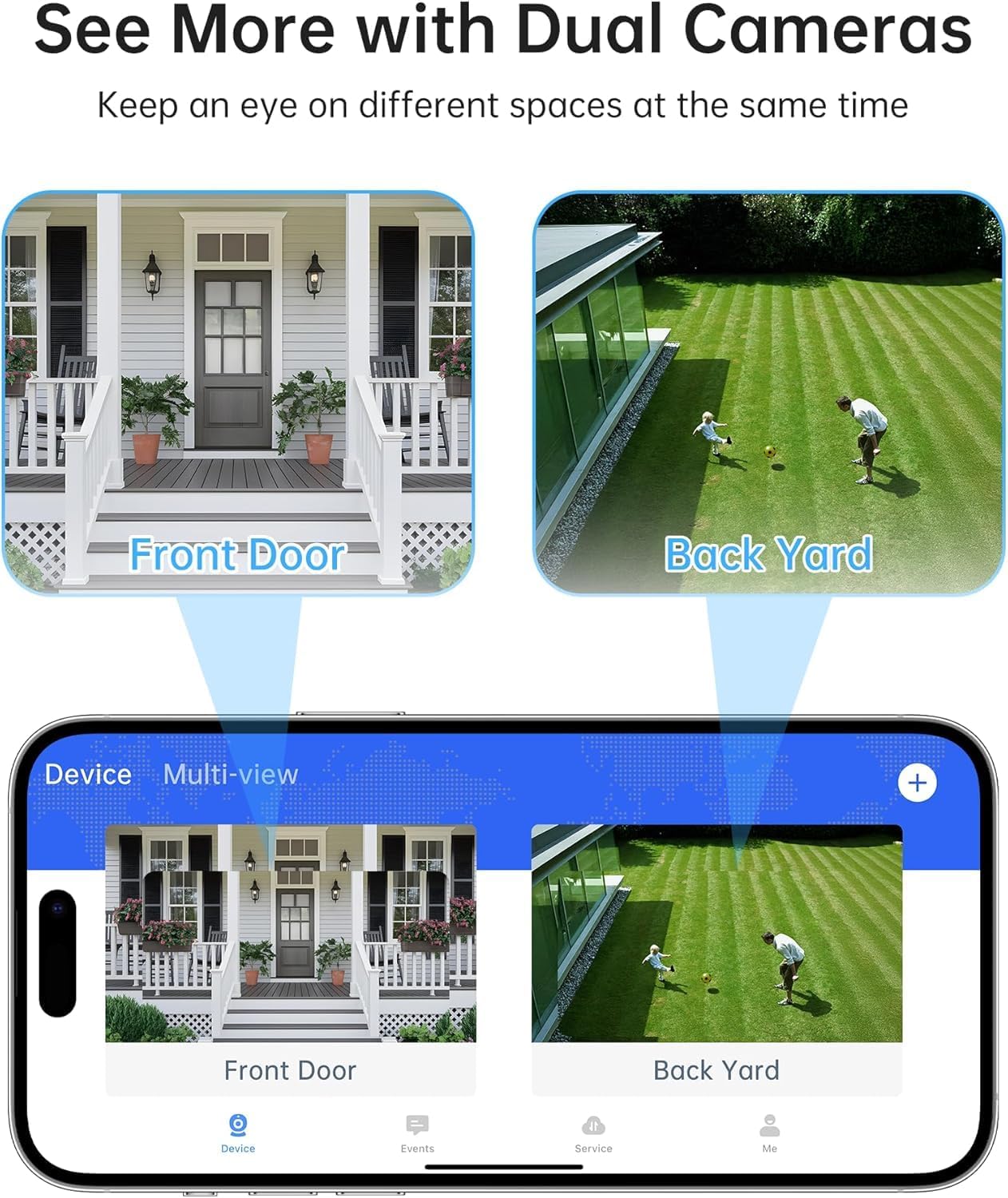
- Assign names to each camera, such as "front door" or "backyard," for easier control and monitoring.
- Test your cameras within the app to confirm video feeds are live and accessible.
Real-time alerts and notifications
Stay Informed Instantly with Custom Alerts
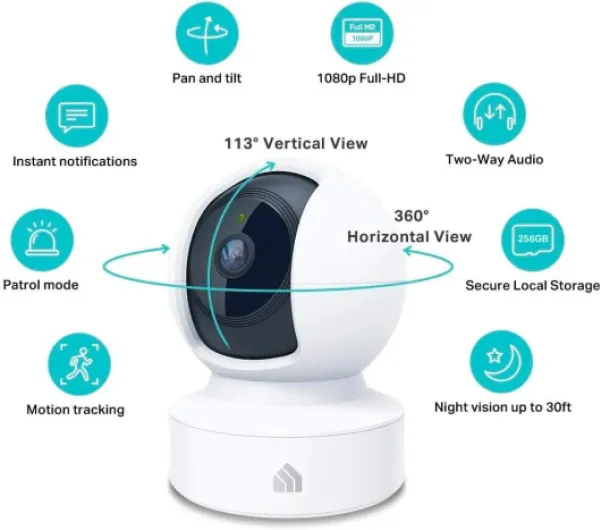
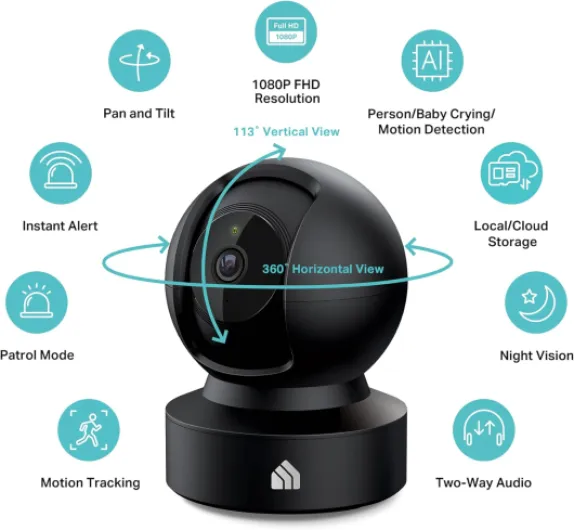
One of the most valuable features of the alarm com mobile app is its ability to deliver real-time alerts and notifications. Whether you are at home, at work, or on vacation, the app keeps you updated about your security system’s status. You can receive instant alerts if your cameras detect motion, if a door is opened, or if your system is armed or disarmed. This level of control helps you manage security proactively and respond quickly to any unusual activity.
- Customizable notifications: Set up alerts for specific events, like someone at your front door or activity detected by your video doorbell.
- Video analytics: The app uses advanced analytics to distinguish between people, vehicles, and animals, reducing false alarms and ensuring you only get relevant notifications.
- Apple Watch support: Get alerts directly on your wrist, so you never miss important updates, even if your phone is out of reach.
With the app, you can also create scenes that trigger multiple actions at once. For example, when you arm your system at night, your cameras can start recording and your doors can lock automatically. These features minor but meaningful, help streamline your daily routines and enhance your peace of mind.
For those interested in how different camera systems handle alerts and notifications, this guide to Night Owl wireless cameras offers a helpful comparison.
Regular app updates bring bug fixes, minor enhancements, and improvements power future features. This ensures your security systems remain reliable and up to date, with new options for managing alerts and data as technology evolves. Whether you are monitoring a business or your home, the alarm com app’s real-time notifications are a key part of a modern, responsive security experience.
Remote monitoring and live video access
Effortless Live Video Access from Anywhere
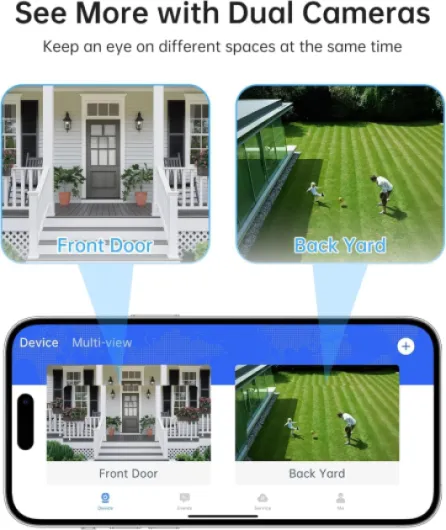
The alarm com mobile app stands out by giving users the ability to view live video feeds from their security cameras at any time, no matter where they are. Whether you want to check the front door, monitor the backyard, or keep an eye on your business premises, the app makes it simple. With just a few taps, you can access real-time video, ensuring your property is always within reach.
Flexible Control and Management
One of the key features is the app’s seamless integration with your security system. You can arm or disarm your system, manage security settings, and even control access to different areas. The app also supports video analytics, which helps identify unusual activity and sends alerts directly to your device. For those using an Apple Watch, the app extends its functionality, allowing quick glances at camera feeds and system status.
Custom Scenes and Smart Home Integration
The app enables you to create custom scenes, such as "Arrive Home" or "Goodnight," which can adjust your cameras, lights, and door locks with a single tap. This level of control not only enhances convenience but also strengthens your overall security. Integration with smart devices, including doorbell cameras and access control panels, means you can manage everything from one place.
- Instant access to live video from all connected cameras
- Remote arming and disarming of your security system
- Customizable alerts for specific events or times
- Support for multiple users and devices
- Minor enhancements and bug fixes are regularly released, improving reliability and adding future features
Reliable Performance and Continuous Improvements
Regular updates to the app bring improvements in power management, minor enhancements, and new features. This ongoing development ensures that your security system will remain up-to-date and effective. The iOS app, in particular, receives frequent updates to address bug fixes and add enhancements based on user feedback and review subjects.
Smart home integrations for enhanced security
Connecting Cameras with Smart Devices for Seamless Security
The alarm com mobile app stands out by allowing you to integrate your home security cameras with a wide range of smart home devices. This means you can manage security, control access, and automate routines, all from one place. The app supports connections with smart locks, lights, thermostats, and even the latest doorbell cameras, offering a unified experience for users who want more than just video monitoring.
- Scenes and Automation: Create custom scenes that trigger multiple devices at once. For example, arming your security system can automatically lock the front door, turn off lights, and start recording on your cameras.
- Apple Watch Support: The iOS app includes Apple Watch integration, letting you receive alerts, arm or disarm your system, and view live video from your wrist. This adds a layer of convenience and quick access for busy users.
- Access Control: Grant or restrict access to your home or business directly from the app. You can unlock doors for visitors or service providers and monitor entry with real-time video analytics.
- Video Analytics: Advanced features like video analytics help you filter important events, reducing false alarms and ensuring you only get alerts that matter. This is especially useful for monitoring the front door or sensitive areas.
These integrations not only enhance the security of your property but also streamline daily routines. The system will continue to receive improvements power and minor enhancements, ensuring compatibility with future features and devices. Regular bug fixes and enhancements bug are rolled out to keep your experience smooth and reliable.
For users seeking a comprehensive review subject, the app review highlights its ability to bring together multiple security systems and smart devices, making it a strong choice for anyone looking to upgrade their home or business security.
Privacy and data protection with the app
Protecting Your Privacy and Data with Advanced Security Measures
When using the alarm com mobile app to manage security cameras and systems, privacy and data protection are top priorities. The app is designed to give you control over who can access your video feeds, alerts, and system settings, whether you’re at home or managing a business location. The app uses encrypted communication channels to protect your data in transit. This means that when you view live video, receive alerts, or arm your system remotely, your information is shielded from unauthorized access. Regular bug fixes and minor enhancements ensure that vulnerabilities are addressed quickly, maintaining the integrity of your security system. Key privacy and data protection features include:- Role-based access control: You decide who can access your cameras, video analytics, and system controls. This is especially useful for families or businesses with multiple users.
- Secure cloud storage: Video footage and system data are stored securely, with options to manage retention and access. You can review subject activity or download important clips as needed.
- Two-factor authentication: The app supports additional verification steps to prevent unauthorized access, adding another layer of security to your account.
- Privacy zones and masking: Some camera features allow you to block out sensitive areas from recording, ensuring your privacy is respected even as you monitor your front door or other key spots.
- Regular updates: The development team releases improvements for power, scenes, and features minor, as well as enhancements bug fixes, to keep your system will operate securely and efficiently.