
Understanding the role of a door sensor in home security
Why Door Sensors Matter for Home Security
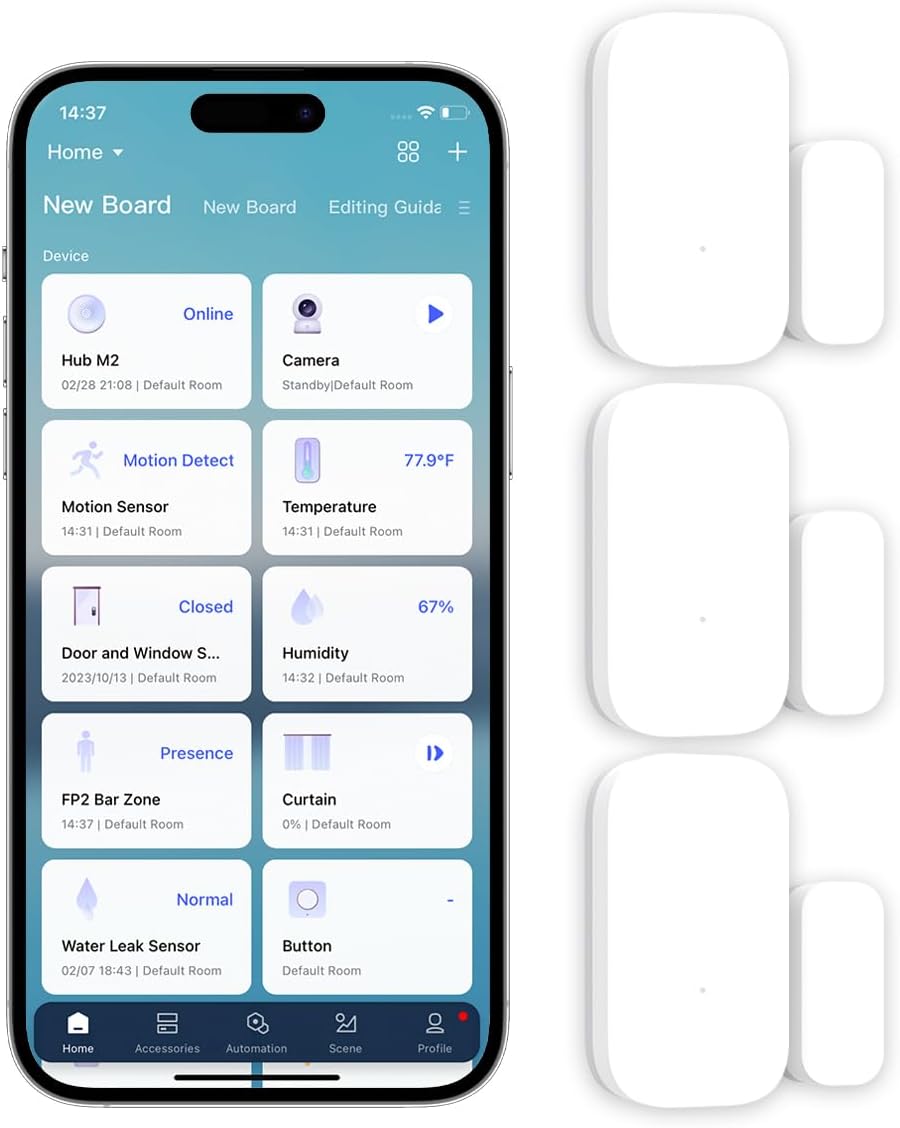
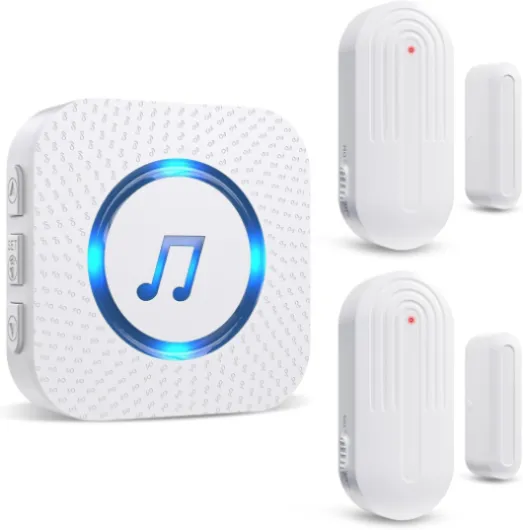
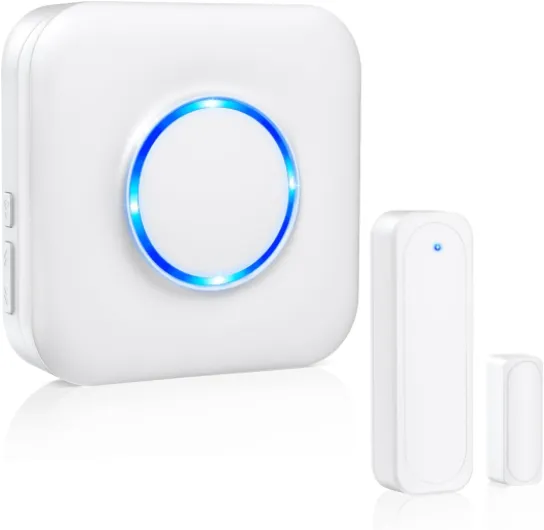
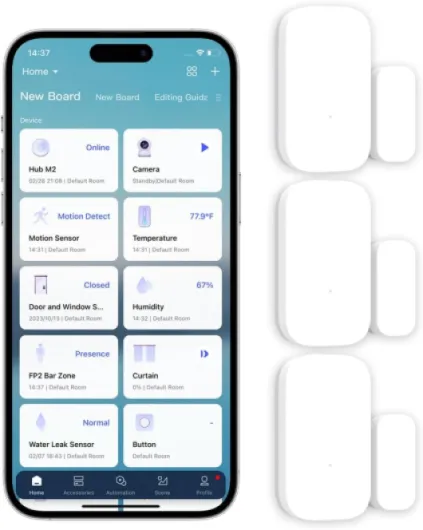
When thinking about home security, most people focus on cameras, alarms, and motion sensors. However, a door sensor is a key component that often gets overlooked. These small devices, sometimes called contact sensors or reed switches, play a crucial role in protecting your entry points. They detect when a door or window opens or closes, sending alerts to your hub or smart home system. This immediate notification can make a big difference in preventing unauthorized access.
- Contact sensors are typically wireless and easy to install on most doors and windows.
- They work with a variety of smart home platforms, including Alexa, Google, and Matter-compatible hubs.
- Some models, like the SwitchBot or mini sensors, offer additional features such as temperature and humidity monitoring.
- Many sensor packs are available, allowing you to secure multiple entry points at once.
Door sensors are not just about security. They can also be used for inventory management in home offices or garages, and even to control other smart products—like turning on lights when a door opens. Some door alarm systems require a hub, while others are standalone. When shopping for a wireless door sensor, consider the price, compatibility with your existing security system, and whether a hub is required for full functionality. You can find a wide range of products on Amazon or by browsing shop products online.
For a deeper dive into how different sensors, like glass break detectors, can further enhance your home security, check out this guide on the role of glass break detectors in home security.

How door sensors and cameras work together
Creating a Connected Security Network
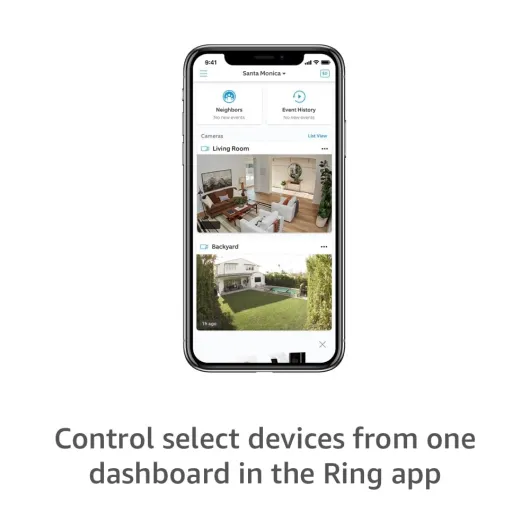
When you combine a door sensor with your home security camera system, you create a more responsive and reliable security setup. The sensor detects when a door or window is opened or closed, sending a signal to your hub or smart control system. This action can trigger your security camera to start recording or send you an instant alert. The integration between contact sensors and cameras means you get real-time updates and visual confirmation, which is crucial for quick response.
- Immediate Alerts: When a door sensor, such as a wireless door contact sensor, detects movement, it can notify you via your smartphone or smart hub. This is especially useful if you use products compatible with Alexa, Google, or Matter protocols.
- Automated Recording: Many smart cameras can be set to record only when a sensor is triggered, saving storage space and making it easier to review footage.
- Layered Security: Using both door sensors and cameras covers more entry points and increases the chance of detecting unauthorized access.
Why Integration Matters
Door sensors and cameras are more effective together than alone. For example, a door sensor pack can be installed on multiple doors and windows, while your camera covers the main entryway. If a sensor is triggered, your system can activate alarms, send notifications, or even turn on lights. Some products, like the SwitchBot contact sensor or mini sensor, offer easy integration with existing hubs and can be found in white packs or as part of a larger security kit. This approach also helps with inventory management for those who want to shop products in bulk or monitor several entry points.
For a deeper look at how door and window sensors work together with your security system, check out this guide on how door and window sensors enhance your home security.
Key features to look for in a door sensor
Essential Qualities for Reliable Door Sensors
When you shop for a door sensor to enhance your home security camera system, knowing what features matter most can make a big difference. Not all products are created equal, and the right sensor can improve both your peace of mind and the effectiveness of your security setup.
- Contact Sensor Type: Look for a reliable contact sensor, often called a reed switch, which detects when a door or window opens or closes. This is the core function for most door sensors.
- Wireless Connectivity: Wireless door sensors are easier to install and maintain. Many smart products use WiFi or connect via a hub, making them suitable for modern smart homes.
- Compatibility: Check if the sensor works with your existing security system, camera, or smart home hub. Some require a hub, while others work directly with Alexa, Google, or Matter platforms.
- Battery Life: Long battery life is crucial for hassle-free operation. Some mini sensors offer extended battery performance, reducing the need for frequent replacements.
- Alerts and Alarms: Choose a product that sends instant alerts or triggers alarms when the door opens. This feature is especially important for inventory management or when monitoring entry points.
- Expandability: Consider a sensor pack or white pack if you want to secure multiple doors and windows. Bundled products often offer better price per unit.
- Additional Features: Some sensors include temperature and humidity monitoring, adding extra value for those who want more than just basic security.
- Build Quality and Design: A compact, discreet design blends better with your home. Look for durable materials and a finish that matches your decor.
Popular brands like SwitchBot and other smart sensor products are widely available on Amazon and other shop products platforms. Always compare price, features, and customer reviews before making a decision. If you’re integrating with motion sensors, you might find this guide to motion sensor integration helpful for building a comprehensive security system.
Installation tips for door sensors
Getting Ready for Installation
Before installing a door sensor, make sure you have all the necessary products and tools. Many sensor packs include everything you need, but double-check the inventory management list. Some smart door sensors require a hub for wireless control, while others work standalone. Always read the product details, especially if you shop products on Amazon or other online stores. Look for mentions like "hub required" or "compatible with Alexa Google" to ensure the sensor fits your security setup.Where to Place Your Sensor
For best results, install the contact sensor on the door frame and the magnet on the moving part of the door. This setup allows the sensor to detect when the door opens or closes. If you have a window or want to monitor multiple entry points, consider a sensor pack or white pack for more coverage. Place the sensor where it won’t be blocked by furniture or metal objects, as these can interfere with the reed switch or wireless signal.- Clean the installation area to help the adhesive stick.
- Check the alignment between the sensor and magnet—most products have marks to guide you.
- For a smart sensor, follow the app instructions to connect it to your hub or WiFi door system.
Tips for a Smooth Setup
- Test the sensor before final installation. Hold the contact sensor and magnet in place, then open and close the door to see if the system triggers an alert or alarm.
- If your sensor supports temperature humidity monitoring, make sure it’s not placed near heat sources or drafts for accurate readings.
- For a mini or switchbot sensor, check the battery type and keep spares on hand for easy maintenance.
- Some products offer integration with other security devices, like motion sensors or alarms. Use the app or hub control panel to link them for enhanced protection.
Wired vs. Wireless Door Sensors
Wireless door sensors are easier to install and move, but require regular battery checks. Wired sensors offer reliable performance but need more effort during installation. If you’re not comfortable with DIY, consider professional installation, especially for complex systems or when integrating with inventory management or smart home control.Final Checks
After installation, review your security system’s settings. Make sure the door alarm triggers as expected and that notifications reach your phone or hub. If you notice any issues, consult the product manual or shop support for troubleshooting. Regularly check the sensor’s status, especially after cleaning or moving furniture near the door window area.Common issues and troubleshooting for door sensors
Frequent Problems with Door Sensors
Even the best smart door sensors can run into issues after installation. Understanding common problems helps you keep your home security system running smoothly. Here are some frequent challenges users face with contact sensors, door alarms, and related products:
- False Alarms: Sometimes, a door sensor or window sensor may trigger an alarm even when the door hasn’t opened. This can be caused by misalignment, low battery, or interference from other wireless devices.
- Connectivity Issues: Wireless door sensors often rely on a hub or WiFi. If your hub required for the sensor loses connection, the sensor may not report status changes. Check your WiFi door sensor’s signal strength and ensure the hub is powered on.
- Battery Problems: Many contact sensors use small batteries. If the sensor pack is old or the battery is low, the sensor might not work reliably. Regularly check battery status, especially for mini or white pack sensors.
- Sensor Misalignment: The reed switch inside a door sensor must align with the magnet. If the sensor or magnet shifts, the contact sensor may not detect when the door opens or closes. Double-check alignment during installation and after any door adjustments.
- Interference: Other wireless products, such as smart switches or motion sensors, can sometimes interfere with your sensor’s signal. Try moving the hub or sensor to a different location if you notice inconsistent performance.
Simple Troubleshooting Steps
- Check the battery and replace it if needed.
- Ensure the sensor and magnet are properly aligned on the door or window.
- Restart your smart hub or WiFi router if the sensor loses connection.
- Update the firmware for your sensor and hub to the latest version.
- Review your inventory management in the app to confirm the sensor is recognized and active.
When shopping for a new sensor or sensor pack, look for products with clear troubleshooting guides and good customer support. Brands like SwitchBot, Matter, and other smart door sensor products on Amazon often provide detailed instructions and support for common issues. If you’re managing multiple doors or windows, consider a pack that includes several contact sensors for easier control and monitoring.
Choosing the right door sensor for your home
Factors to Consider Before Buying
When selecting a door sensor for your home security camera system, it’s important to match the product to your specific needs and setup. Here are some points to help you make a confident choice:
- Compatibility: Check if the sensor works with your existing hub or smart home system, such as Alexa, Google, or Matter. Some products require a hub, while others connect directly via wifi.
- Type of Sensor: Decide between a contact sensor (which detects when a door or window opens) or a motion sensor. Reed switch sensors are common for doors and windows, providing reliable detection.
- Wireless vs. Wired: Wireless door sensors are easier to install and move, but check battery life and connectivity. Wired options may offer more stability but require more effort to set up.
- Features: Look for added features like temperature and humidity monitoring, mini size for discreet placement, or integration with alarms and inventory management systems.
- Pack Size: Consider if you need a single sensor or a sensor pack for multiple doors and windows. Some brands offer white packs or mini packs for larger homes.
- Price and Availability: Compare prices across different shops and platforms like Amazon. Check for bundles or packs that offer better value.
- Design and Color: Choose a product that matches your home’s style. Many sensors come in white or neutral colors to blend in.
Comparing Popular Door Sensor Products
| Product | Type | Hub Required | Smart Integration | Special Features | Price Range |
|---|---|---|---|---|---|
| SwitchBot Contact Sensor | Contact Sensor | Yes (SwitchBot Hub) | Alexa, Google | Temperature, Humidity | Mid |
| Wyze Door Window Sensor | Contact Sensor | Yes (Wyze Hub) | Alexa, Google | Mini, Wireless | Low |
| Ring Alarm Contact Sensor | Contact Sensor | Yes (Ring Alarm Hub) | Alexa | Door Alarm, Inventory Management | Mid |
| Aqara Door and Window Sensor | Contact Sensor | Yes (Aqara Hub) | Alexa, Google, Matter | Wireless, Mini | Low |
Tips for Shopping and Comparing
- Read reviews and check the shop’s inventory for the latest products and sensor packs.
- Look for bundles that include both door and motion sensors for complete coverage.
- Confirm if the product is compatible with your security camera system and any existing alarms or control hubs.
- Check if the sensor supports wifi door connectivity for easier setup.
Taking the time to compare features, compatibility, and price will help you find the right door sensor for your home security needs. Always verify product specifications and shop products from trusted sources for the best results.