
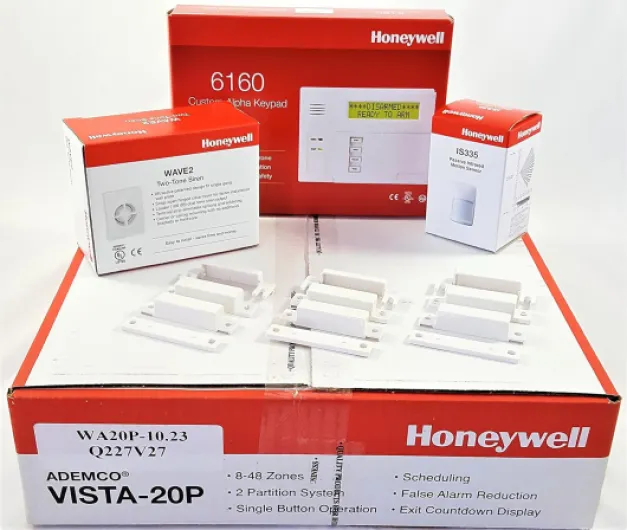

Understanding the role of motion sensors in home security
Why Motion Detection Matters in Home Security
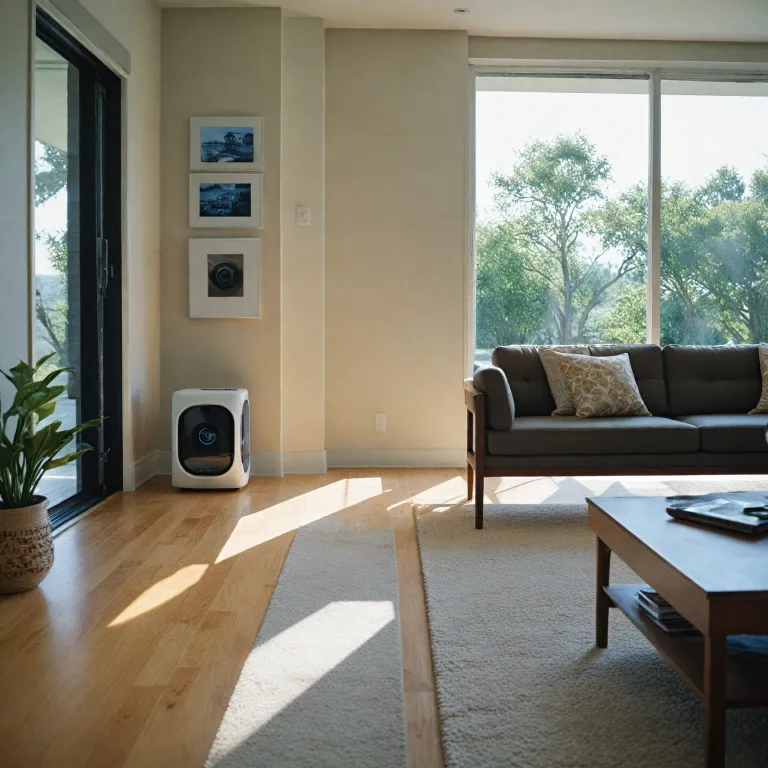
Motion sensors play a crucial role in modern home security systems. These devices, often called motion detectors, are designed to sense movement within a specific area. When the sensor detects motion, it can trigger alarms, send notifications, or activate cameras. This immediate response helps to deter intruders and alert homeowners to potential threats.
How Motion Sensors Work in Everyday Security
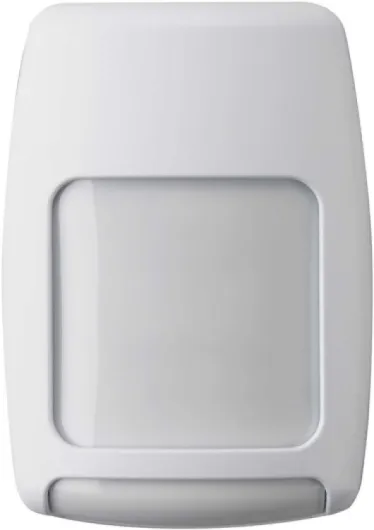
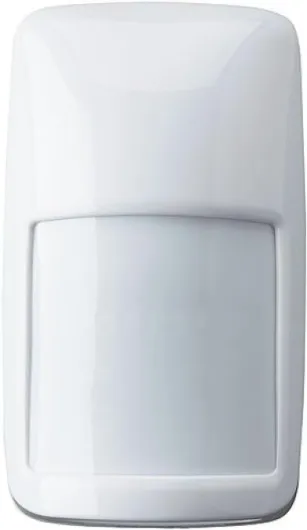
Most home security products use passive infrared (PIR) technology. PIR motion sensors detect changes in heat signatures, such as a person moving across a room. The unit is typically mounted at a height that maximizes coverage and minimizes false alarms. The width and height of the detection area depend on the model and installation. Some sensors offer adjustable settings for maximum flexibility, including test mode for setup and alarm immunity to reduce unwanted triggers from pets or environmental changes.
- Motion detectors can be integrated with alarm systems to provide real-time alerts.
- Many products offer easy install features, making setup straightforward for most homeowners.
- Advanced models include glass break detectors and relay outputs for expanded security coverage.
Comparing Motion Sensor Features and Performance
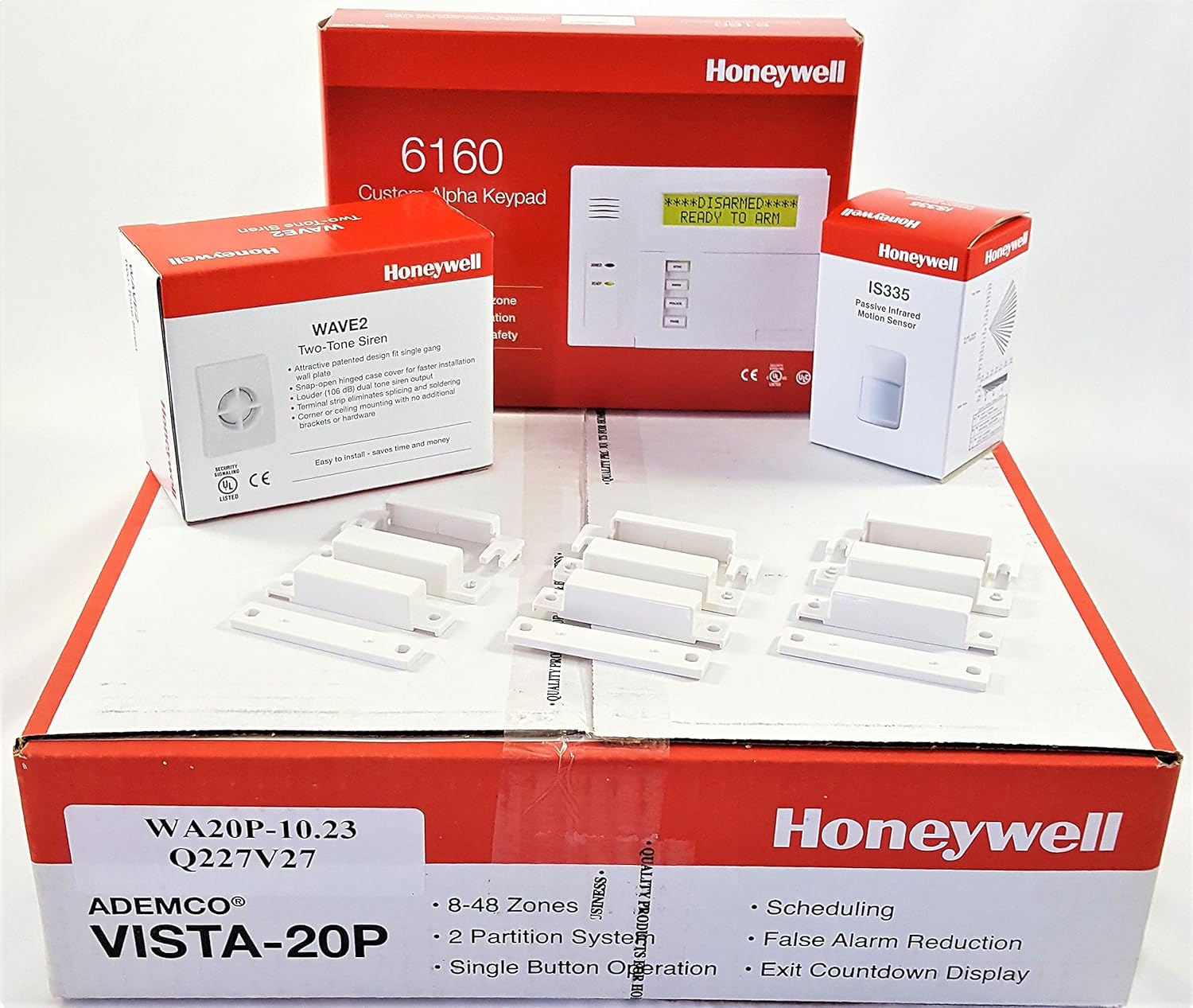
When choosing a motion sensor, it’s important to compare key specifications such as input voltage, detection range, and alarm system compatibility. The price of a sensor can vary depending on features like maximum detection width, alarm immunity, and smart security integration. Some units include inventory management options for larger installations, while others focus on simple, reliable motion detection for residential use.
For a deeper understanding of how motion detection works with your home security setup, you might find this guide on choosing a camera to detect motion helpful. It covers important factors like sensor placement, detection accuracy, and integration with other security devices.

How a Honeywell motion sensor works with security cameras
How Motion Detection Connects with Camera Surveillance
When you pair a Honeywell motion sensor with your home security camera system, you unlock a new level of smart security. The sensor acts as a motion detector, scanning its coverage area for movement using passive infrared (PIR) technology. Once the sensor detects motion, it sends a signal to your camera unit, triggering it to start recording or send an alert. This integration helps you capture important footage only when there is actual activity, optimizing both storage and review time.
- Motion detection: The PIR motion sensor identifies heat signatures and movement, reducing false alarms from non-human sources.
- Relay connection: The sensor’s relay output can be wired directly to your alarm system or camera input, ensuring immediate response when motion is detected.
- Easy install: Most Honeywell products are designed for simple mounting, whether on a wall or ceiling, with clear height and width guidelines for maximum coverage.
- Test mode: Use the test mode to verify the detection area and adjust the sensor’s height, width, and angle for optimal performance.
Why Pairing Sensors and Cameras Matters
Integrating sensors motion with your cameras means you will detect movement even in low-light or challenging conditions. This is especially useful for inventory management or monitoring glass break detectors in vulnerable areas. The sensor’s alarm immunity features help minimize false alarms, ensuring that your alarm system only activates when true motion is present.
For more details on how motion detectors work with camera systems, check out this guide on how a door motion sensor enhances your home security camera system.
| Feature | Honeywell Motion Sensor | Benefit |
|---|---|---|
| Detection Width | Up to maximum 40 ft | Wide coverage area |
| Input Voltage | 12V DC | Compatible with most alarm systems |
| Alarm Output | Relay (NO/NC) | Flexible integration with cameras and alarms |
| Alarm Immunity | Pet-friendly, reduces false alarms | Reliable detection |
| Mounted Height | 6-8 ft | Optimal detection angle |
By combining Honeywell motion detectors with your camera system, you get a more responsive and efficient alarm system. This setup helps you compare products based on features like detection width, input voltage, and alarm output, ensuring you choose the right sensor for your needs. Don’t forget to check the price, shipping options, and product image files before making a purchase.
Key benefits of using a Honeywell motion sensor
Why Honeywell Motion Sensors Stand Out in Home Security
When considering motion detectors for your home, Honeywell products are often recognized for their reliability and advanced features. These sensors use passive infrared (PIR) technology to detect movement, which means they will detect changes in heat signatures within their coverage area. This method helps reduce false alarms, especially when compared to older motion detectors that might trigger due to pets or environmental factors.
- Accurate Motion Detection: Honeywell sensors motion units are designed with a wide detection width and adjustable height. This flexibility allows you to mount the detector at the optimal height and angle, maximizing coverage while minimizing blind spots.
- Alarm Immunity: Many Honeywell motion detectors feature advanced alarm immunity settings. This means the sensor can differentiate between genuine threats and harmless movements, such as small pets or curtains blowing in the wind.
- Easy Install and Test Mode: The easy install process and built-in test mode make it simple for homeowners to set up and verify the sensor’s performance. The unit provides clear feedback during installation, so you know the detection area is properly covered.
- Integration with Alarm Systems: These sensors are compatible with a wide range of alarm system products, including smart security platforms. The relay output allows seamless connection to other devices, such as cameras or glass break detectors, for a comprehensive security solution.
- Flexible Mounting and Design: With options for wall or ceiling mounting, you can compare different models based on your room’s layout. The compact height width dimensions make them suitable for discreet placement, while still offering maximum coverage.
- Inventory Management and Price: Honeywell’s broad product line makes it easy to find a sensor that fits your budget. Many retailers offer detailed product files, including image, height, width, input voltage, and shipping information, so you can compare units before making a purchase.
For those interested in advanced features, some Honeywell motion detectors also include glass break detection and break detectors, further enhancing your home’s protection. If you want to understand how glass break technology can complement your motion detection setup, explore this guide on glass break sensors.
| Feature | Benefit |
|---|---|
| PIR Motion Detection | Reduces false alarms, detects true movement |
| Alarm Immunity | Minimizes nuisance triggers from pets or environment |
| Relay Output | Easy integration with alarm system and cameras |
| Flexible Mounting | Adapts to different room layouts and heights |
| Comprehensive Product Files | Helps with inventory management and product comparison |
Ultimately, Honeywell motion detectors offer a balance of price, performance, and compatibility, making them a solid choice for anyone looking to enhance their smart security setup with reliable motion detection.
Installation tips for Honeywell motion sensors
Choosing the Right Location and Mounting Height
Proper placement of your Honeywell motion sensor is crucial for effective motion detection. The unit should be mounted at the recommended height—usually between 6 and 8 feet—to maximize its detection width and range. Avoid placing the sensor near heat sources, air vents, or direct sunlight, as these can trigger false alarms. For best results, ensure the detector has a clear line of sight and is not blocked by furniture or large objects.
Wiring and Power Considerations
Before installation, check the input voltage requirements for your specific Honeywell model. Some products are battery-powered, while others require a wired connection to your alarm system. Always follow the manufacturer's instructions to ensure the sensor is powered correctly and safely. If your unit supports relay outputs, connect these to your alarm system's control panel for seamless integration.
Testing and Adjusting Detection Settings
Once mounted, use the test mode feature to verify the motion sensor's coverage area. Walk through the detection zone and observe if the sensor triggers the alarm as expected. Adjust the angle or height if necessary to cover the maximum area without missing critical spots. Honeywell detectors often include sensitivity settings to help reduce false alarms and improve alarm immunity.
Integrating with Other Security Devices
For enhanced smart security, pair your Honeywell motion sensor with other detectors motion devices, such as glass break detectors or PIR motion sensors. This layered approach strengthens your alarm system and improves inventory management for your security products. Many Honeywell sensors are compatible with smart home platforms, making integration straightforward.
Tips for Easy Install and Maintenance
- Always compare the height and width specifications of your sensor before purchase to ensure it fits your space.
- Keep the sensor's lens clean and free of dust for true motion detection performance.
- Regularly check the unit's battery or power supply to avoid lapses in protection.
- Store installation files and manuals for future reference.
- Monitor your system for any false alarms and adjust settings as needed.
By following these installation tips, you will detect motion accurately and maintain a reliable alarm system. Honeywell's passive infrared (PIR) technology ensures robust detection while minimizing false alarms, making these sensors a trusted choice for home security.
Integrating Honeywell motion sensors with smart home systems
Making Your Honeywell Sensor Work with Smart Home Devices
Integrating a Honeywell motion sensor with your smart home system can boost your overall security and make daily life more convenient. Most Honeywell motion detectors are compatible with popular smart security platforms, allowing you to connect the sensor unit with other devices like cameras, alarms, and smart lights. This integration means your motion detector can trigger a camera to record, send an alert to your phone, or even activate lighting when motion is detected.
- Compatibility: Before purchasing, compare the product specifications and check if your chosen Honeywell sensor supports your smart home hub or alarm system. Look for details like input voltage, relay output, and supported protocols (such as Z-Wave or Zigbee).
- Automation: Once installed and mounted at the right height and width, you can set up automation rules. For example, when the PIR motion sensor detects movement, it can trigger your alarm system or start recording on your security camera. This helps with inventory management or monitoring entry points.
- False Alarm Immunity: Many Honeywell products offer features like pet immunity and test mode, reducing false alarms and making them reliable for busy households.
- Integration with Other Sensors: You can combine motion detectors with glass break detectors or door sensors for layered protection. This makes the detection coverage more robust and helps prevent gaps in your security setup.
When integrating, always review the installation files and manuals provided by Honeywell. These resources help ensure the sensor is mounted correctly and that the detection range (height, width, and maximum coverage) matches your needs. If you run into issues, check the troubleshooting section for tips on resolving common problems, like adjusting the PIR sensor or verifying the input voltage.
For those comparing products, consider the price, shipping options, and available images to make an informed choice. A well-integrated Honeywell motion detector can be a true asset to your smart security system, providing reliable motion detection and easy install options for most homes.
Troubleshooting common issues with Honeywell motion sensors
Common Problems and How to Address Them
When using Honeywell motion detectors as part of your alarm system, you might encounter a few typical issues. Understanding these can help you maintain reliable motion detection and avoid unnecessary false alarms.- False Alarms: Sometimes, the sensor will detect motion from pets, moving curtains, or HVAC airflow. To reduce false alarms, check the mounting height and width, and use the test mode to verify the detection area. Many Honeywell products offer pet immunity or adjustable sensitivity settings—make sure these are set according to your needs.
- Sensor Not Detecting Motion: If your motion detector fails to trigger the alarm, confirm the unit is powered correctly. Check the input voltage and wiring connections. Also, ensure the detector is not blocked by furniture or glass, as passive infrared (PIR) sensors motion can struggle with obstructions or glass break situations.
- Limited Detection Range: Each Honeywell motion sensor has a maximum detection width and height. Compare your room’s dimensions with the product’s specifications. If the sensor is mounted too high or too low, the detection area may not cover the intended space.
- Integration Issues: When connecting the sensor to smart security systems or inventory management platforms, verify compatibility. Some units require a relay or specific input voltage to communicate with other detectors motion or break detectors.
- Image or Files Not Updating: If your alarm system includes camera integration, ensure the motion detector is properly linked to the camera. Check for firmware updates for both devices and confirm that the system is set to capture images or files upon motion detection.
Maintenance and Testing Best Practices
- Regularly clean the sensor lens to prevent dust buildup, which can affect PIR motion detection accuracy.
- Test the motion sensor monthly using the built-in test mode. Walk through the detection area and confirm the alarm triggers as expected.
- Review the alarm system’s event logs or files to monitor for unusual activity or frequent false alarms.
- For easy install and troubleshooting, keep the product manual handy and check Honeywell’s support site for updates on their detectors motion lineup.