

Understanding motion detection for vehicles
How Motion Detection Works for Vehicle Security
When it comes to protecting your car, understanding how motion detection operates is essential. Security cameras and dash cams use motion sensors to monitor activity around your vehicle. These sensors trigger recording when movement is detected, helping you capture incidents like attempted theft, vandalism, or accidental impact. Whether you park on the street or in a private driveway, motion activated cams can provide peace of mind by alerting you to suspicious activity in real time.
Types of Motion Detection Technologies
There are several ways cameras detect motion. Most modern security cameras and dash cams use either pixel-based detection or infrared sensors. Pixel-based detection analyzes changes in the video feed, while infrared sensors pick up heat signatures. Some advanced models combine both for better accuracy, reducing false alarms caused by passing shadows or small animals. For those who want reliable parking mode surveillance, choosing a camera with customizable sensitivity settings is key.
Why Motion Detection Matters for Cars
Motion detection is not just about catching a thief. It also helps document hit-and-run accidents, parking lot scrapes, and even delivery mishaps. Dash cams with impact detection and loop recording ensure that important footage is saved, even if your storage is limited. Features like night vision and wifi connectivity allow you to monitor your car at any hour and access recordings remotely. If you want to enhance your night-time vehicle security, you might find this night vision package guide helpful.
- Parking mode: Keeps your dash cam or security camera recording even when the car is off
- Local storage: Lets you save footage on a memory card, so you don’t rely only on cloud services
- Ghz wifi: Enables real-time alerts and remote access to your camera car system
- Impact detection: Automatically saves clips when a collision or bump is detected
Understanding these basics will help you make informed decisions as you explore key features, placement strategies, and integration with smart home systems in the next steps of your security journey.

Key features to look for in a camera to detect motion on vehicle
Essential Capabilities for Reliable Vehicle Motion Detection
When selecting a camera to monitor your car, parking area, or driveway, it’s important to focus on features that ensure accurate motion detection and effective recording. Not all security cameras or dash cams are created equal, especially when it comes to monitoring vehicles. Here’s what to look for:
- Advanced Motion Sensors: Choose cams with motion sensors specifically tuned for vehicles. Some cameras use pixel-based detection, while others combine this with radar or PIR sensors to reduce false alarms from wind or passing animals.
- Parking Mode: A dash cam or security camera with parking mode can record events even when your car is off. This mode is crucial for peace of mind, as it keeps an eye on your vehicle in real time, whether it’s parked at home or in public.
- Impact Detection: Look for cams that offer impact detection. This feature triggers recording if your car is bumped or hit, helping you capture evidence for insurance or security purposes.
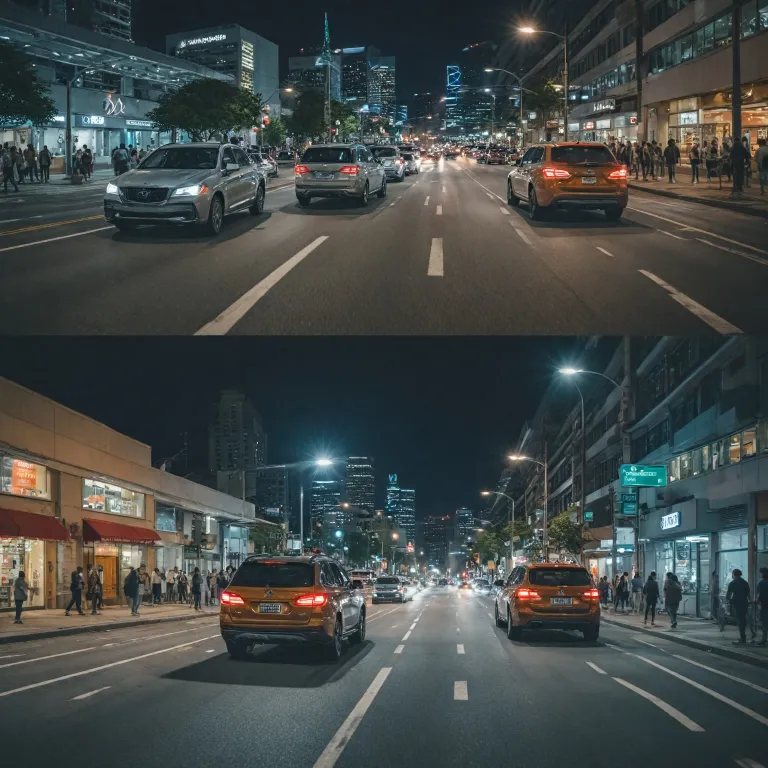
- Night Vision: Good night vision is essential for monitoring your car at night. Infrared LEDs or starlight sensors help cams capture clear footage in low light. For more on this, check out enhancing home security with night vision and infrared cameras.
- Loop Recording and Local Storage: Continuous loop recording ensures you never miss an event, while local storage (like microSD cards) means your footage is safe even if wifi drops. Some dash cams and security cameras offer cloud storage, but local storage is often more reliable for vehicle monitoring.
- Wifi Connectivity: A camera with 2.4 GHz wifi (or dual-band) allows for real time alerts and remote access to footage. This is especially useful if you want to check on your car from anywhere.
- Resolution and Field of View: Higher resolution cams (1080p or above) provide clearer images, making it easier to identify faces or license plates. A wide field of view helps cover more of your parking area or driveway.
- Motion Activated Recording: Motion activated mode saves storage and battery by only recording when movement is detected. This is a must-have for both dash cams and home security cameras focused on cars.
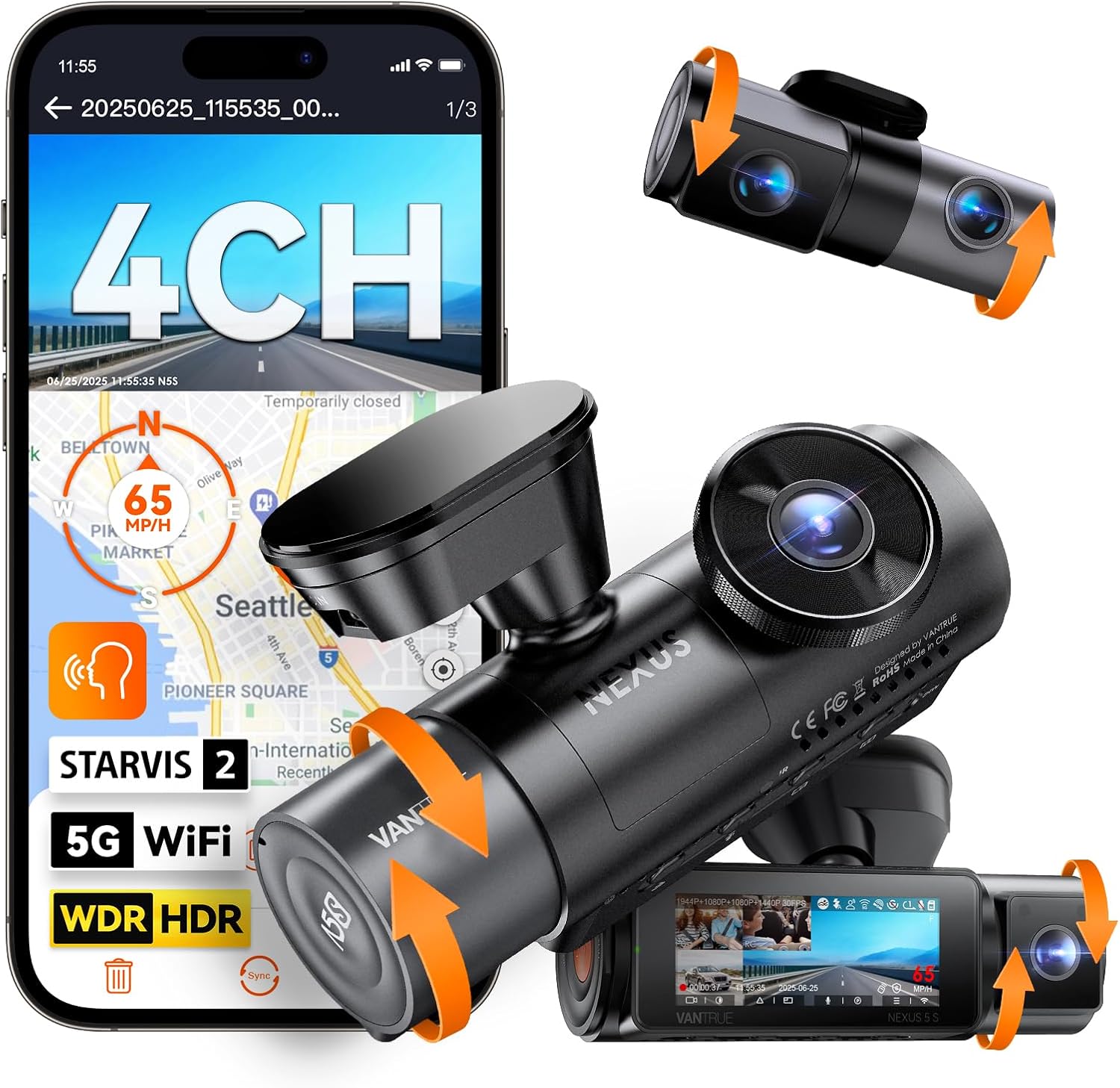
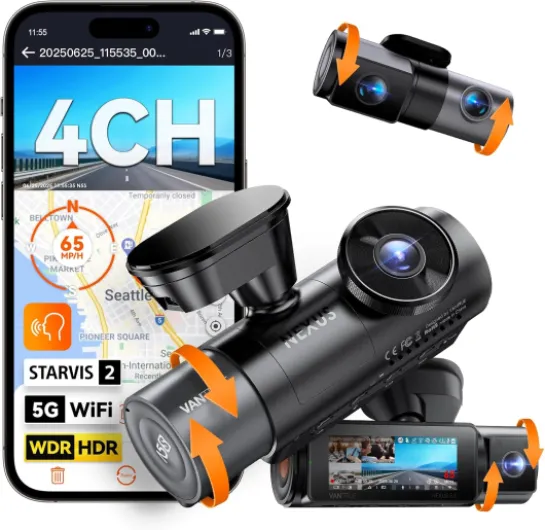
Brands like Vantrue and others offer dash cams and security cameras that combine these features, giving you flexibility whether you’re monitoring a single car, multiple cars, or even a van. Always check for compatibility with your parking setup and consider how the camera’s detection mode fits your daily routine.
By focusing on these key features, you’ll be better equipped to choose a camera that delivers reliable motion detection, reduces false alarms, and keeps your vehicle secure day and night. Don’t forget to look for deals or save coupon offers when shopping for your next camera car solution.
Placement strategies for optimal vehicle coverage
Smart positioning for maximum vehicle coverage
Getting the most out of your security camera or dash cam depends heavily on where you place it. Proper placement ensures your vehicle is fully covered, motion detection is accurate, and you avoid common blind spots. Here’s what to consider:- Field of view: Choose a camera or dash cam with a wide-angle lens to cover more area around your car, especially in parking mode. This helps capture motion from all directions and reduces the risk of missing incidents.
- Height and angle: Mount your security camera high enough to avoid tampering but angled down to capture the entire vehicle, including license plates and entry points. For dash cams, position them behind the rearview mirror for a clear, unobstructed view.
- Minimize blind spots: Overlapping coverage from multiple cams can help. If you’re using several security cameras or dash cams, make sure their fields of view intersect. This approach is key to avoiding camera blind spots—learn more about this in this guide on avoiding camera blind spots.
- Night vision and lighting: Place cameras where there’s enough ambient light, or use cams with strong night vision capabilities. This ensures clear recording even in low-light parking areas or at night.
- Wifi and connectivity: For real-time alerts and remote access, ensure your security camera or dash cam is within range of your home’s 2.4 GHz wifi network. This is crucial for motion activated notifications and live viewing.
- Protection from the elements: Outdoor security cameras and dash cams should be weather-resistant. Position them under eaves or use protective housings to shield from rain and direct sunlight.
Balancing privacy and security
Finding the Right Balance Between Surveillance and Personal Space
When setting up a security camera or dash cam to monitor your vehicle, it’s important to consider both your safety and the privacy of others. While features like motion detection, parking mode, and real-time recording can give you peace of mind, they also come with responsibilities.- Respecting Boundaries: Position your cameras so they focus on your car or parking area, not your neighbor’s property. Many cams, including popular brands like Vantrue, offer adjustable motion sensors to help avoid unnecessary recording of public spaces or other cars.
- Data Protection: Whether you use local storage or cloud, secure your footage. Enable password protection on your dash cam or security camera, and regularly review who has access to your recordings. This is especially important if your camera supports wifi or 2.4 GHz wifi connections, as these can be vulnerable if not properly secured.
- Minimizing False Alarms: Advanced motion activated cams can filter out irrelevant movements, reducing unnecessary alerts and recordings. Adjust sensitivity settings to avoid constant notifications from passing cars or pets, which can clutter your storage and make it harder to find real incidents.
- Legal Considerations: In some regions, recording audio or video in public or shared spaces may be subject to regulations. Check local laws before enabling features like impact detection or loop recording that might capture more than just your vehicle.
Practical Tips for Everyday Use
- Use night vision and parking mode to monitor your car after dark, but ensure your camera car setup doesn’t intrude on private areas.
- Dash cams with motion detection and impact detection can help document incidents, but review your footage regularly to delete unnecessary clips and maintain privacy.
- If you use multiple security cameras, label each cam clearly and store recordings in organized folders, whether on local storage or cloud, to avoid confusion and accidental sharing.
Integrating cameras with smart home systems
Making Your Vehicle Camera Work with Your Smart Home
Integrating your security camera or dash cam with your smart home system can bring real-time peace of mind, especially when monitoring your car, parking area, or garage. Many modern cams, including popular brands like Vantrue, offer compatibility with smart home platforms through wifi connections, often supporting both 2.4 GHz and 5 GHz wifi bands. This allows you to receive instant alerts on your phone or smart display when motion sensors detect activity near your vehicle.- Real-Time Notifications: When your camera detects motion or impact, you can get immediate notifications, helping you respond quickly to potential threats or false alarms.
- Remote Viewing: Smart home integration lets you view live or recorded footage from your security camera or dash cam directly on your mobile device, even when you’re away from home.
- Voice Control: Some systems allow you to use voice assistants to check your cams, making it easier to monitor your car or parking area hands-free.
- Automated Routines: You can set up routines, like turning on outdoor lights when motion is detected by your camera car or dash camera, adding another layer of security.
Choosing Compatible Cameras and Storage Options
Not all security cameras or dash cams are compatible with every smart home system. Before buying, check if the camera supports your preferred platform (like Alexa, Google Home, or Apple HomeKit). Also, consider how the camera handles recording and storage:- Local Storage: Many dash cams and security cameras offer local storage via SD cards, which is useful for continuous loop recording and parking mode footage. This can be crucial if your wifi connection is unstable.
- Cloud Storage: Some cams provide cloud storage options for motion activated clips, but this may require a subscription. Weigh the benefits of cloud backup versus local storage for your needs.
Maximizing Features for Car Security
When integrating with your smart home, look for features like night vision, motion detection sensitivity settings, and impact detection. These help reduce false alarms and ensure you capture important events, whether your car is parked outside or in a garage. Dash cams with parking mode and motion sensors can automatically start recording if movement or impact is detected, even when the engine is off. For those seeking extra value, keep an eye out for save coupon offers from manufacturers or retailers. This can make upgrading your security cameras or dash cams more affordable. Smart home integration isn’t just about convenience—it’s about creating a seamless, secure environment for your cars, whether you drive a sedan, SUV, or van. By choosing the right camera and setting up your system thoughtfully, you can enhance your vehicle’s security and enjoy greater peace of mind.Troubleshooting common issues with vehicle motion detection
Solving False Alarms and Missed Events
False alarms and missed motion events are common headaches when using security cameras or dash cams for vehicle monitoring. These issues can undermine your peace of mind and make it harder to trust your system. Here are some practical steps to address these problems:- Adjust Motion Sensitivity: If your camera or dash cam is too sensitive, it may trigger recordings for minor movements like leaves or passing shadows. Lower the motion detection sensitivity in your camera’s settings to reduce false alarms. On the other hand, if you’re missing real events, try increasing the sensitivity.
- Check Camera Placement: Make sure your cam is aimed to cover your vehicle without including unnecessary background movement. Parking mode works best when the camera is focused on the car and entry points, not busy streets or walkways.
- Update Firmware: Manufacturers like Vantrue often release updates to improve detection algorithms and fix bugs. Regularly check for firmware updates for your dash cam or security camera.
- Use Impact Detection: Some dash cams offer impact detection in addition to motion sensors. This feature triggers recording when your car is bumped, which is especially useful in parking mode for catching hit-and-run incidents.
- Test Night Vision: Night vision is crucial for overnight parking security. If your camera misses events at night, check the infrared LEDs and clean the lens. Make sure there’s no glare from nearby lights affecting the image.
- Review Storage Settings: Loop recording is standard on most dash cams and security cameras, but if your local storage is full or the SD card is faulty, you might lose important footage. Regularly format your card and check for errors.
- Check Wifi Connection: For cams with real time alerts over 2.4 GHz wifi, a weak signal can cause delays or missed notifications. Move your router closer or use a wifi extender for better coverage in your garage or driveway.
When Your Camera Stops Recording
If your camera or dash cam fails to record motion or impact events, try these troubleshooting steps:- Power Supply: Ensure your camera is properly powered, especially in parking mode. Hardwired installations are more reliable for continuous monitoring.
- Settings Reset: Sometimes, a factory reset can resolve software glitches. Reconfigure your motion activated and impact detection settings after resetting.
- App Notifications: If you rely on a mobile app for alerts, check notification permissions and app updates. Some security cameras require specific app settings to send real time alerts.
Reducing False Alarms for Peace of Mind
To minimize unnecessary alerts and ensure your camera car system is reliable:- Fine-tune motion sensors to balance detection accuracy and avoid constant false alarms.
- Regularly review recorded footage to confirm your dash cams or security cameras are capturing relevant events.
- Consider cameras with advanced AI detection to distinguish between vehicles, people, and animals.