Summary

Editor's rating

★★★★★ ★★★★★

Is it worth the money compared to other CCTV kits?

★★★★★ ★★★★★

Looks, build, and the not‑so‑silent NVR box

★★★★★ ★★★★★

Build quality, weather resistance, and long‑term thoughts

★★★★★ ★★★★★

Image quality, AI tracking, and day‑to‑day reliability

★★★★★ ★★★★★

What you actually get and how it’s supposed to work

★★★★★ ★★★★★

How well it actually secures the house

★★★★★ ★★★★★

Pros

  • Strong 4K image quality with useful PTZ tracking and 360° coverage
  • Local AI (people/vehicle/face detection and smart search) works well without mandatory subscription
  • Wired PoE setup is stable with 24/7 recording on included 2 TB drive and easy expansion

Cons

  • Cameras are tied to the Eufy NVR and don’t behave like standard open IP cams
  • No proper privacy mode and some buggy behaviour with detection and privacy zones
  • NVR fan noise and occasional app glitches can be annoying in daily use
Brand eufy Security
Connectivity technology Wired
Video capture resolution 4K
Special feature AI-Powered Object Detection and Tracking, Dynamic Tracking, Auto-Framing, Live Cross-Cam Tracking, On-Device AI Agent for Real-Time Security See more
Number of channels 8
Network Connectivity Technology Wired
Other Special Features of the Product AI-Powered Object Detection and Tracking, Dynamic Tracking, Auto-Framing, Live Cross-Cam Tracking, On-Device AI Agent for Real-Time Security
Memory Storage Capacity 2 TB

Serious home CCTV without the subscription trap

I set up the Eufy Security PoE NVR S4 Max at home to replace a mixed bag of Wi‑Fi cameras and an old Swann DVR. I wanted something wired, reliable, with proper local storage and decent AI so I’m not scrolling through hours of footage every time a cat walks past. This kit is clearly built for people who are ready to pull some Ethernet cable and want a more serious setup than a couple of battery cams stuck to the wall.

The box I tested is the 4‑camera Bullet‑PTZ kit with the NVR and a 2 TB hard drive pre‑installed. Each cam has a wide 4K lens plus a PTZ part that can zoom and track people, so in theory four cameras can cover pretty much everything around a typical house. I’ve been running it for a few weeks, 24/7 recording, with motion alerts turned on and some face recognition profiles set up for the family.

In daily use, it’s clear this is not a casual plug‑and‑play Wi‑Fi system. You need to be okay with drilling, routing cable, and spending time in the app and NVR menus to tune things. Once it’s up though, it feels more like a proper small‑business CCTV system than a basic smart camera kit. The image quality, tracking, and local AI are the main strengths. A few software quirks and some design choices hold it back from being perfect.

If you’re expecting something you just stick on the wall and forget, you might be annoyed by the setup and some of the app fiddling. If you’re the type who doesn’t mind spending a weekend mounting cameras, tweaking detection zones, and testing angles, you’ll probably be pretty happy with what it can do, especially given there are no mandatory subscription fees for the AI and video search.

Is it worth the money compared to other CCTV kits?

★★★★★ ★★★★★

Price‑wise, this kit sits above the basic 4‑cam DVR systems from brands like Swann or generic Amazon specials, but below some of the high‑end commercial setups. You’re paying for 4K resolution, PTZ on each cam, built‑in 2 TB storage, and local AI with no mandatory subscription. If you compare that to buying four separate smart cams with cloud fees, it actually stacks up fairly well over a couple of years.

Where the value is strong is for people who want 24/7 recording plus smart detection, but don’t want to pay monthly just to access their footage or AI. The Smart Video Finder, face recognition, and cross‑cam tracking are all included. Cloud backup is optional, not forced. If you’re okay with the wired install and being tied to Eufy cameras, you get a lot of functionality out of the box. I’ve used Swann and Ring before, and for the same level of coverage and clarity, this Eufy kit ends up cheaper over time than a bunch of cloud‑only cams.

On the flip side, there are a few caveats that affect perceived value. First, you’re locked into Eufy for extra cameras; you can’t just mix in any random IP cam. Second, some of the bugs (privacy zones, light schedules, app quirks) feel a bit rough for a system at this price. Nothing is completely broken, but you can tell the software still needs work. If you want a fully polished, set‑and‑forget experience on day one, that might bother you.

Overall, I’d call the value good but not unbeatable. If you’re the type who will actually use the AI features, search tools, and PTZ tracking, you’re getting your money’s worth. If you just want basic recording and motion alerts, you could save money with a simpler NVR kit or a couple of cheaper PoE cameras and a basic recorder. This system makes the most sense for someone who wants proper coverage, local storage, and is happy to stick inside the Eufy ecosystem for a while.

71qXry5XcDL._AC_SL1500_

Looks, build, and the not‑so‑silent NVR box

★★★★★ ★★★★★

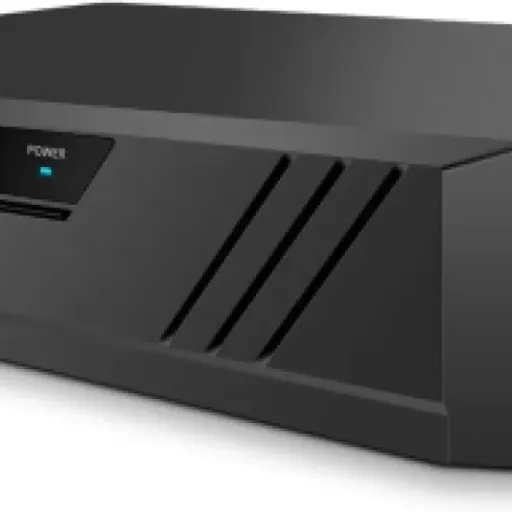
The NVR itself is metal, not a cheap plastic shell, and that’s one thing I actually liked straight away. It feels closer to the Swann and Hikvision boxes I’ve seen in small businesses than to a typical smart home hub. It’s compact enough to tuck into a TV cabinet or network shelf, and the silver finish looks fine, not flashy. That said, the internal fan can be a bit noisy when it kicks in. In my case it spins up for short bursts, but if you put it in a bedroom or a quiet office you’ll definitely notice it.

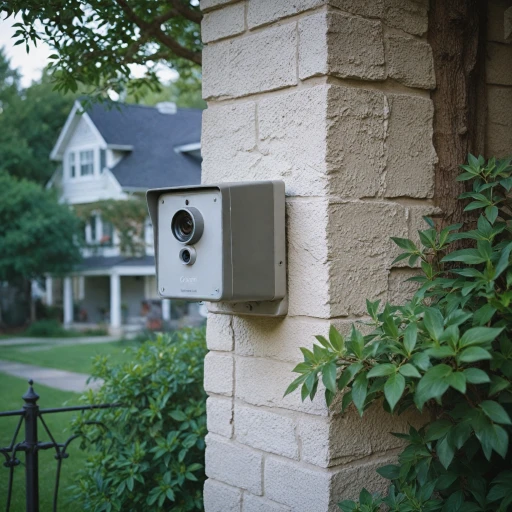
The cameras are the usual white and black bullets, fairly chunky because of the triple‑lens setup. They don’t feel flimsy, but they’re not tiny either, so they are pretty visible on the outside of the house. For security that’s not necessarily bad – they act as a deterrent – but if you’re trying to keep things discreet, these are not small. The included brackets are basic but solid enough, and once tightened down the cameras stay in place even in wind and rain.

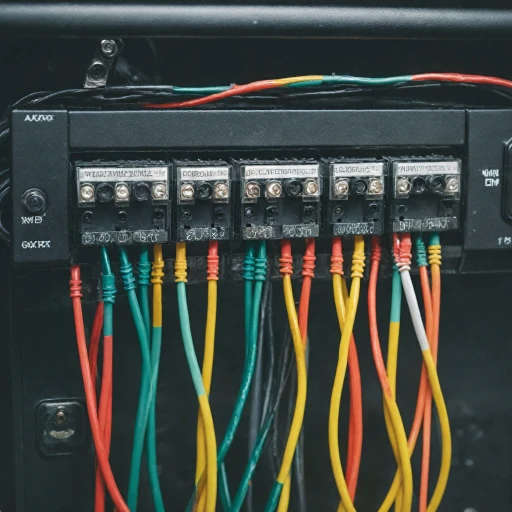
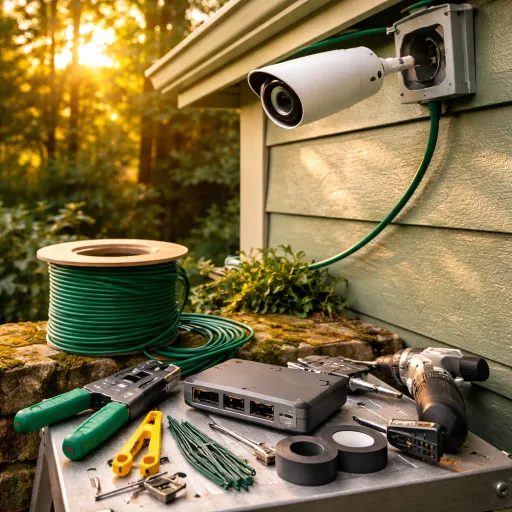
From a design logic point of view, Eufy clearly focused on function over looks. The cable routing is straightforward: one Ethernet cable from each cam back to the NVR or a PoE switch, with waterproof covers in the box. No external power bricks at the camera end, which keeps things cleaner. I had no problem fitting them under soffits and on walls, but you do need to plan where the cables exit, especially if you want the joints protected from rain.

My only real design gripe is about user interaction. The HDMI interface on the NVR gets the job done, but switching views can show a short loading screen, which feels a bit clunky. Also, there’s no quick “privacy mode” button on the NVR or a physical switch on the cameras – everything is done through software. For something that’s aimed at home users, a simple hardware privacy toggle or at least a very visible soft button in the UI would have been nice. Overall, the design is practical and sturdy, but a bit rough around the edges on the user side.

Build quality, weather resistance, and long‑term thoughts

★★★★★ ★★★★★

The cameras are rated IP65, which in practice means they’re fine for outdoor mounting under normal UK/European weather – rain, wind, some dust. I’ve had them out through a few heavy showers and cold nights and they haven’t shown any signs of condensation or weird behaviour. The housings feel solid enough and the joints don’t wobble once they’re tightened. They’re not industrial‑grade bricks, but for home use they seem well built.

The NVR’s metal case should hold up well over time, and the fact that the hard drive is a standard unit you can upgrade up to 16 TB is reassuring. You’re not stuck with some sealed box you can’t repair or expand. The fan noise suggests there is some active cooling going on, which is good for the drive’s life, even if it’s a bit annoying acoustically. I’d definitely place the NVR somewhere with decent airflow and not jammed in a hot cupboard.

On the software side, durability is more about how often Eufy updates and fixes bugs. The system already has some known quirks with zones, privacy, and the app sometimes being a bit flaky. That doesn’t scream “polished and done”, but at least it means there is room for improvement if they keep pushing firmware and app updates. The good sign is that most of the issues feel software‑related, not hardware limitations, so in theory they can be fixed without you changing any kit.

Long‑term, the biggest risk in my mind isn’t the physical durability, it’s the ecosystem lock‑in. These cameras are tied to the S4 NVR, they’re not generic ONVIF IP cams you can reuse on any system. So if Eufy ever drops support or you decide to move to another brand, you can’t just repurpose the cameras easily. That’s something to keep in mind if you usually mix brands or like fully open setups. Hardware‑wise, though, I don’t see any obvious weak points after a few weeks outdoors – they feel like they’ll last several years with normal use.

7186eVy87QL._AC_SL1500_

Image quality, AI tracking, and day‑to‑day reliability

★★★★★ ★★★★★

On the performance side, the image quality is genuinely strong. The 4K upper lens gives a clear, sharp overview both day and night. You can easily identify clothing, cars, and general movement. The lower PTZ lens in 2K isn’t quite as sharp as the 4K overview, but it’s still more than good enough to recognise faces and licence plates at reasonable distances. At night, the IR and the red/blue lights do a decent job – the picture is clean, with less grain than what I had on my older Swann system.

The AI tracking is where this kit stands out. When someone enters the scene, the camera usually picks them up quickly, the PTZ part locks on, and it follows them around with auto‑zoom. In my tests, people detection was accurate most of the time. It did occasionally mistake a moving branch or a big dog for a person at first, but after some tweaking of detection zones and sensitivity, those false alerts dropped. Face recognition works, but you do need to keep training it – adding or confirming faces so it learns who’s who. If you’re lazy with that, the accuracy drops.

The cross‑cam tracking is a nice extra when it works: if someone walks along the side of the house and then into the driveway, the system links events from camera to camera. It’s not perfect – sometimes it breaks the chain – but it does make reviewing an incident easier than manually hopping between feeds. The Smart Video Finder is also pretty handy. Instead of scrubbing through hours of footage, you can filter by people, vehicles, or faces, and jump straight to the interesting bits. That genuinely saves time compared to basic NVRs.

Reliability has been mostly good. The cameras stay connected, no random dropouts on the wired links. The main hiccup I’ve seen (and that matches some reviews) is the app sometimes not showing all cameras immediately. A quick app restart usually fixes it, but it’s still annoying. Also, there are some software bugs with privacy zones and event zones on the dual‑lens view: zones sometimes apply weirdly across the two lenses, and detection doesn’t always respect the drawn areas. For a system that sells itself on AI and zones, that’s something Eufy really needs to tidy up with updates.

What you actually get and how it’s supposed to work

★★★★★ ★★★★★

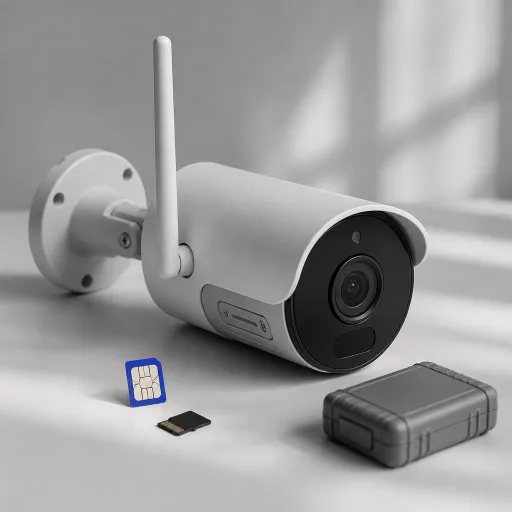
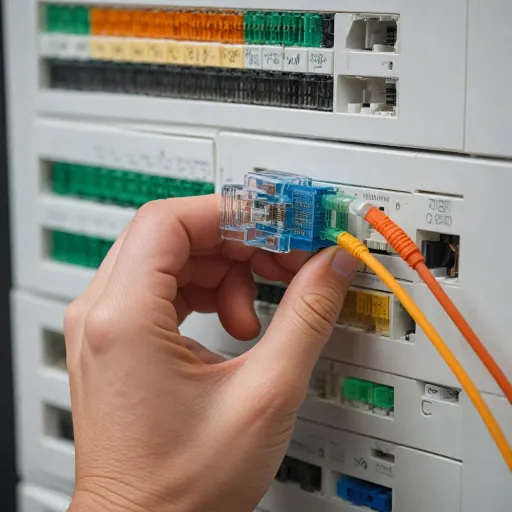
The kit includes the S4 NVR (with a 2 TB drive already inside), four Bullet‑PTZ cameras, four 18 m Ethernet cables, an HDMI cable, power adapter, USB mouse, and the usual screws and brackets. You basically plug each camera into the NVR via Ethernet (PoE), connect the NVR to your router, hook up a monitor or TV via HDMI, and then use the Eufy app or the mouse/monitor combo to set everything up. It’s pretty straightforward if you’ve ever used any NVR system before.

The key feature is the triple‑lens Bullet‑PTZ design. Each cam has an upper 4K wide‑angle lens that gives a fixed 122° overview, plus lower PTZ lenses in 2K that can pan 360° and zoom up to 8x. In practice, that means the top lens always watches the whole area, and the bottom lens locks onto people or cars and follows them around. The NVR records continuously (24/7) plus events, and the AI can tag clips by person, vehicle, or face, which you can then search via the app using keywords.

Eufy pushes the idea of a local AI agent: all the analysis happens on the NVR, not in the cloud, so you don’t technically need a subscription. You can set up activity zones, no‑go zones, and specific alerts, and the system tries to be smart about what is an actual threat versus background noise. There’s also cross‑cam tracking: when a person leaves the view of one camera, another one can pick them up and the event log tries to stitch that together.

Compared to the typical consumer Wi‑Fi cams I used before (Ring, Arlo), this feels more “pro” in how it’s structured. But there are trade‑offs: the cameras are not standard IP cams you can just drop onto any NVR, and they basically have to live off this S4 NVR ecosystem. You get a lot of features out of the box, but you’re locked into Eufy’s world. If you’re okay with that and you want a wired, always‑on setup with decent AI, the overall package makes sense.

71G8xJxfcsL._AC_SL1500_

How well it actually secures the house

★★★★★ ★★★★★

In terms of real security, the system is pretty solid once you’ve dialled it in. I have it watching the front drive, back garden, and side alley. It records 24/7, and the AI tags most relevant events correctly. When someone comes to the door, I get a person alert within a couple of seconds, and the recording already has the PTZ zooming in on them. You can then talk through the two‑way audio, which is clear enough thanks to noise reduction, though it’s still very obviously a camera speaker, not hi‑fi.

The red and blue lights are more than just a gimmick. When they trigger at night, they definitely draw attention and make it obvious that there’s a camera watching. You can configure when they come on – for example only on person detection – but here’s a pain point: schedules and logic for the lights are a bit buggy. In my testing and based on other user comments, lights sometimes behave like they’re always on motion detection even when you try to limit them by time or event type. It’s not broken, but it’s not as flexible as it should be yet.

Local AI is the main win for effectiveness. Because it all runs on the NVR, you still get smart alerts and video search even if your internet drops. For actual security, that matters a lot. I had a short broadband outage and the system just kept recording and tagging events. No cloud dependency, no missing footage. Compared to my previous cloud‑only setup, that’s a big step up. Also, the ability to store 24/7 footage for days or weeks, depending on resolution and bit rate, means if something happens you can go back and review everything, not just motion clips.

Where it falls short a bit is user control and privacy. There is no proper privacy mode to quickly disable recording or viewing for certain times (for example, when you’re in the garden and don’t want to be filmed). You can hack it by turning off detection or muting notifications, but that’s not the same as actually stopping recording or blanking the feed. For some users that won’t matter, but if you’re sensitive about privacy or have neighbours close by, the lack of an easy, reliable privacy toggle is a notable weakness.

Pros

  • Strong 4K image quality with useful PTZ tracking and 360° coverage
  • Local AI (people/vehicle/face detection and smart search) works well without mandatory subscription
  • Wired PoE setup is stable with 24/7 recording on included 2 TB drive and easy expansion

Cons

  • Cameras are tied to the Eufy NVR and don’t behave like standard open IP cams
  • No proper privacy mode and some buggy behaviour with detection and privacy zones
  • NVR fan noise and occasional app glitches can be annoying in daily use

Conclusion

Editor's rating

★★★★★ ★★★★★

The Eufy Security PoE NVR S4 Max is a solid choice if you’re ready for a wired install and want serious home CCTV without being tied to monthly fees. The combo of 4K overview plus PTZ tracking on each camera works well in practice, and the local AI does a good job tagging people, vehicles, and faces so you’re not wasting time scrolling through boring footage. Image quality, especially at night, is clearly better than the older Swann kit I used, and the 24/7 recording with 2 TB on board gives decent history out of the box.

It’s not perfect though. The cameras are locked to the NVR, there’s no simple privacy mode, and some of the software bits – zones, light schedules, occasional app glitches – feel unfinished. If you want something truly plug‑and‑play, this will feel a bit fussy. But if you’re comfortable running Ethernet cable, tinkering with settings, and you like the idea of strong local AI with no compulsory subscription, this system is a good fit. I’d recommend it mainly to homeowners who want a step up from basic Wi‑Fi cams and are fine committing to the Eufy ecosystem. If you prefer open IP cameras or you’re very picky about privacy controls, you might want to look at more traditional NVR brands or simpler setups.

See offer Amazon

Sub-ratings

Is it worth the money compared to other CCTV kits?

★★★★★ ★★★★★

Looks, build, and the not‑so‑silent NVR box

★★★★★ ★★★★★

Build quality, weather resistance, and long‑term thoughts

★★★★★ ★★★★★

Image quality, AI tracking, and day‑to‑day reliability

★★★★★ ★★★★★

What you actually get and how it’s supposed to work

★★★★★ ★★★★★

How well it actually secures the house

★★★★★ ★★★★★
Published on
PoE NVR CCTV Camera Systems S4 Max, 4K UHD Triple-Lens Bullet-PTZ Cam with 2TB Hard Drive, 360° Coverage, Smart Video Finder, Cross-Cam Tracking, Red & Blue Lights, 24/7 Recording, IP65 4 Bullet-PTZ Cams
eufy Security
PoE NVR CCTV Camera Systems S4 Max, 4K UHD Triple-Lens Bullet-PTZ Cam with 2TB Hard Drive, 360° Coverage, Smart Video Finder, Cross-Cam Tracking, Red & Blue Lights, 24/7 Recording, IP65 4 Bullet-PTZ Cams
🔥
See offer Amazon