
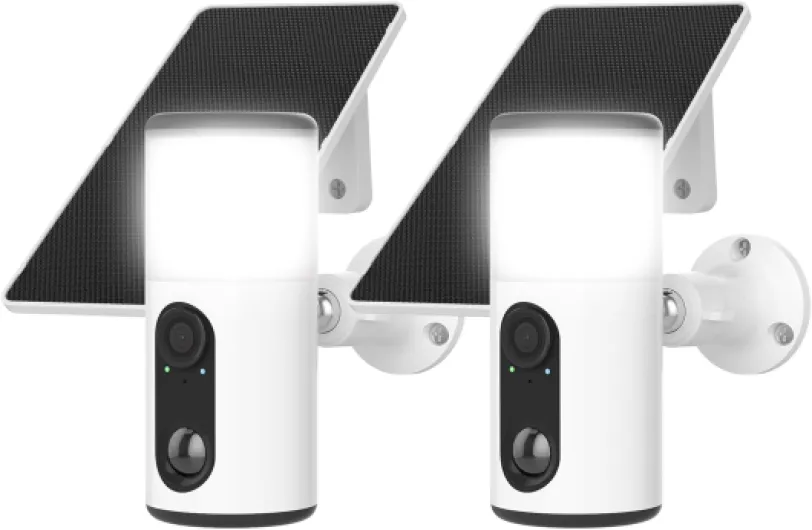
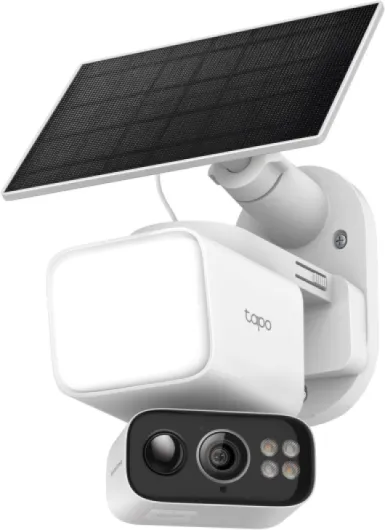
Understanding the alarm com floodlight camera
What Sets the Alarm.com Floodlight Camera Apart?
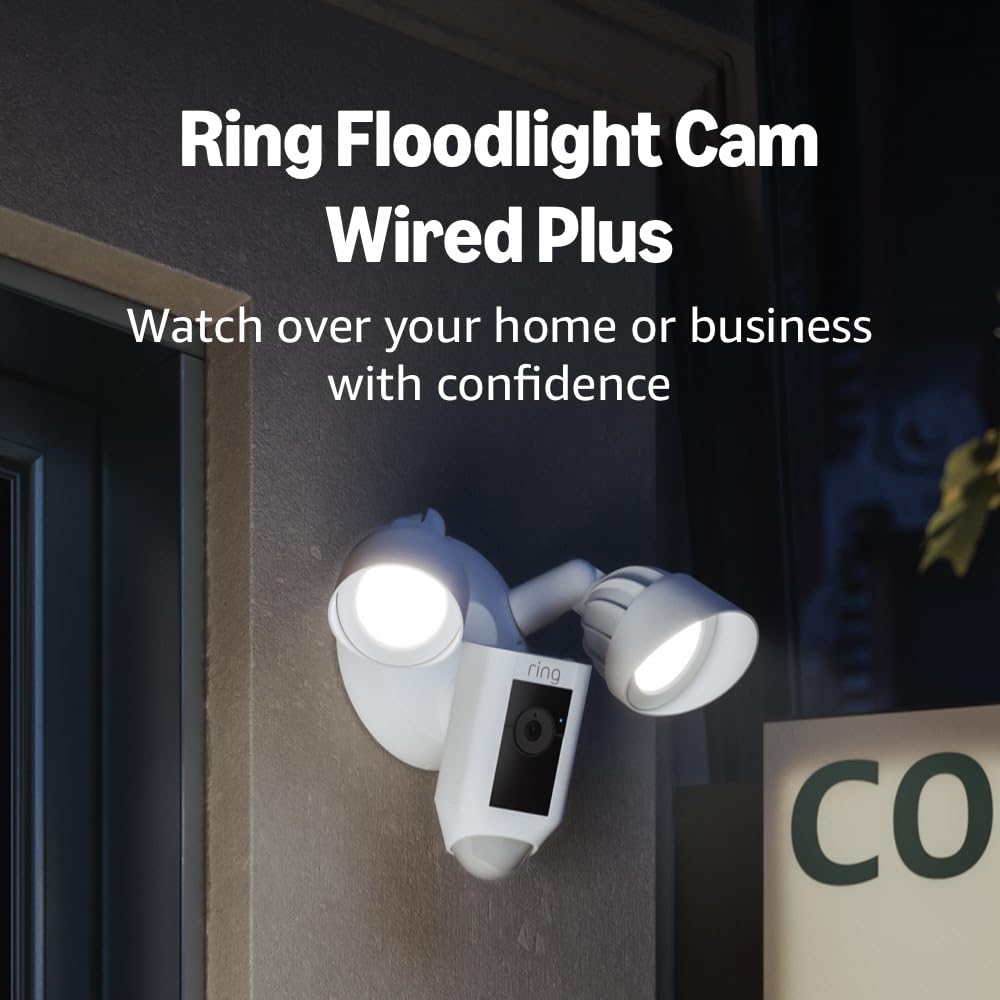
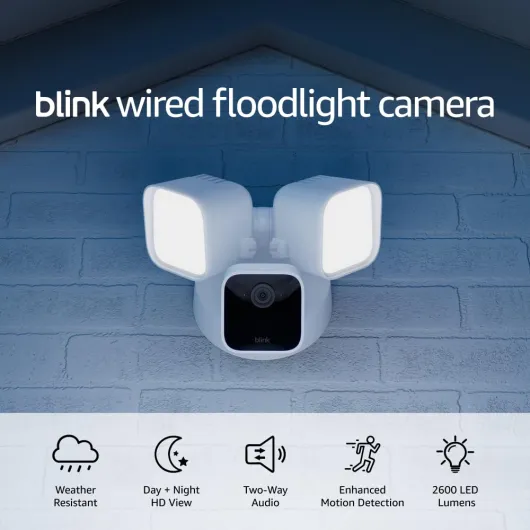
The Alarm.com floodlight camera is a standout among modern security products, combining powerful lighting with advanced video capabilities. Designed for outdoor use, this camera alarm system provides homeowners with a reliable way to monitor their property, deter unwanted activity, and capture clear images day or night. Its integration with alarm monitoring and smart home systems makes it a flexible choice for those seeking a comprehensive approach to home security.
Core Features and Technology
- High-Definition Video: The camera delivers crisp video, ensuring you get a wide view of your property. With a broad field of view and enhanced image quality, you can monitor entrances, driveways, or backyards with confidence.
- Powerful Floodlights: The built-in floodlights activate when motion is detected, illuminating dark areas and helping to deter intruders. This feature is especially useful for outdoor security at night.
- Onboard Recording: The camera supports onboard recording, so you can store footage locally. This is ideal for quick access to recent events and adds an extra layer of security in case of network issues.
- Smart Video Analytics: Advanced video analytics help distinguish between people, vehicles, and animals, reducing false alarms and ensuring you receive relevant alerts.
- Two-Way Audio: Built-in audio lets you listen and speak through the camera, adding another dimension to your security system.
- Wireless Connectivity: The camera supports wireless security systems, making installation more flexible and suitable for DIY setups.
Compatibility and Integration
This camera is designed to work seamlessly with Alarm.com security systems and other smart products. Whether you want to add it to your existing alarm monitoring setup or build a new system from scratch, the camera adc model offers compatibility with a range of sensors and devices. Its integration with wireless security products means you can expand your system as your needs grow.
Why Consider This Camera for Your Home?
Choosing the right security cameras is crucial for effective home protection. The Alarm.com floodlight camera stands out for its combination of video, audio, and lighting features, as well as its smart analytics and easy integration with other products alarm systems. For homeowners interested in advanced outdoor surveillance with ample storage, you can learn more about advanced outdoor camera options with large storage capacity to further enhance your security setup.

Key benefits for homeowners
Why Homeowners Choose Alarm Com Floodlight Cameras
The alarm com floodlight camera stands out among security products for its ability to combine powerful lighting with advanced video analytics. Homeowners looking for reliable outdoor security systems often prioritize features that offer both deterrence and high-quality monitoring. With this camera, you get a blend of smart technology and practical design, making it a popular choice for those seeking peace of mind.
- Enhanced Visibility: The integrated floodlight provides a wide field of view and bright illumination, helping to deter intruders and improve image clarity at night. This is especially valuable for outdoor areas where traditional cameras may struggle in low light.
- Advanced Video Analytics: Unlike basic video cameras, this device uses smart sensors and analytics to distinguish between people, vehicles, and animals. This reduces false alarms and ensures you receive relevant alerts.
- Onboard Recording: The camera supports onboard recording, so you can review footage even if your internet connection drops. This feature is essential for continuous monitoring and quick access to important video clips.
- Wireless and DIY Friendly: Many alarm com floodlight cameras are wireless, making them easier to install and integrate with existing security systems. DIY homeowners appreciate the quick setup and flexibility to add wishlist products as their needs evolve.
- Two-Way Audio: Built-in audio lets you communicate with visitors or warn off suspicious activity directly from your mobile device. This adds another layer of security and convenience.
- Seamless Integration: These cameras work well with other adc alarm products, allowing you to build a comprehensive security solution. Whether you want to monitor your indoor or outdoor spaces, you can manage everything from a single app.
For a broader perspective on how outdoor video cameras compare, you might find this comprehensive look at Ring's outdoor camera helpful as you evaluate your options.
Choosing the right camera alarm system means considering factors like power source, field of view width, and compatibility with your existing alarm monitoring setup. The alarm com floodlight camera delivers on these fronts, making it a strong contender for homeowners who value both security and smart home integration.
Installation tips and best practices
Getting the Most from Your Floodlight Camera Setup
Proper installation is crucial for maximizing the performance of your alarm com floodlight camera and ensuring your home security systems work seamlessly. Whether you choose a DIY approach or professional installation, following best practices helps you get reliable video, audio, and alarm monitoring from your security products.
- Choose the Right Location: Place your camera alarm in areas with the widest view of entry points, such as driveways, front doors, or backyards. Outdoor cameras should be mounted high enough to avoid tampering but low enough for clear image capture. Consider the width of the area you want to monitor and avoid obstructions that could block the video camera’s field of view.
- Ensure Reliable Power: Many alarm com products offer wireless security options, but some require a wired power source. Check your camera adc model’s requirements. For wireless security cameras, ensure the battery is fully charged or that solar panels are positioned for optimal sunlight. For wired cameras, verify that your power source is stable and protected from the elements.
- Optimize Connectivity: A strong Wi-Fi signal is essential for wireless security cameras and video analytics. Place your router close to your alarm outdoor cameras or use Wi-Fi extenders to minimize video lag and ensure quick notifications from your alarm monitoring system.
- Weatherproofing and Durability: Outdoor security cameras adc are designed to withstand various weather conditions. However, double-check that all seals are intact and that your camera alarm is rated for your local climate. For indoor models, ensure they are placed away from moisture and direct sunlight.
- Adjust Settings for Best Results: Use the camera’s onboard recording and video analytics features to customize motion detection zones and sensitivity. This reduces false alarms from pets or passing cars. Adjust audio settings for clear sound and set up notifications for real-time alerts from your security systems.
- Integrate with Other Security Products: Connect your floodlight camera to other sensors, alarms, and smart home devices for a comprehensive security solution. This integration allows for automated responses, such as turning on lights or triggering an alarm video when motion is detected.
For a deeper dive into optimizing your camera’s performance and understanding advanced features like onboard recording, check out this in-depth look at the ADC V522IR home security camera.
By following these tips, you’ll ensure your alarm adc floodlight camera and related security products deliver reliable protection, clear video, and peace of mind for your home.
Integrating with your smart home system
Connecting Your Floodlight Camera to Smart Home Devices
Integrating your alarm com floodlight camera with your smart home system can make your security setup more efficient and user-friendly. Most modern security cameras, including adc alarm models, are designed to work seamlessly with popular smart home platforms. This allows you to control your camera, view live video, and receive alerts directly from your smartphone or smart display.
- Compatibility: Before starting, check if your camera alarm is compatible with your existing security systems and smart home products. Many wireless security cameras support integration with systems like Alexa, Google Home, or Apple HomeKit.
- Centralized Control: By linking your camera adc to your smart home hub, you can manage all your security products from one app. This includes adjusting camera settings, monitoring sensors, and controlling alarm monitoring features.
- Automations: Set up automations so your alarm outdoor camera responds to triggers from other devices. For example, you can program your video camera to start recording when a door sensor is activated or when motion is detected by other cameras adc in your system.
- Notifications: Enable push notifications for quick alerts. This ensures you’re immediately informed if your security cameras detect unusual activity, whether you’re home or away.
- Voice Control: Many smart security products allow you to use voice commands to view your camera’s live feed or adjust settings, making it easier to check your outdoor or indoor view without reaching for your phone.
Maximizing Integration for Enhanced Security
To get the most out of your adc alarm floodlight camera, consider integrating it with other security products like wireless sensors, audio alarms, and onboard recording devices. This creates a comprehensive security system that covers every angle, both indoor and outdoor. With features like video analytics and wide field of view, your cameras alarm can provide detailed image capture and quick response to potential threats.
For those who prefer a diy approach, many wireless security cameras offer straightforward setup processes, allowing you to add wishlist features or expand your system as needed. Always ensure your products wireless are updated with the latest firmware to maintain optimal performance and security.
Privacy and data security considerations
Protecting Your Video Data and Privacy
Homeowners often ask how secure their alarm com floodlight camera and other security products are when it comes to privacy and data protection. With the rise of wireless security systems and smart cameras, understanding how your video, audio, and image data is handled is essential.- Data Encryption: Modern security cameras, including adc alarm and camera adc models, use encryption to protect video streams and onboard recording. This means your video analytics and alarm video feeds are scrambled during transmission, making it difficult for unauthorized users to access your footage.
- Secure Cloud Storage: Many products alarm and security systems offer cloud storage for your video camera footage. Always check if the service uses secure servers and complies with industry standards for data protection. This is especially important for wireless security cameras and outdoor systems where footage is often stored offsite.
- User Access Controls: Set strong, unique passwords for your cameras adc and alarm monitoring accounts. Limit access to only trusted users. Most smart security systems let you manage who can view, download, or share your video cameras’ feeds.
- Firmware Updates: Regularly update your camera alarm and security products to the latest firmware. Manufacturers release updates to patch vulnerabilities and improve security features, helping protect your indoor and outdoor cameras from new threats.
- Physical Security: Place your wireless and outdoor cameras in locations that are not easily accessible to prevent tampering. Use secure mounts and ensure power cables are not exposed.
Balancing Security and Privacy at Home
While it’s important to have a quick view of your property with wide width video coverage, consider the privacy of household members and guests. Inform everyone about the presence of video cameras and sensors, especially in indoor areas. Avoid placing cameras in private spaces where people expect privacy. If you use smart products with audio recording, check local laws regarding consent. Some regions require notification or permission before recording audio.Choosing Trusted Security Systems
When selecting alarm adc, cameras alarm, or products wireless, opt for reputable brands with transparent privacy policies. Look for systems that offer clear information on how your data is used, stored, and protected. DIY setups should follow best practices for network security, such as using strong Wi-Fi passwords and enabling two-factor authentication where available. By staying informed and proactive, you can enjoy the benefits of advanced security cameras and alarm monitoring while keeping your personal data safe.Troubleshooting common issues
Quick Fixes for Common Camera Issues
Even the best alarm com floodlight camera can run into occasional hiccups. Whether you’re using wireless security products or a wired system, knowing how to address typical problems helps keep your home protected. Here are some practical troubleshooting tips for your security cameras and systems:
- Power interruptions: If your camera or floodlight isn’t turning on, check the power source. For wireless products, ensure batteries are charged or replaced. For wired systems, confirm the outlet or circuit is working.
- Video feed not displaying: Make sure your video camera is connected to your network. Restart your router and camera. For outdoor cameras, check for weather-related damage or loose cables.
- Image quality issues: If the video appears blurry or dark, clean the camera lens and adjust the view angle. Some cameras adc models allow you to tweak brightness and width settings in the app.
- Audio problems: If you can’t hear audio, verify that the camera’s microphone is enabled and not obstructed. Update your camera’s firmware for improved audio performance.
- Motion sensors not triggering: Adjust the sensitivity settings in your security system’s app. Make sure nothing is blocking the sensors and that the area is within the recommended detection width.
- Onboard recording not working: Check your storage settings. If your camera supports onboard recording, ensure the memory card is properly inserted and not full.
- Connectivity drops: For wireless security cameras, place your router closer or use a Wi-Fi extender. Interference from other devices can also affect signal strength.
When to Seek Professional Support
If these quick fixes don’t resolve the issue, consult your alarm monitoring provider or the manufacturer’s support team. Many adc alarm products offer dedicated customer service for troubleshooting. For DIY installations, double-check the user manual for specific error codes or LED indicators.
Maintaining Reliable Security Systems
Regular maintenance is key for both indoor and outdoor cameras. Clean lenses, update firmware, and test sensors to ensure your security systems and video analytics are always ready. Adding your camera to a wishlist of products for future upgrades can also help you stay ahead with the latest security features.